Every feature of h0SINT,
screen by screen.
h0SINT is a self-hosted external attack-surface & digital-footprint intelligence platform for security, third-party-risk and due-diligence teams. It maps your exposure, works out what actually matters, and turns raw OSINT into defensible, audience-ready reports — with your data never leaving your perimeter. This page documents the whole platform. Every screenshot is from the live product, anonymized.
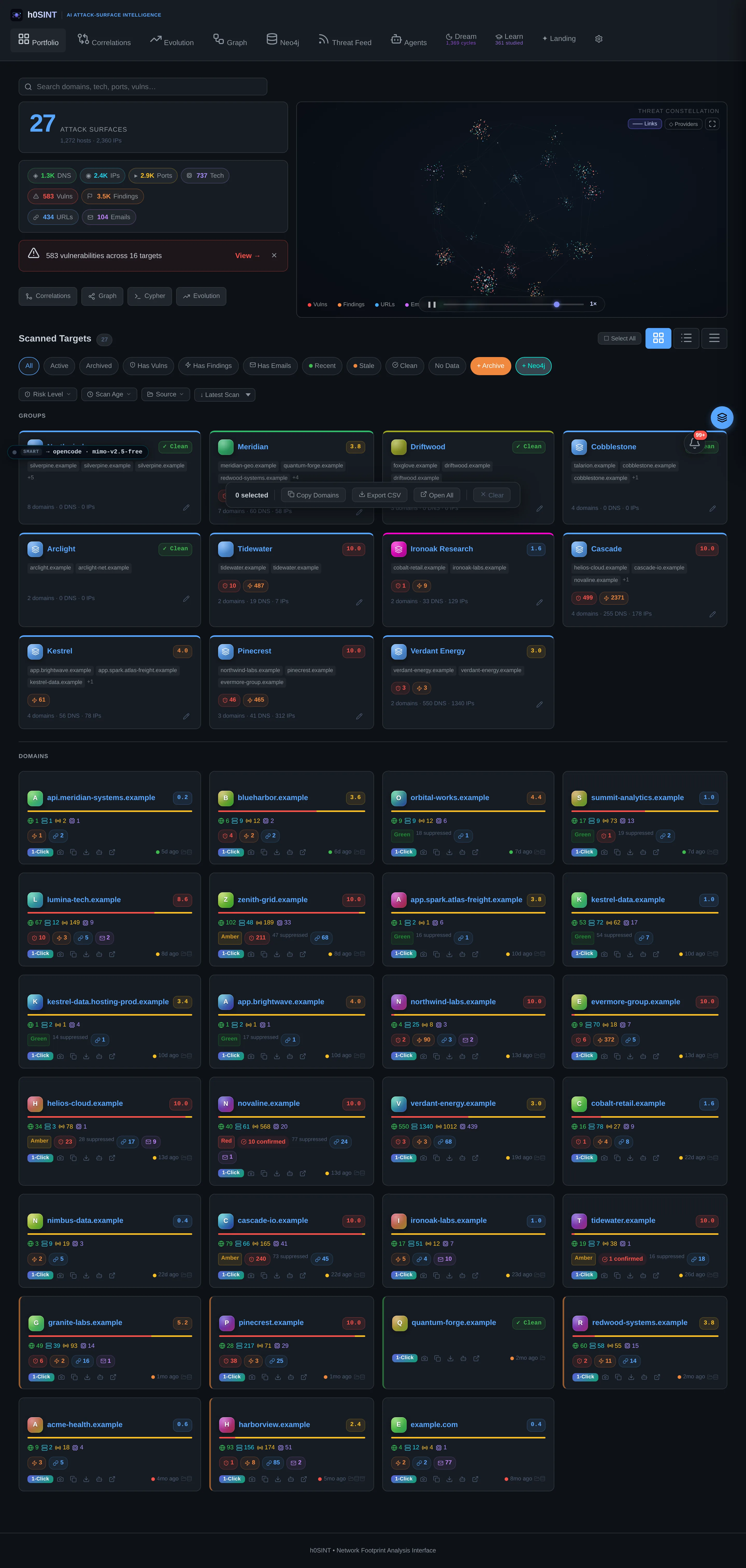
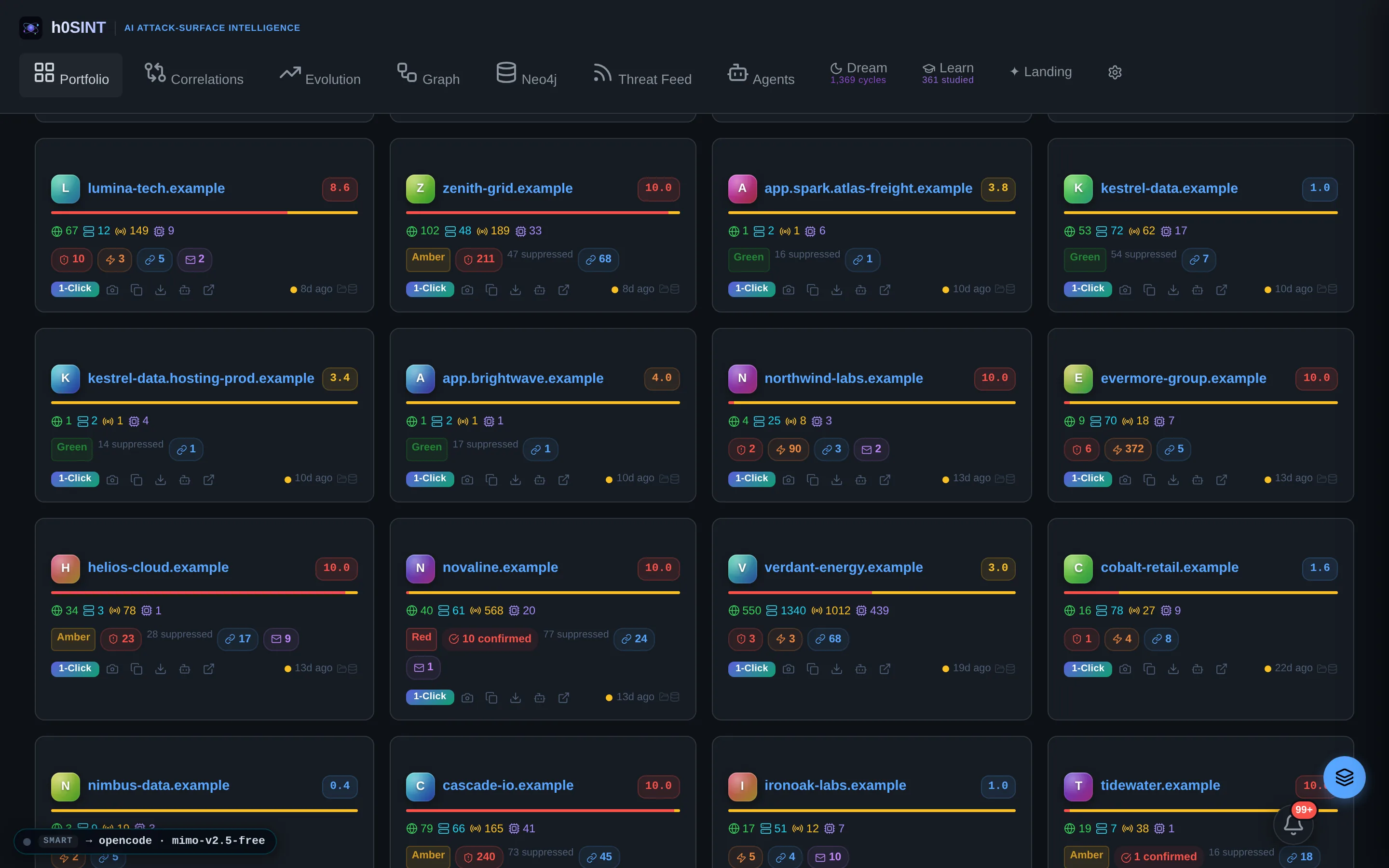
Portfolio & Threat Constellation
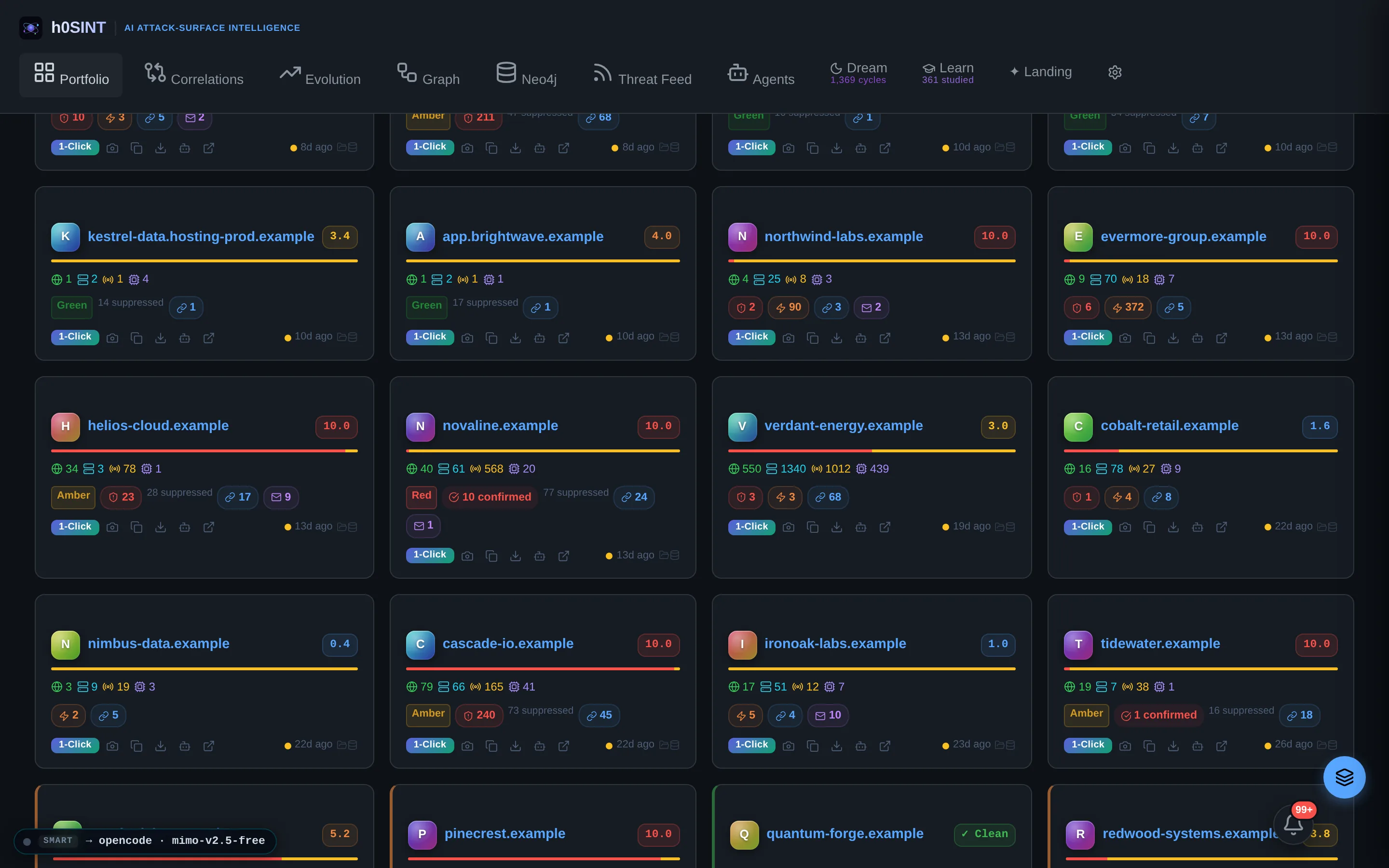
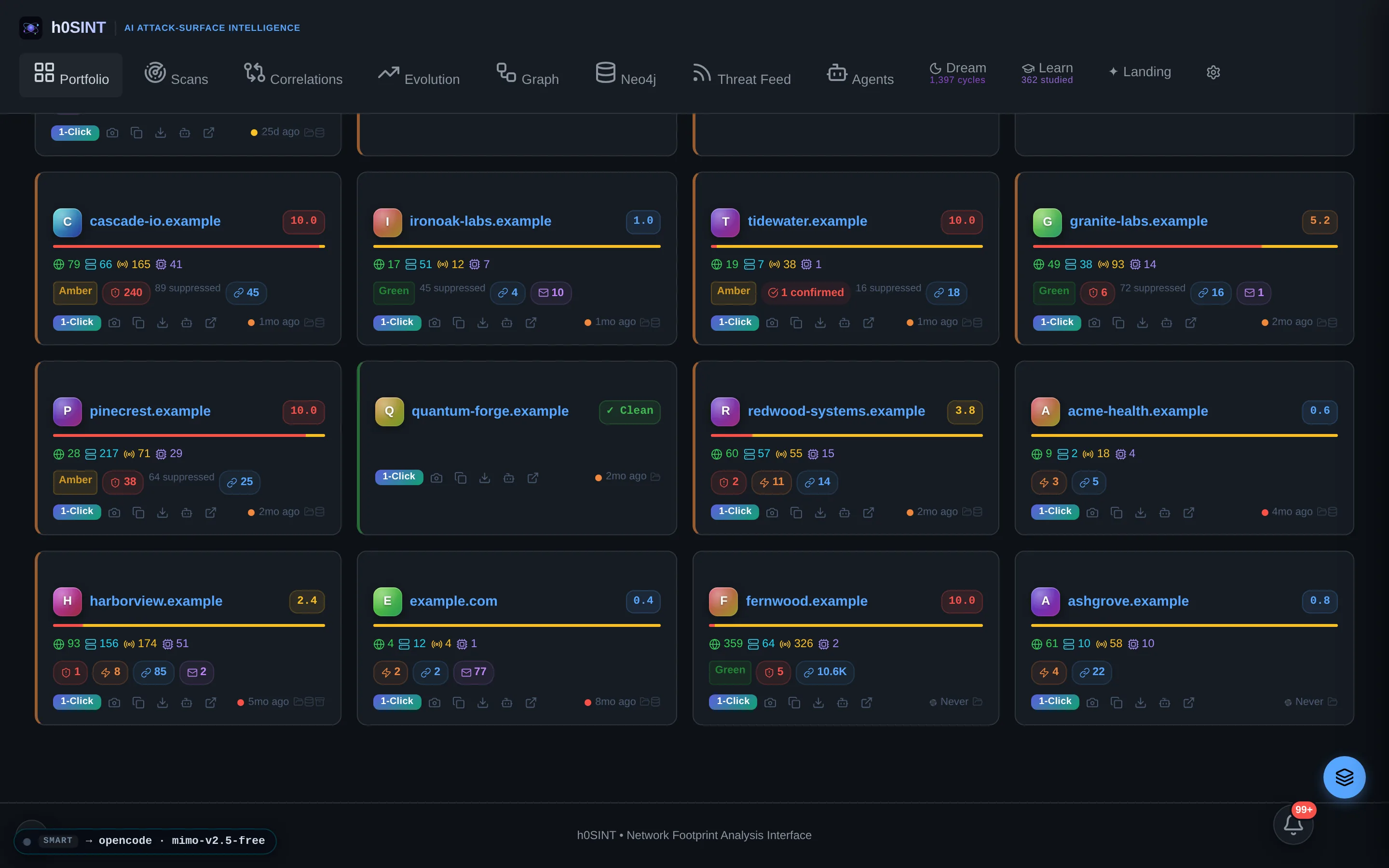
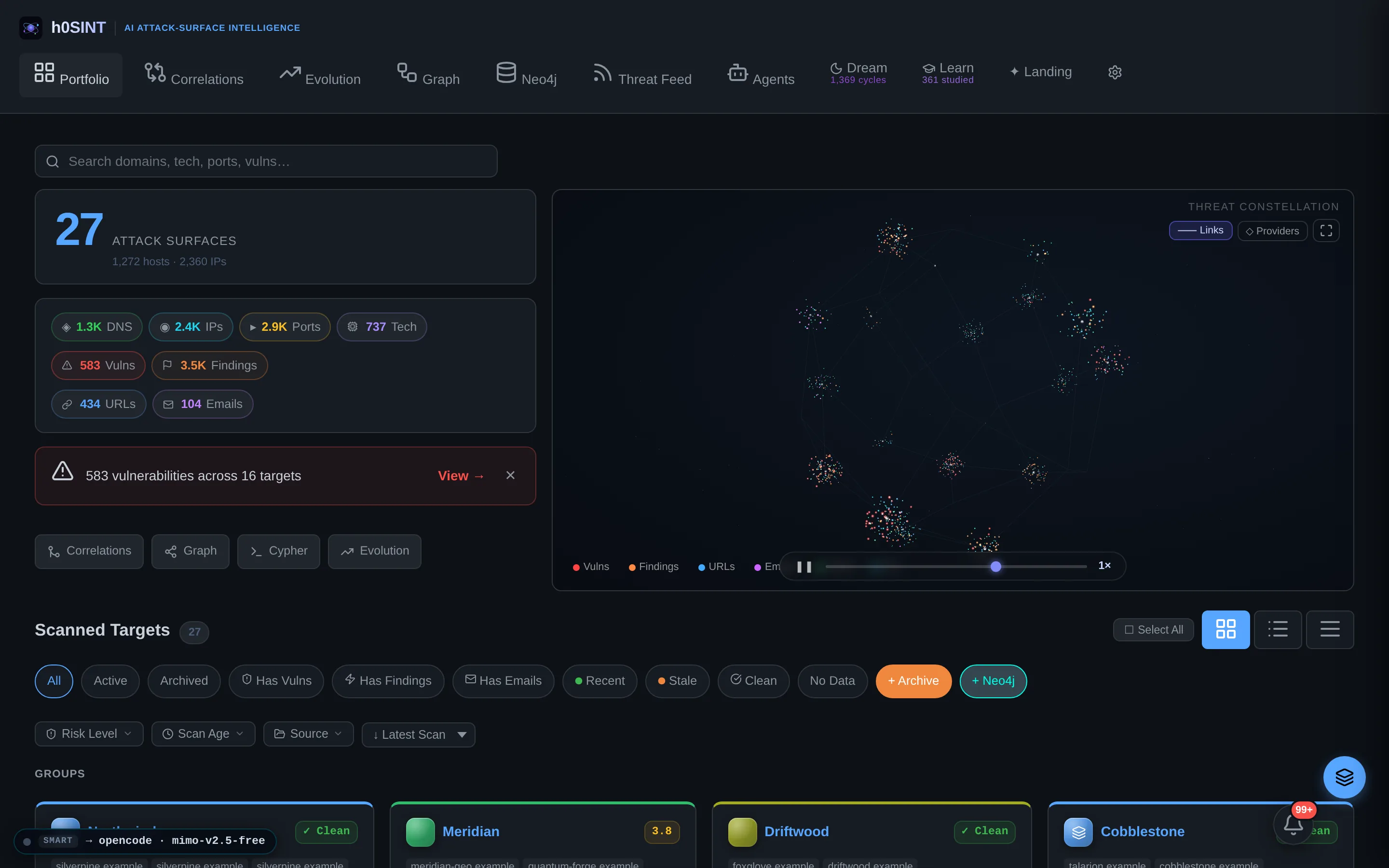
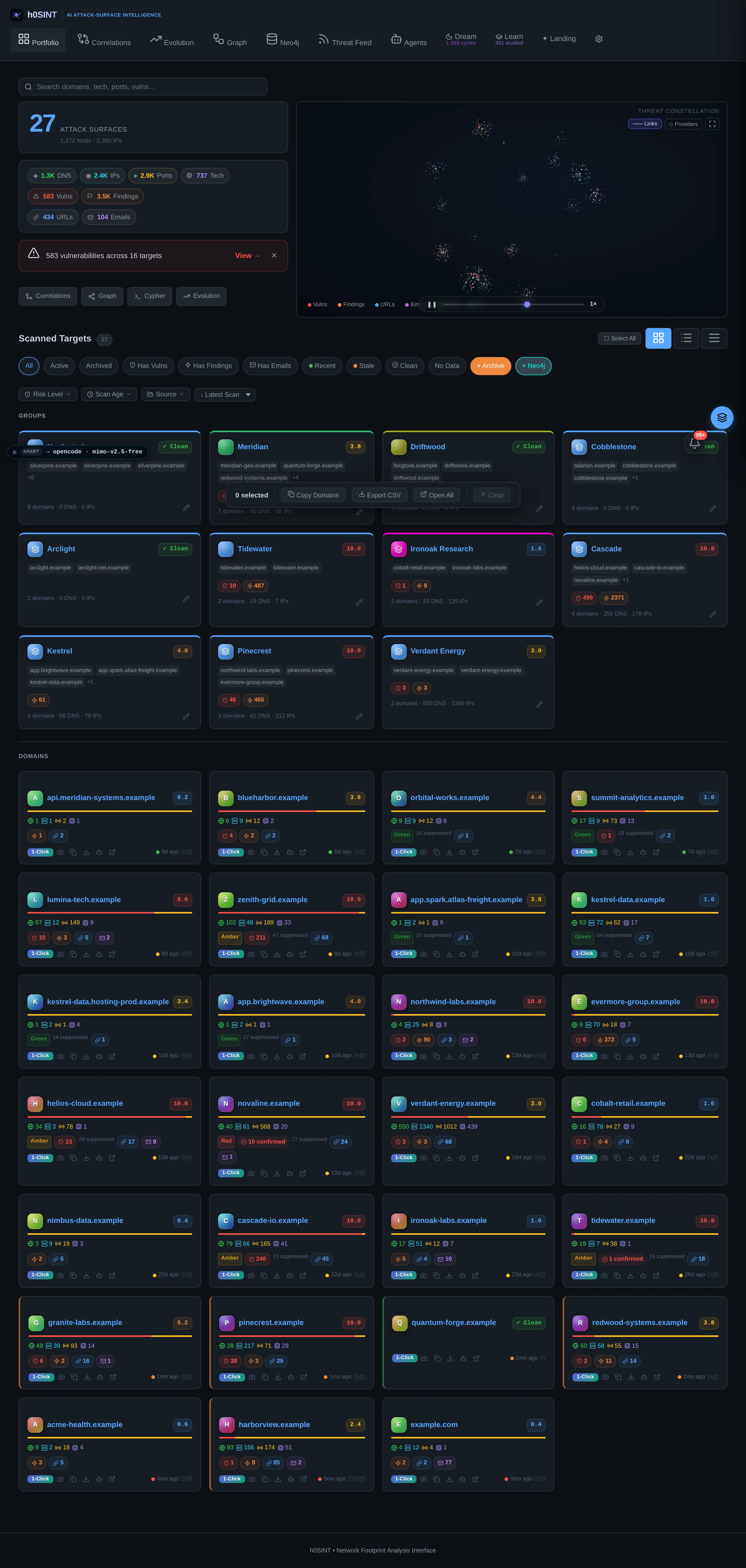
The home screen is a live threat constellation — a WebGL star-map of every domain, host and cloud provider you track, wired together by shared infrastructure. Around it sit per-target orb cards and per-group risk rollups, each showing a live Red/Amber/Green verdict that tracks the latest triage.
Nothing you are responsible for goes dark: the constellation grows smoothly as scans land, cloud-provider sub-constellations can be toggled on to see who hosts what, and hovering any node highlights everything it connects to.

Target Intelligence Overview
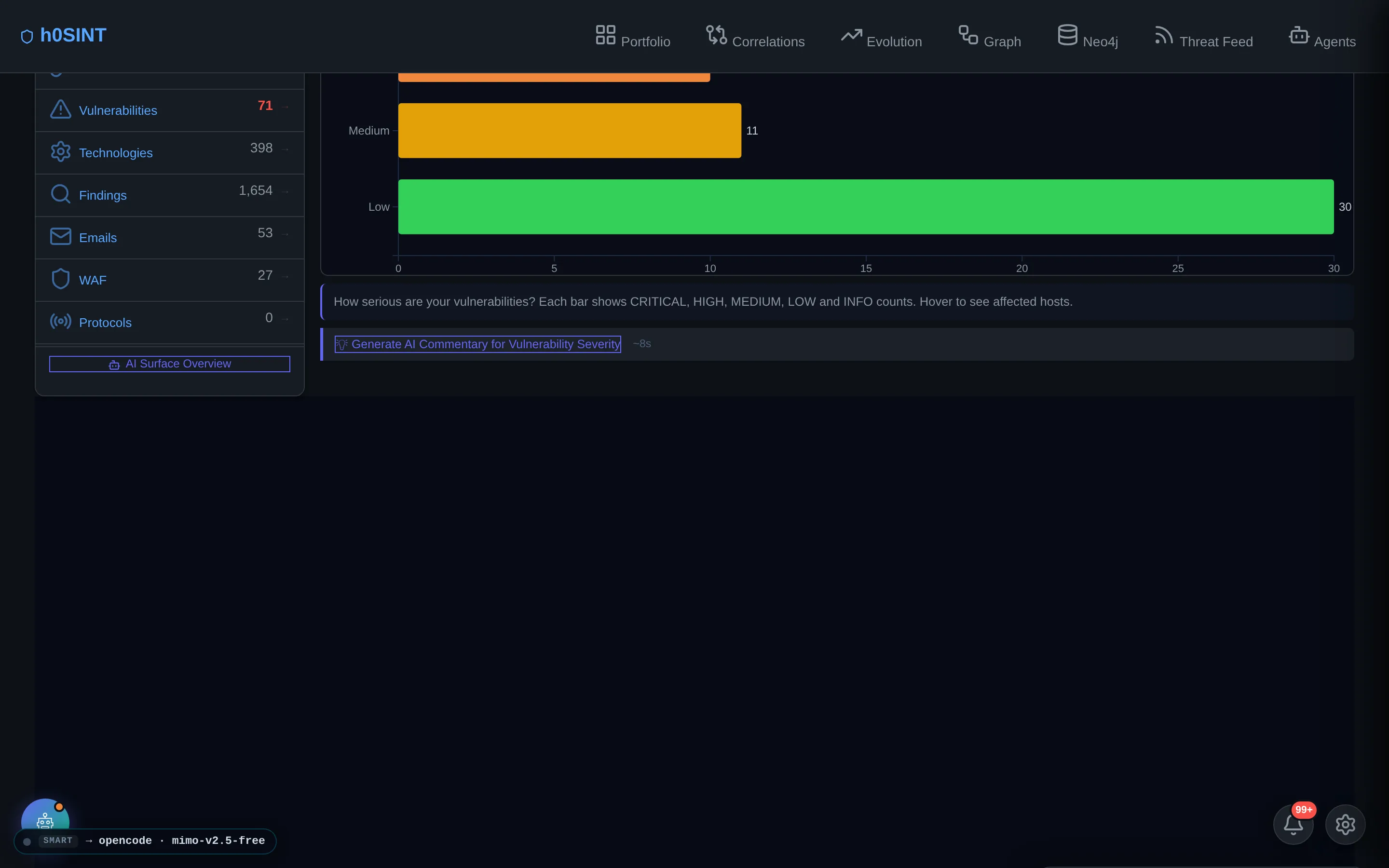
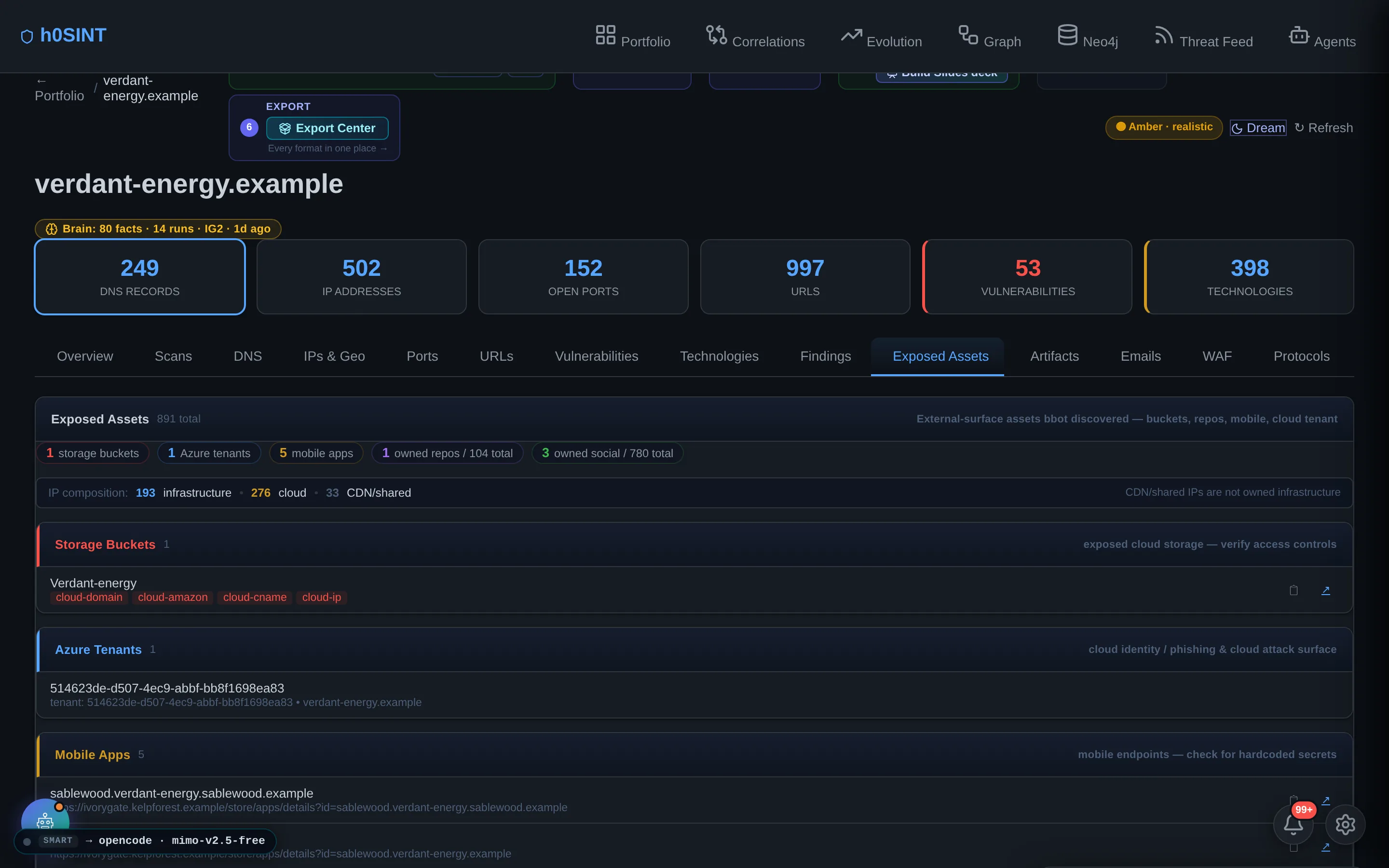
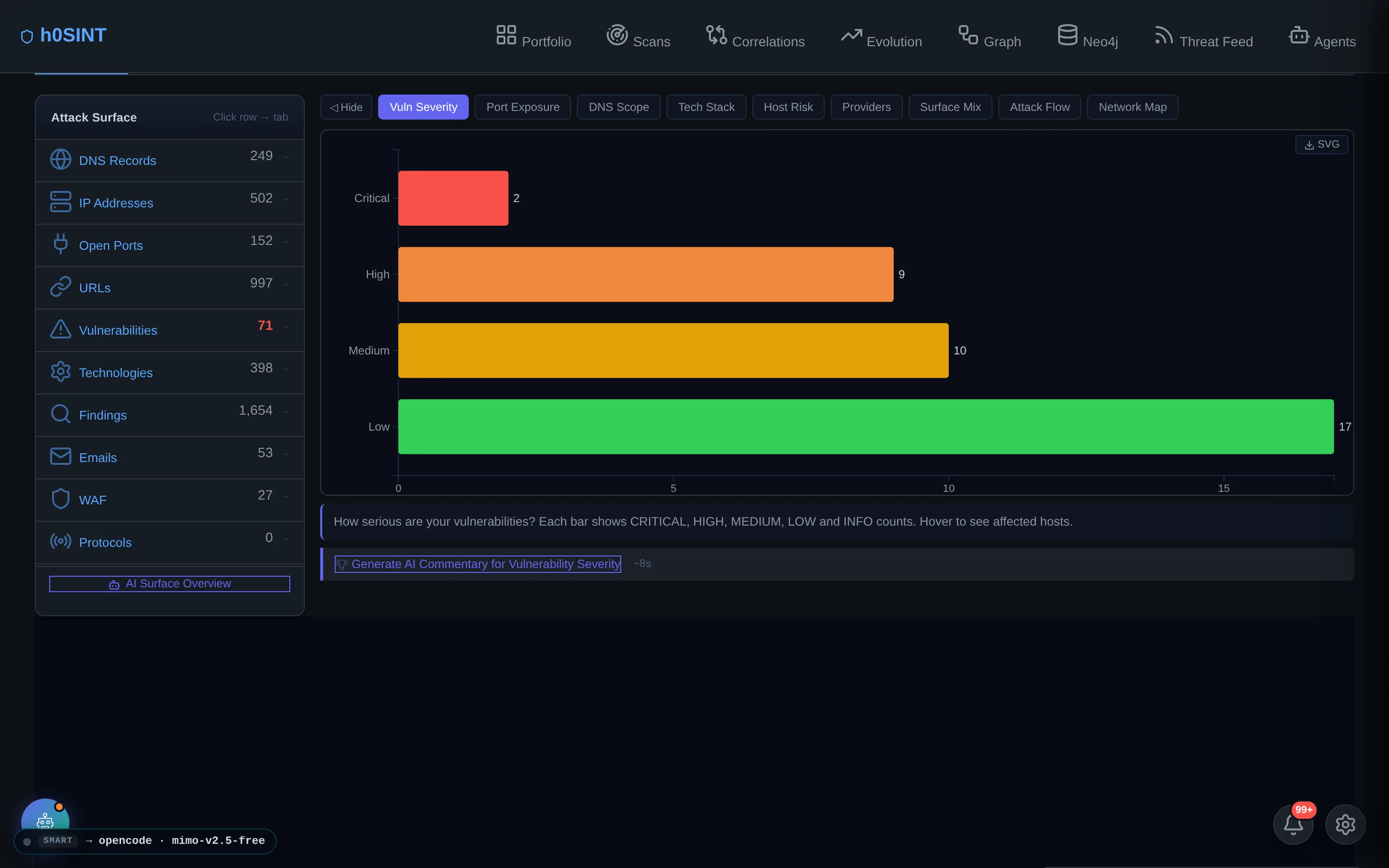
Open any target and it leads with the numbers that matter — DNS names, IPs, open ports, URLs, vulnerabilities and detected technologies — beside a vulnerability-severity breakdown and the Analyze → Triage → Verify → Build → QA → Export workflow rail that carries the target to a defensible report.
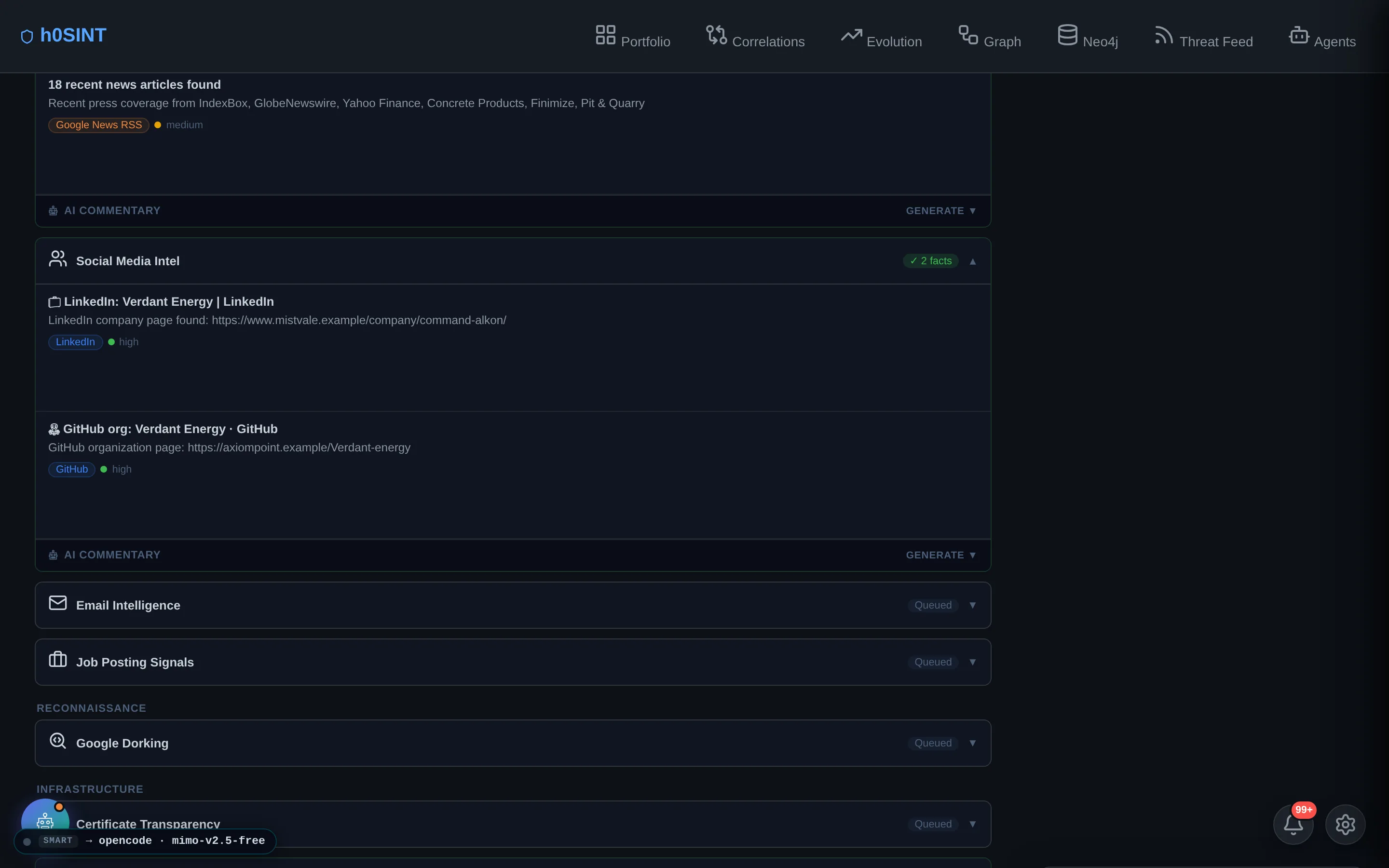
A dedicated Exposed Assets panel surfaces what raw scanners usually drop on the floor: cloud storage buckets, code repositories, mobile apps, Azure tenants and social profiles — each tagged with owned-vs-mention confidence so the report never claims a third-party asset is yours.

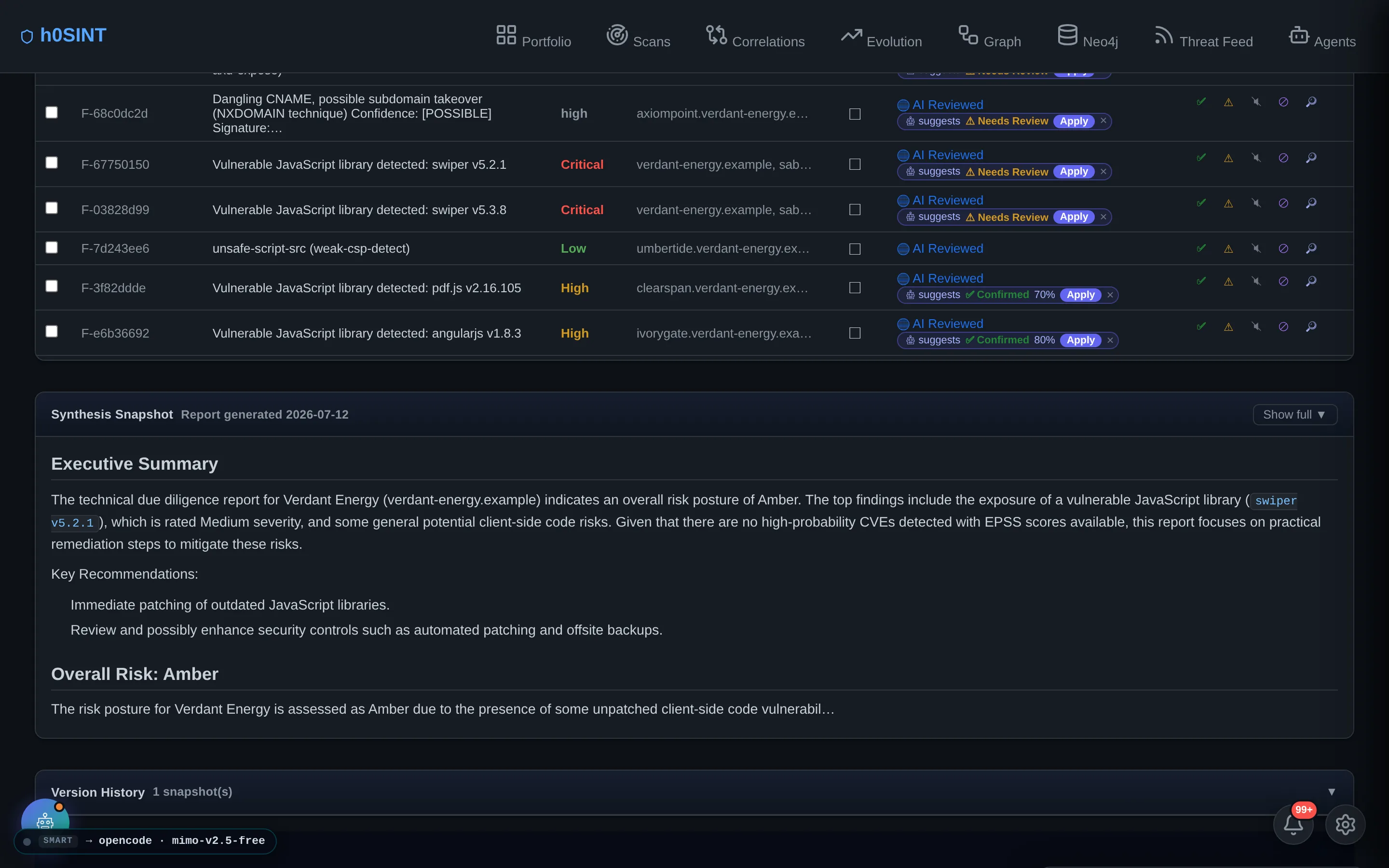
Findings & Triage
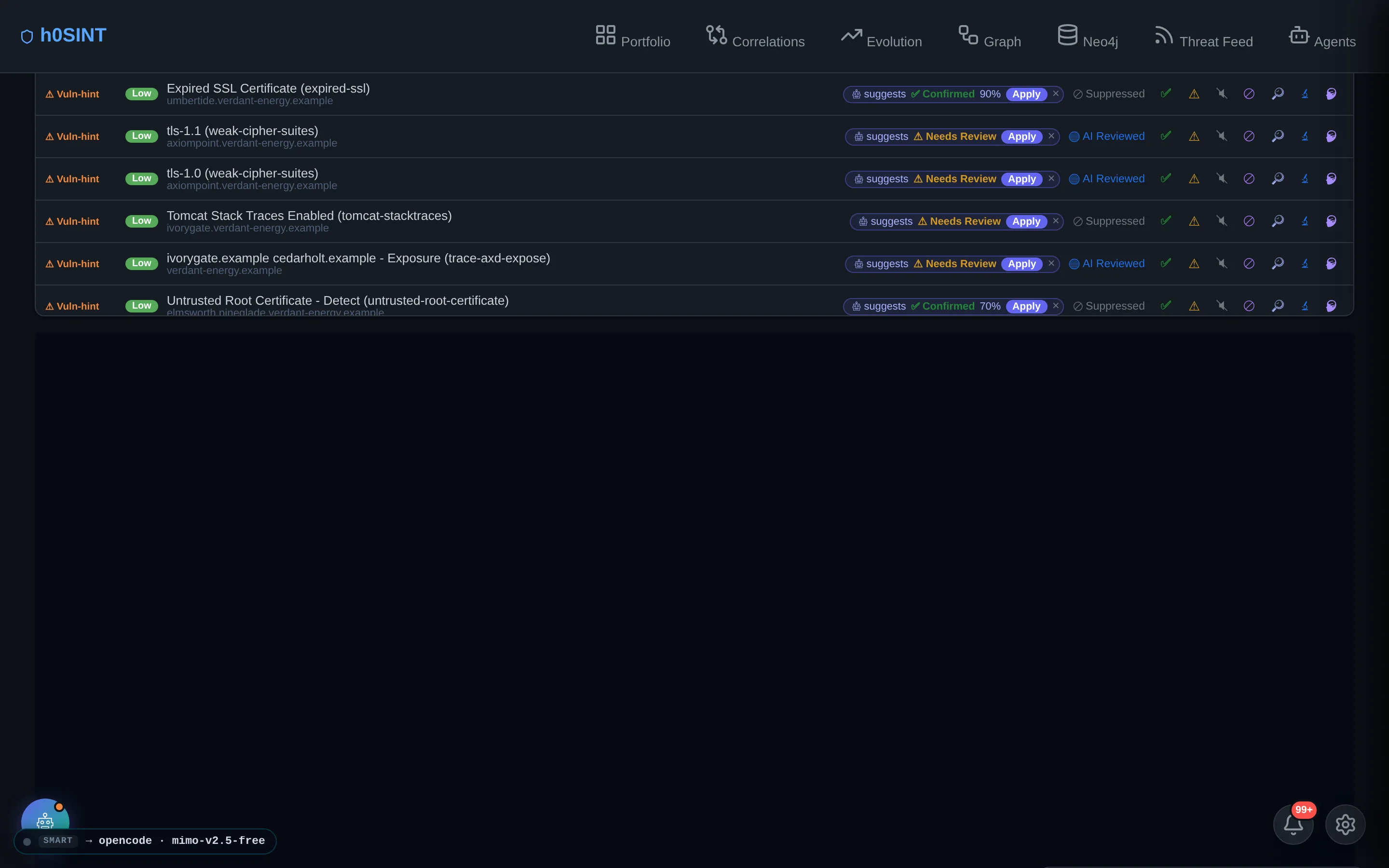
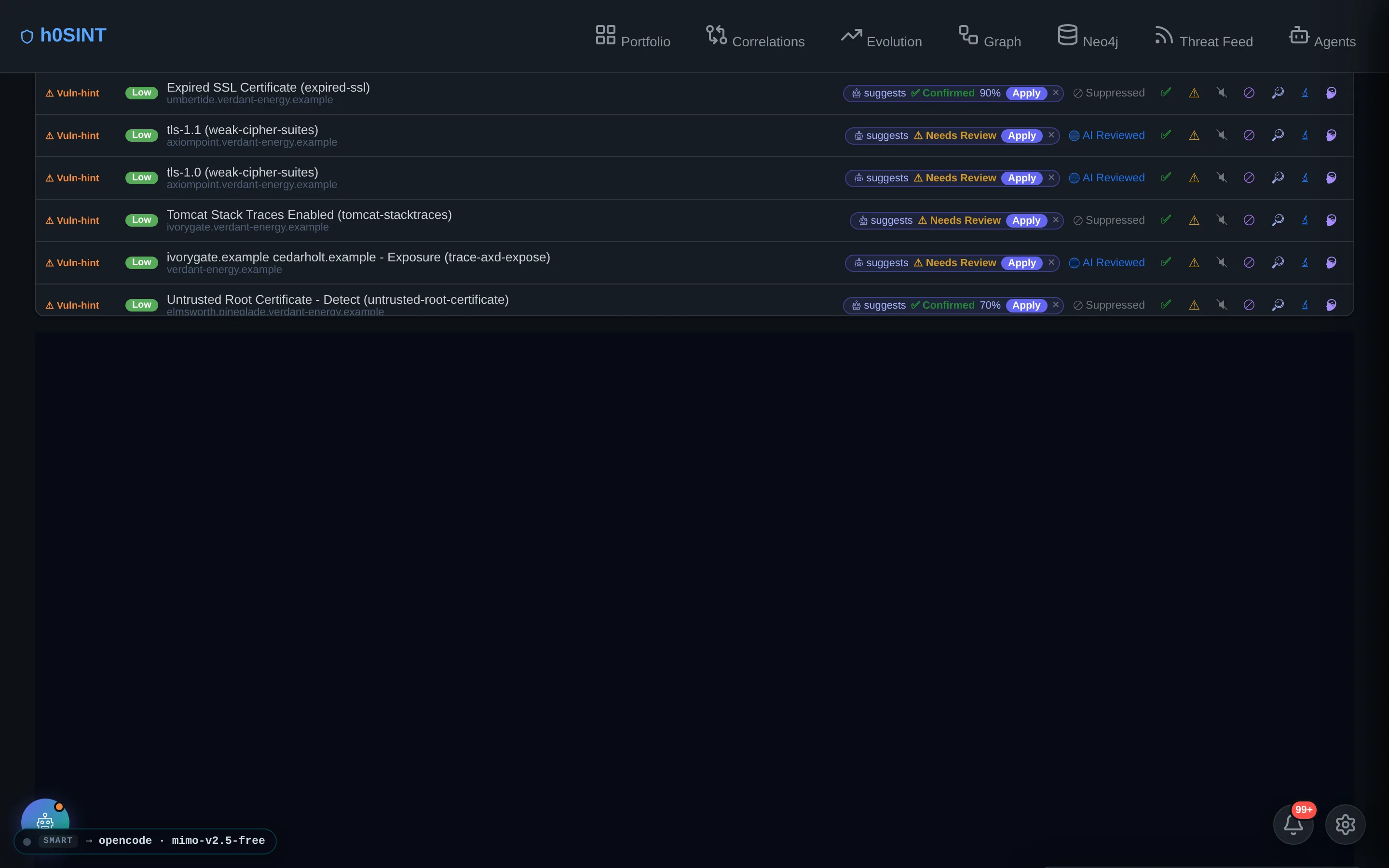
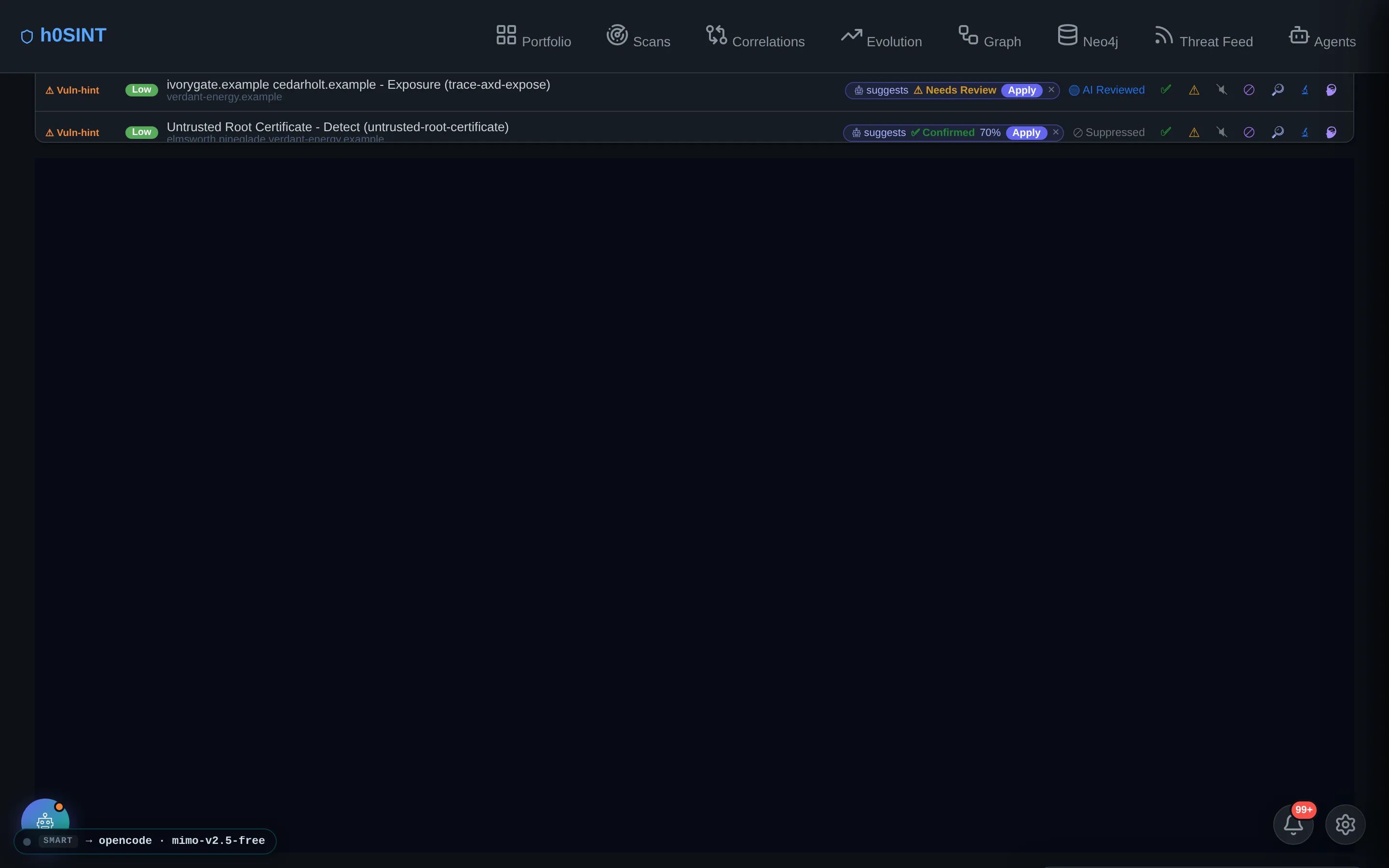
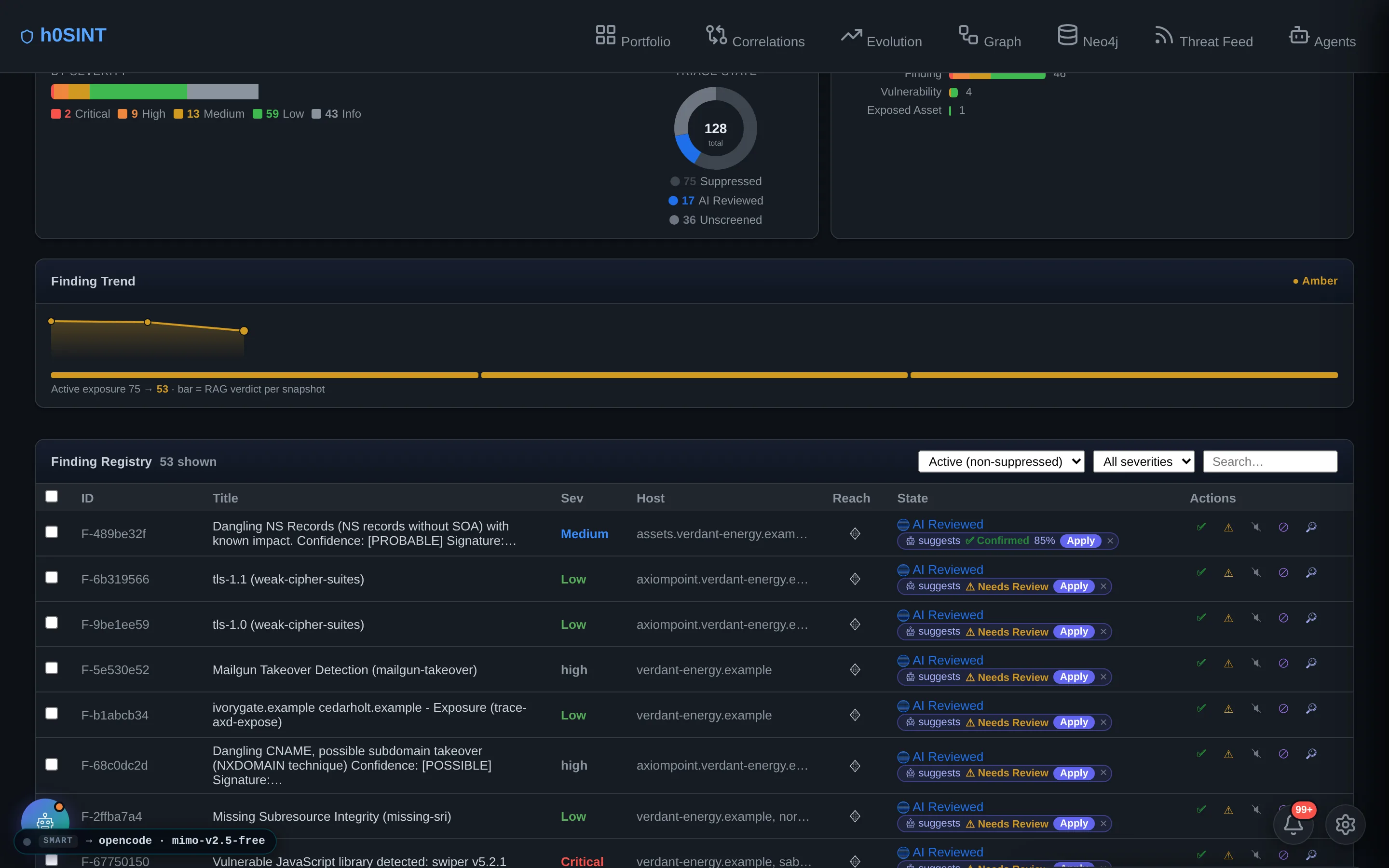
Every finding is normalized to a canonical severity, mapped to CVEs where they exist, and scored with a contextual engine that weighs EPSS exploit-probability, CISA-KEV status, internet-exposure and false-positive risk — so an outdated client-side library never masquerades as a critical.
Triage is one click: confirm the real ones, teach the false positives, mark noise. Each decision feeds the target's memory and instantly re-computes the verdict. AI triage suggestions come pre-computed, and an evidence bundle behind every finding proves the call with the raw scanner output, the scoring math and the adversarial AI verdict.

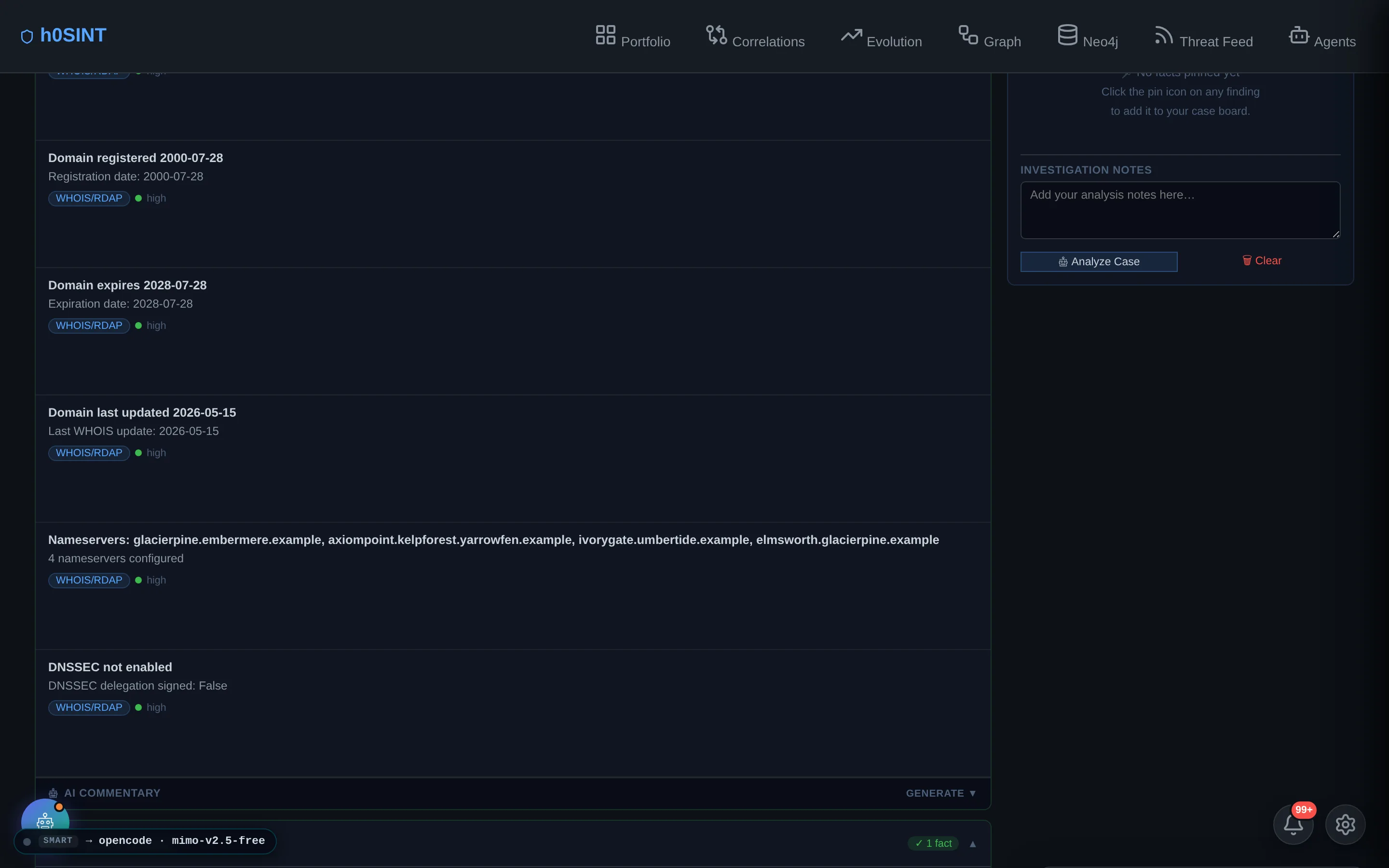
AI Analysis & Defensible Reports
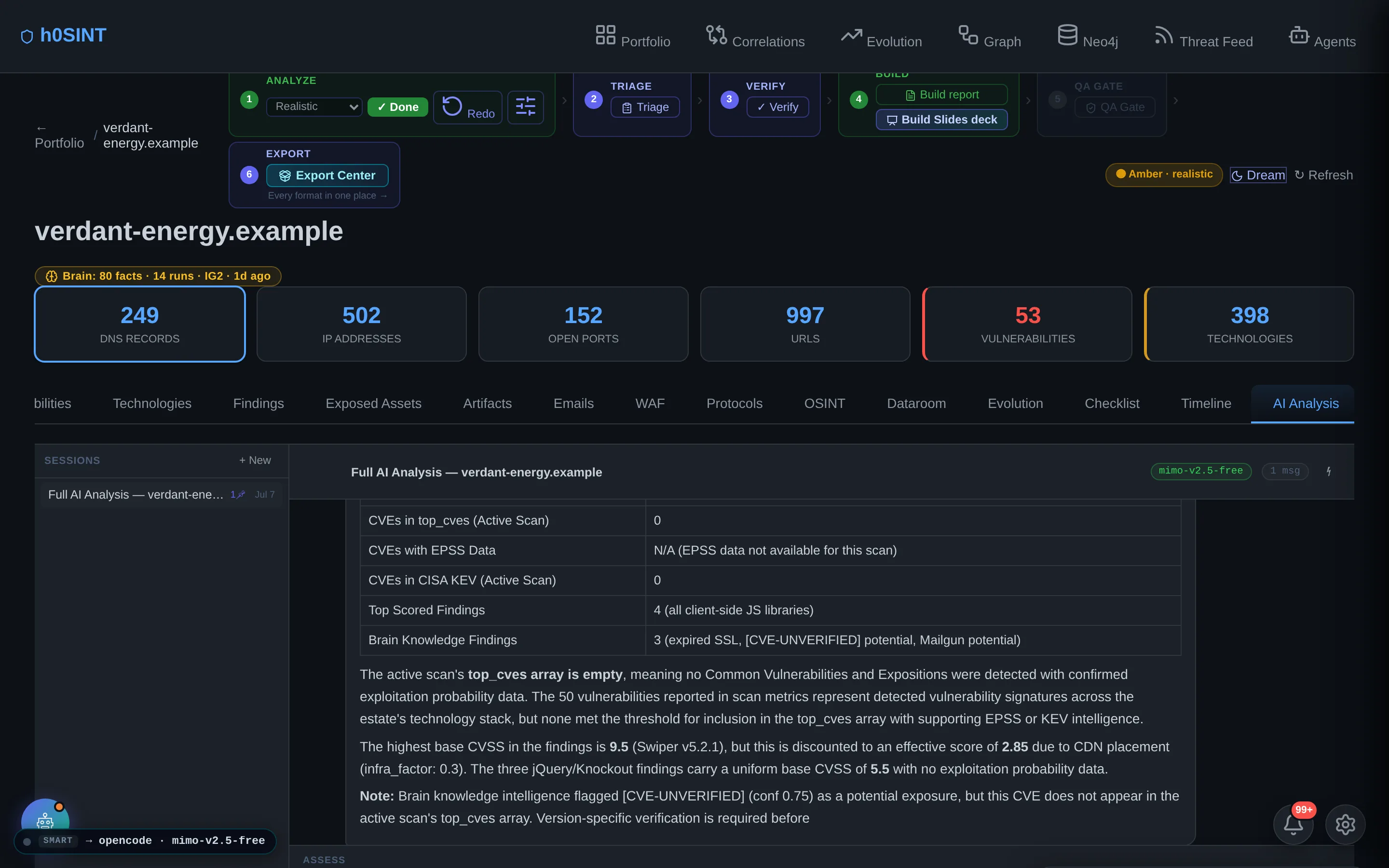
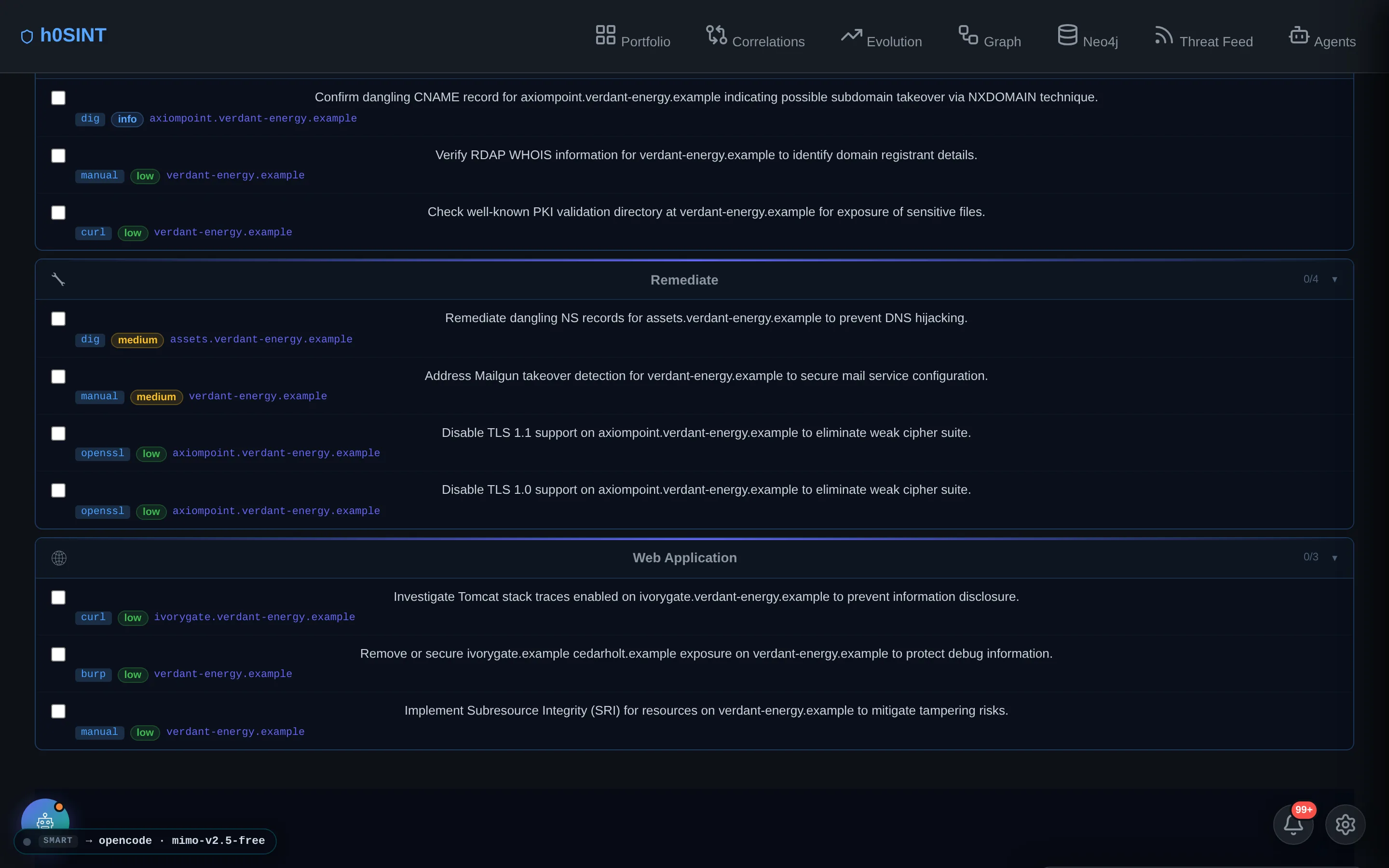
h0SINT synthesizes the scan, EPSS/KEV data, company profile and infrastructure into a written assessment with a deterministic Red/Amber/Green verdict, a per-category RAG table, an executive summary and tiered P1/P2/P3 recommendations. A grounding gate strips any CVE the scan didn't actually find and neutralizes unproven exploitation claims, so a weak model can't hallucinate a KEV.
A 6-axis QA gate then grades the report — accuracy, fact-checking, gap-vs-brain, truthfulness, visuals and audience value — and auto-corrects until it clears the bar. “Too green is worrying too”: the gate escalates a suspiciously clean verdict just as readily as it softens an overstated one.
OSINT Toolbox & Local Leaks
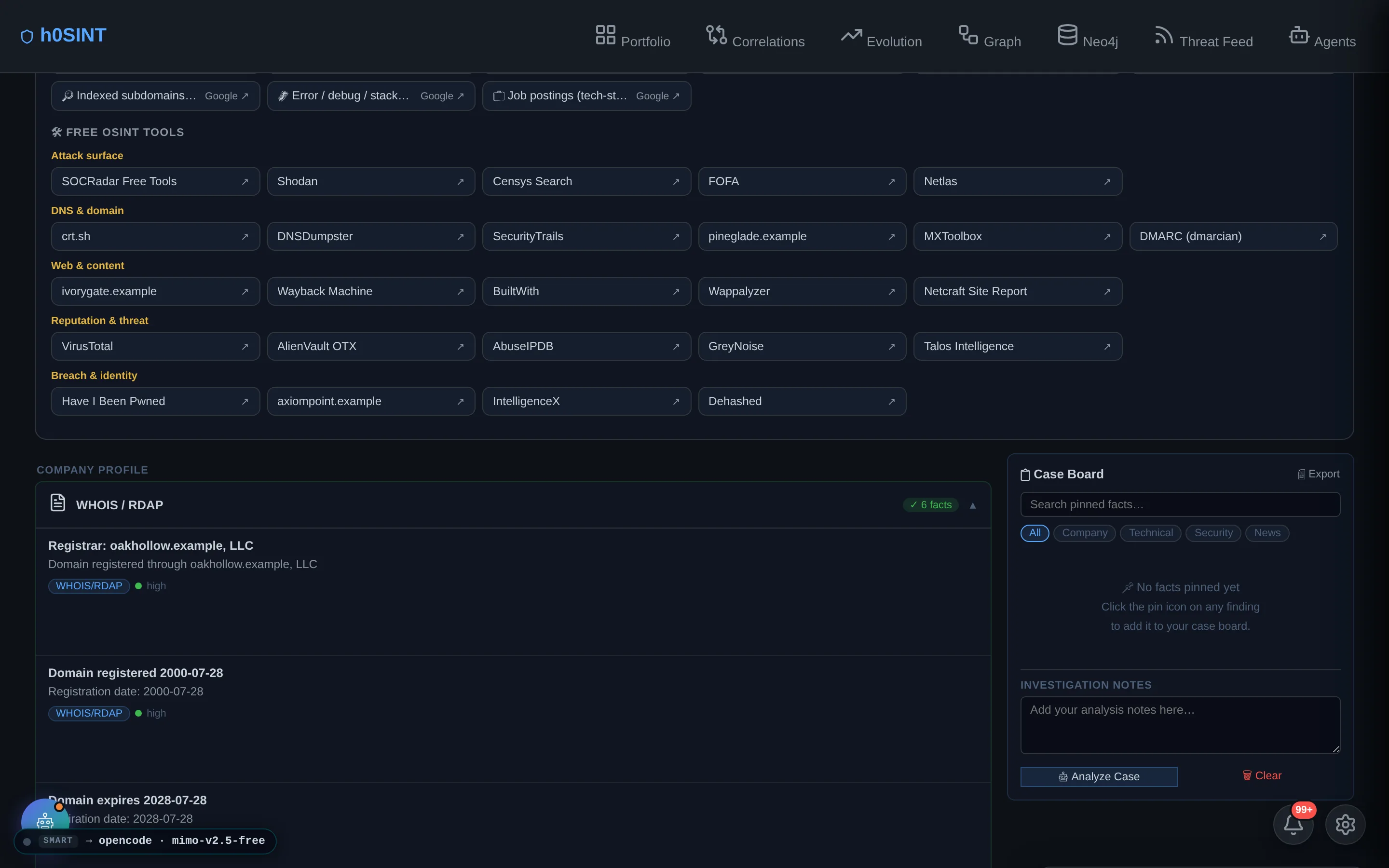
The OSINT tab bundles a Google-dork launcher and a curated grid of free OSINT tools, every one pre-filled for the current target — jump straight from the platform into the manual pivots that turn a hostname into a lead. Structured OSINT modules (corporate registries, Wikidata, tech fingerprinting, job signals) enrich the brain automatically.
Credential exposure is checked against offline breach corpora that live on your own hardware — billions of leaked records, searched locally, with passwords always redacted before anything is stored or shown. No third-party breach API ever sees your target.
Scan Orchestration & Monitor
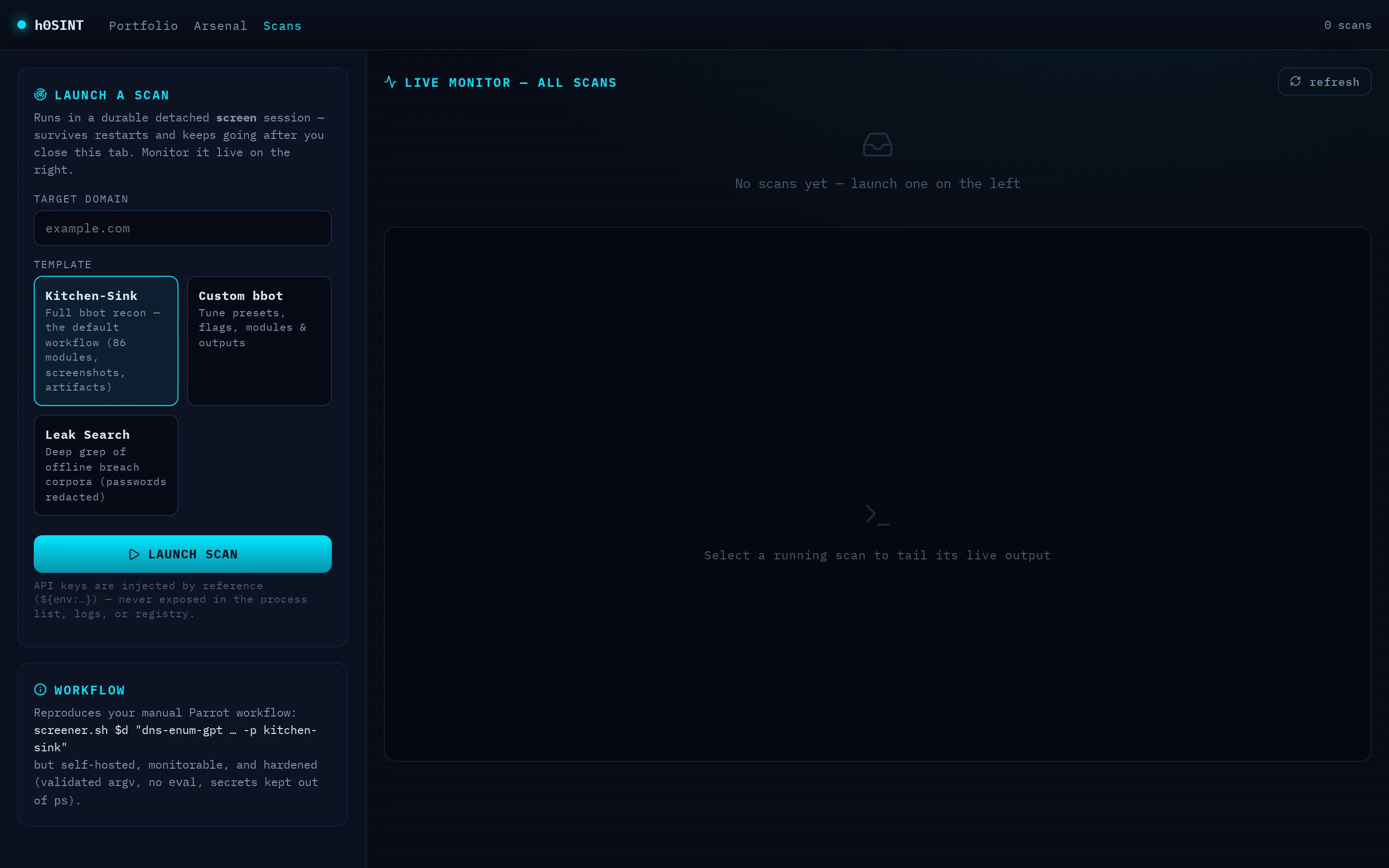
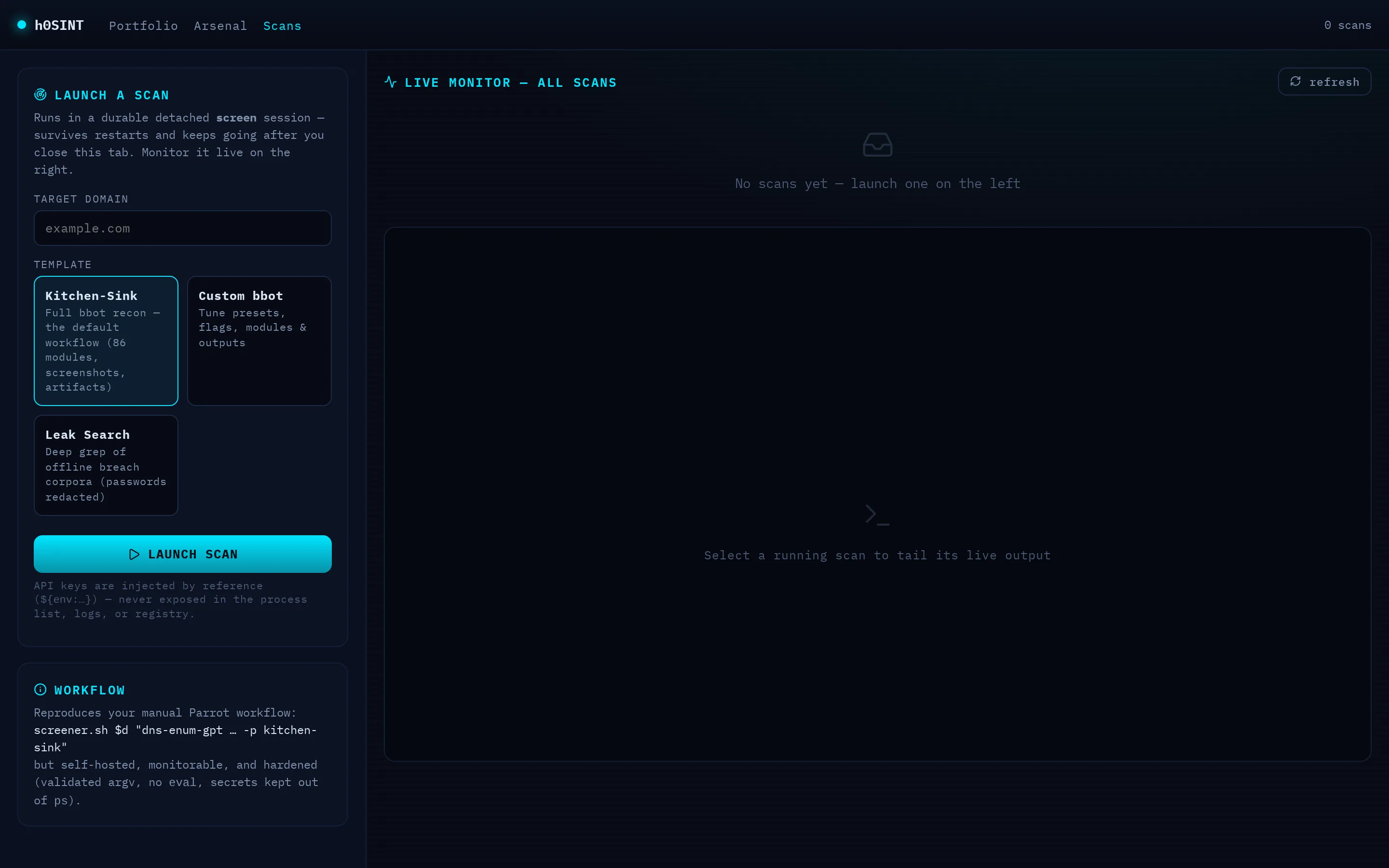
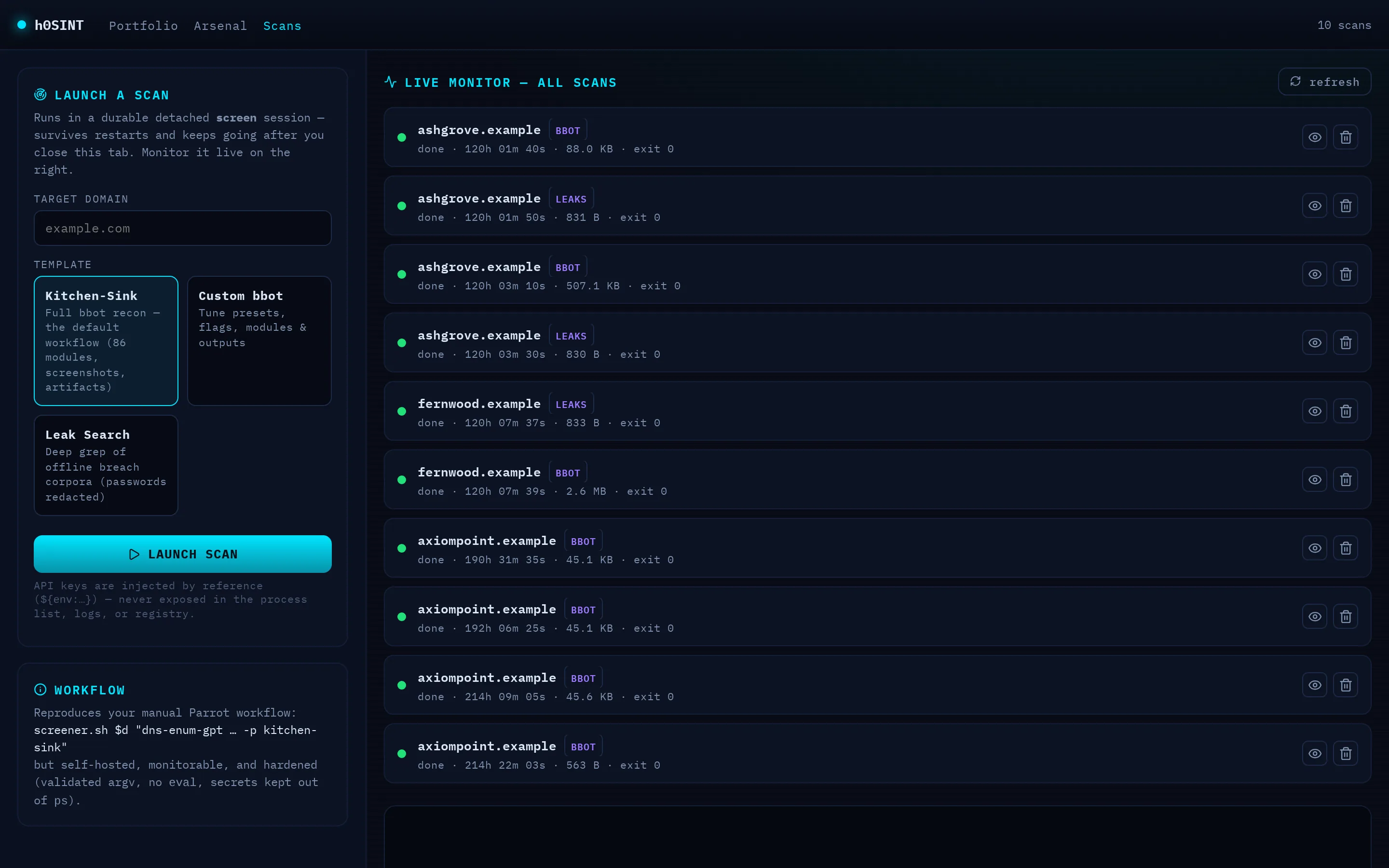
Kick off reconnaissance without touching a terminal. Pick a template — the kitchen-sink bbot profile, a custom builder, or an offline leak search — and it runs as a durable job that survives restarts, backed by a real detached session on disk rather than an in-memory task that dies with the worker.
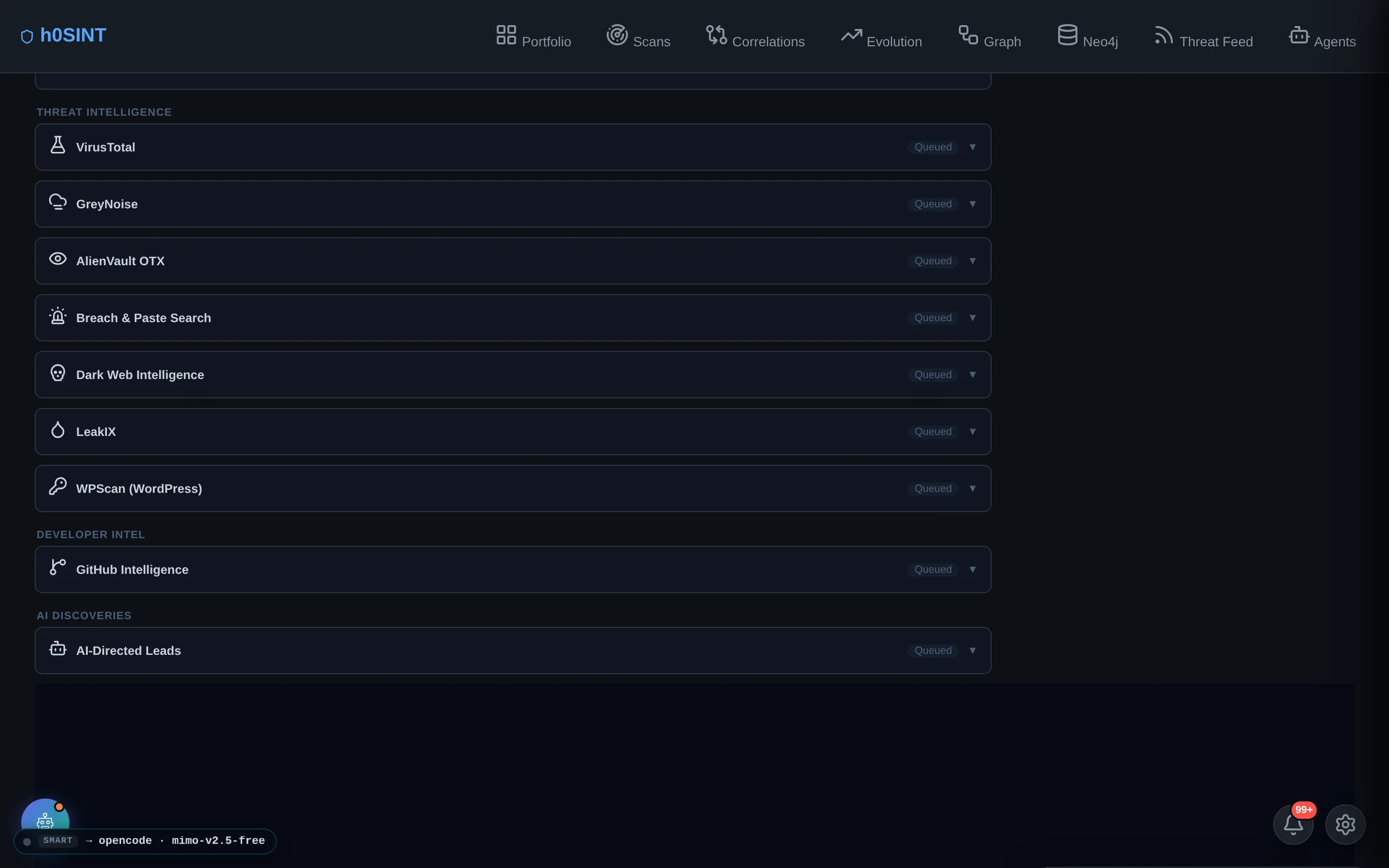
A live monitor lists every scan across every target with an elapsed clock and a status dot; click one to tail its log in real time. API keys are passed by reference, never written into the command line, so nothing sensitive ever appears in a process list.

Artifacts & Code Analysis
bbot collects far more than a findings list: screenshots, downloaded files, cloned git repositories, docker images, mobile apps and Postman workspaces. The Artifacts tab surfaces all of it straight from disk, bypassing the size caps that hide data in a JSON dump.
Point the code-analysis arsenal at any repository a scan cloned and run secret-scanning (gitleaks, trufflehog), SAST (semgrep) and SCA/SBOM (syft + grype) over it. Results are promoted to first-class, triageable findings with stable IDs, and any secret is redacted before it is ever stored or displayed.
Security Arsenal
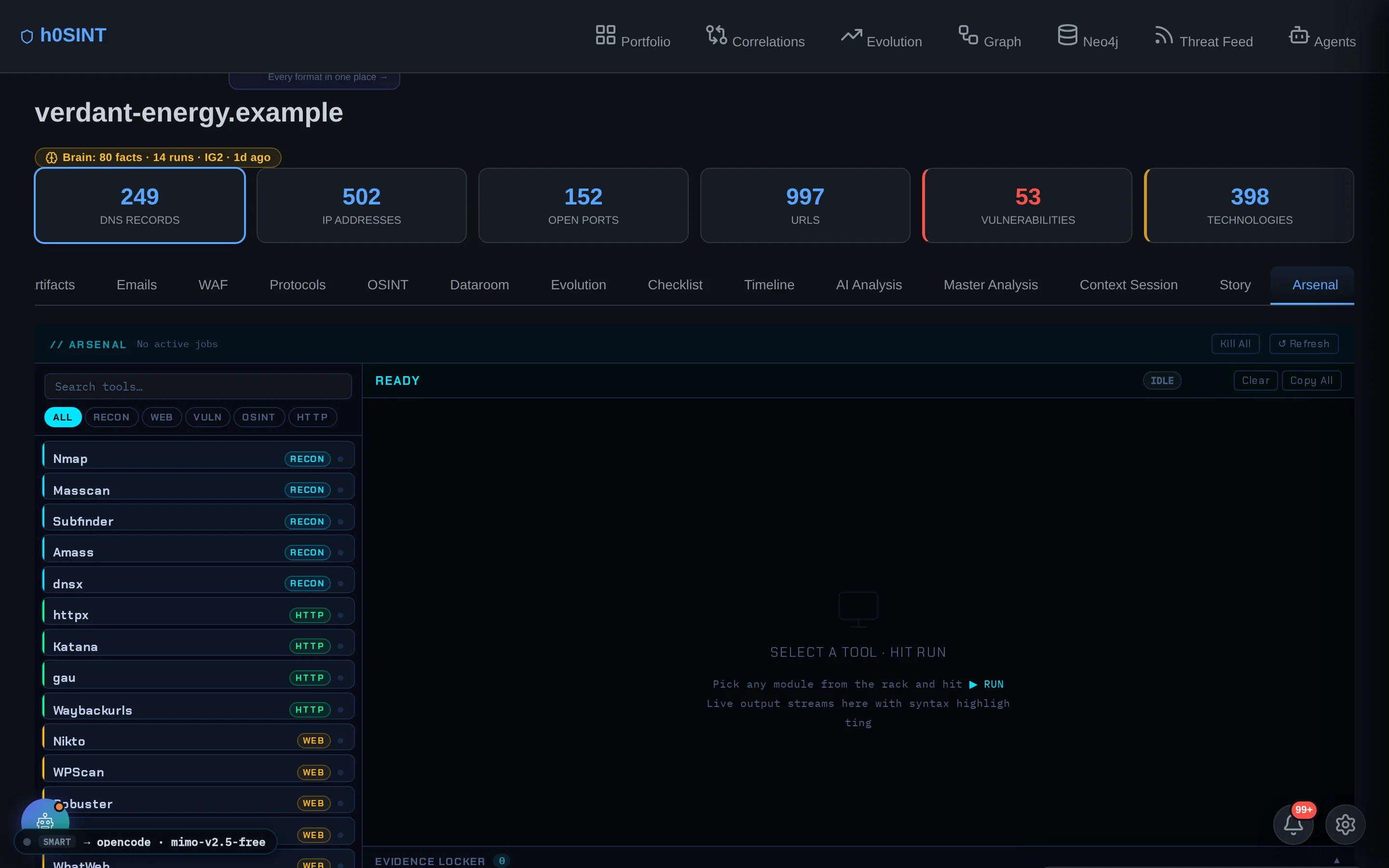
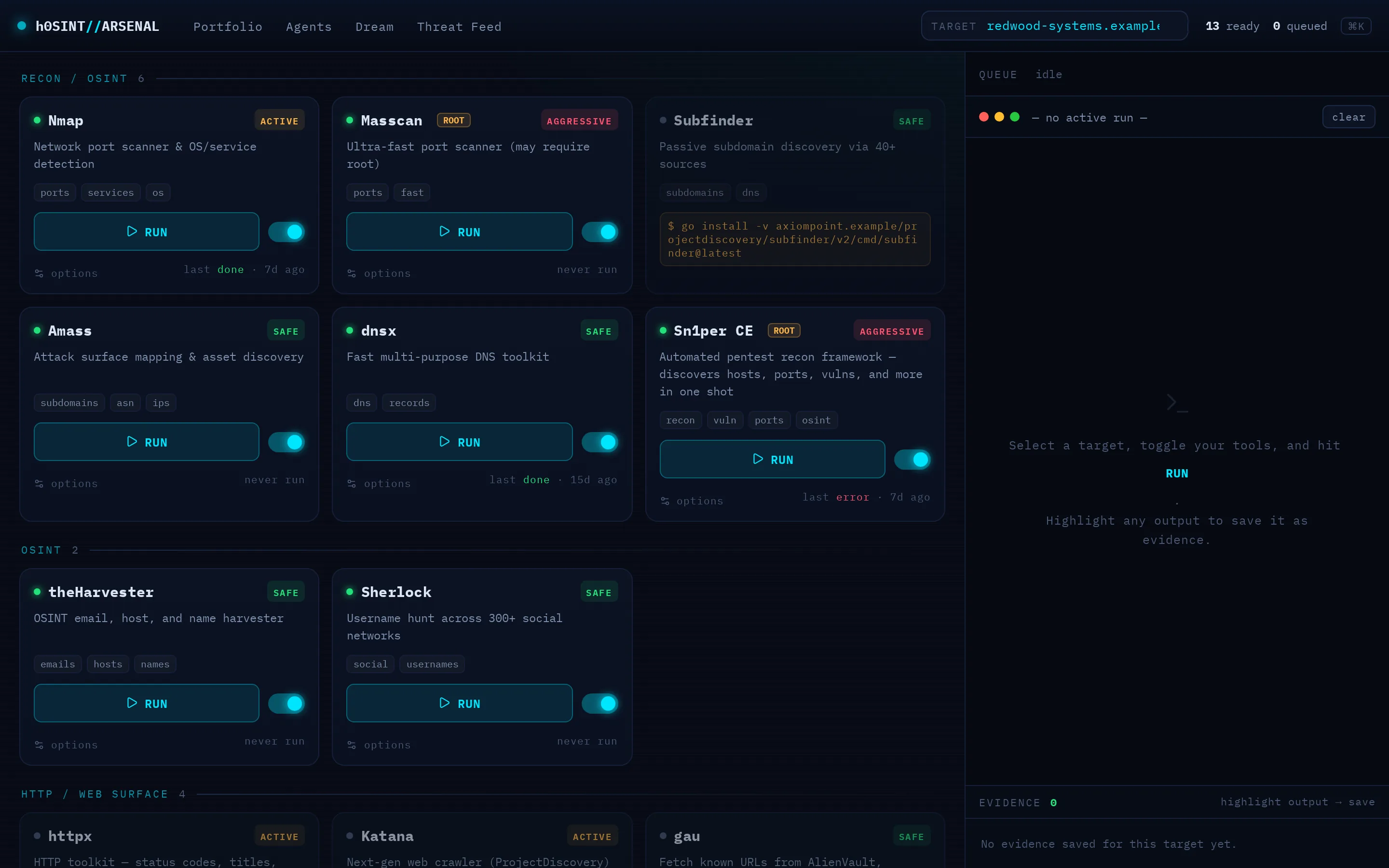
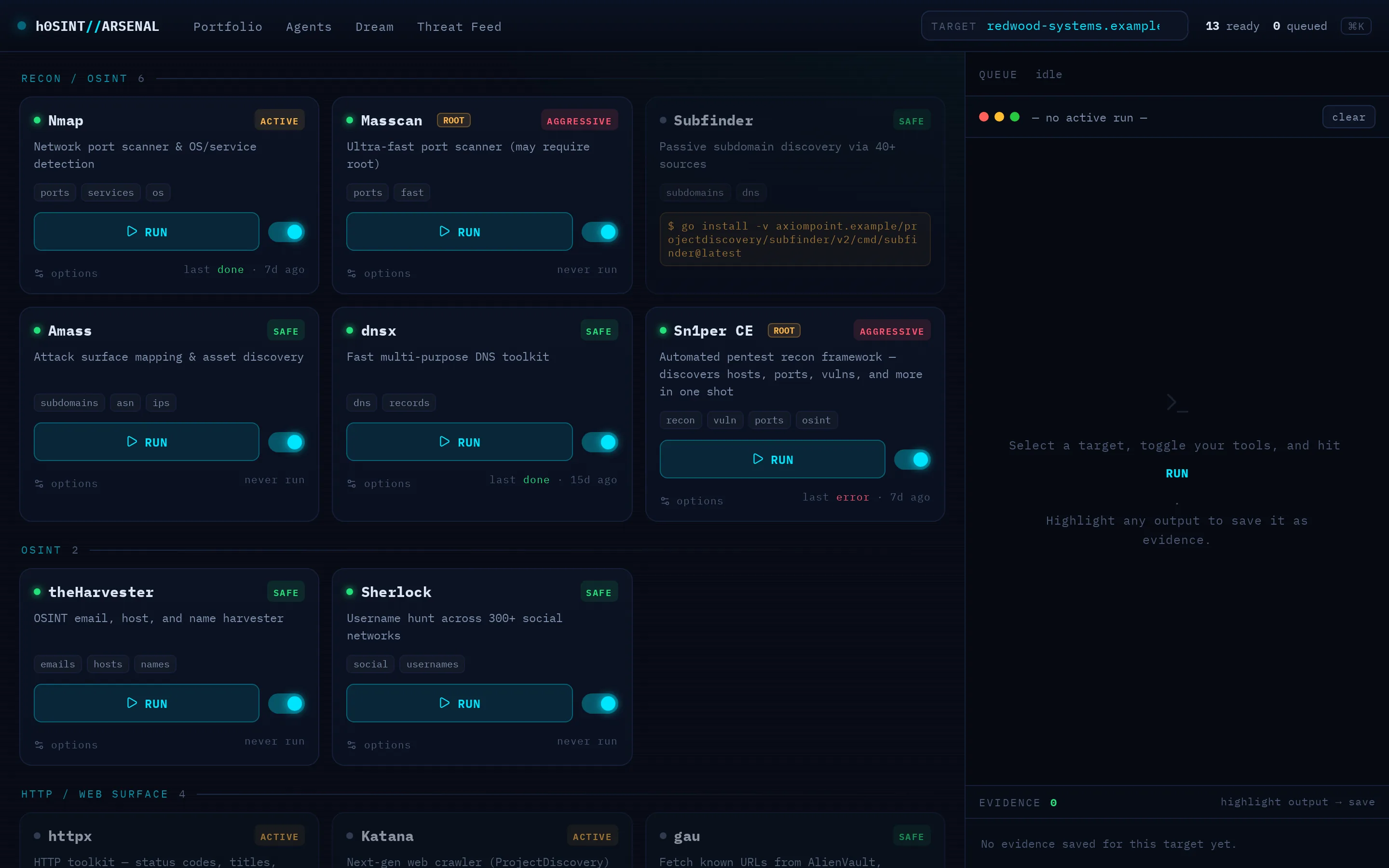
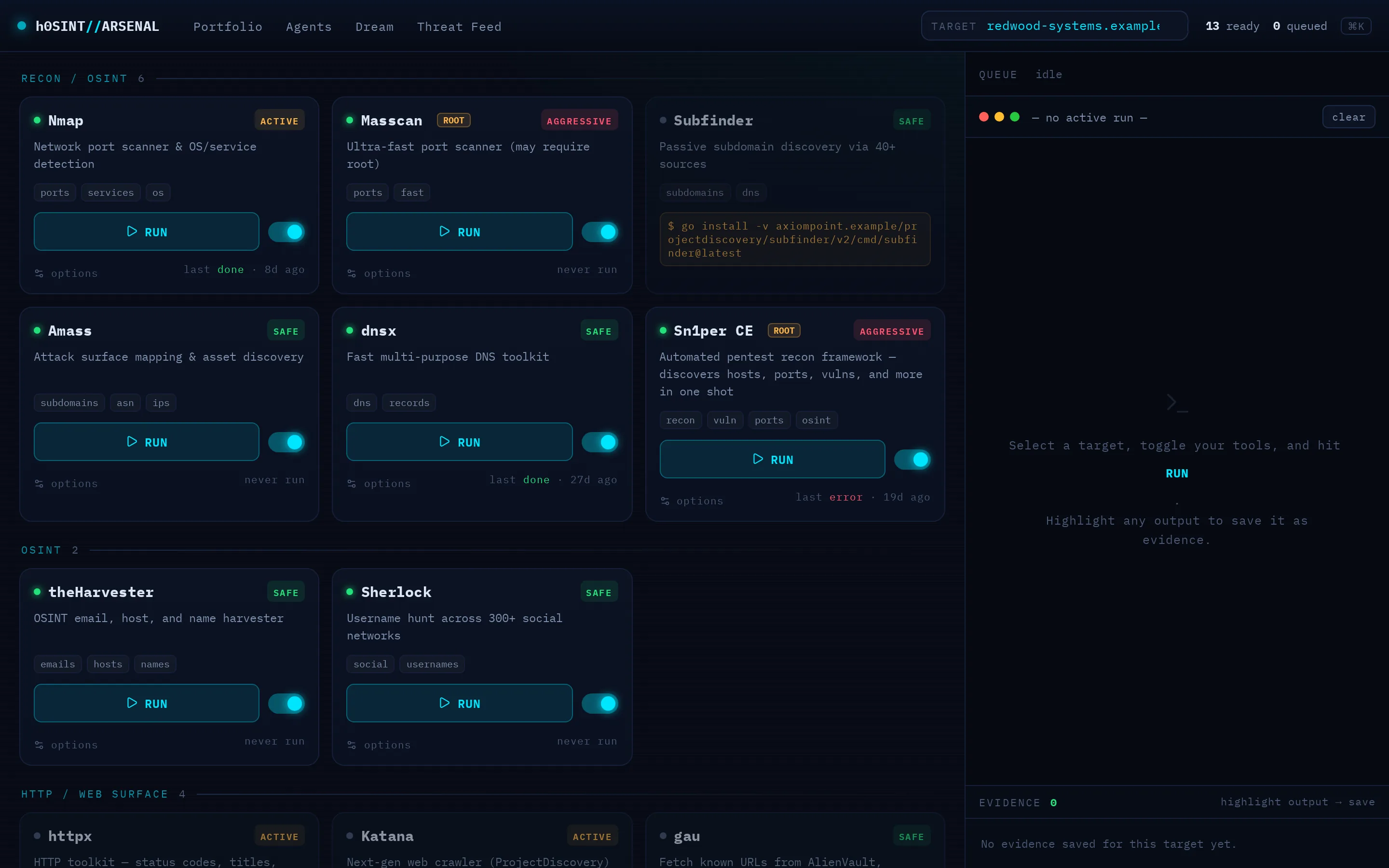
The Arsenal is a hardened runner for a fleet of OSINT and reconnaissance tools. Toggle a tool on, run it against a validated target, and watch its output stream live in an SSE terminal; queue several at once and save any run's output straight into the target's evidence trail.
The runner is locked down: targets are validated to an argv (never a shell string), runs are killed on timeout by process-group, and every tool is identity-verified at install so a name-collision binary can't shadow the real one.
Cross-Target Correlations
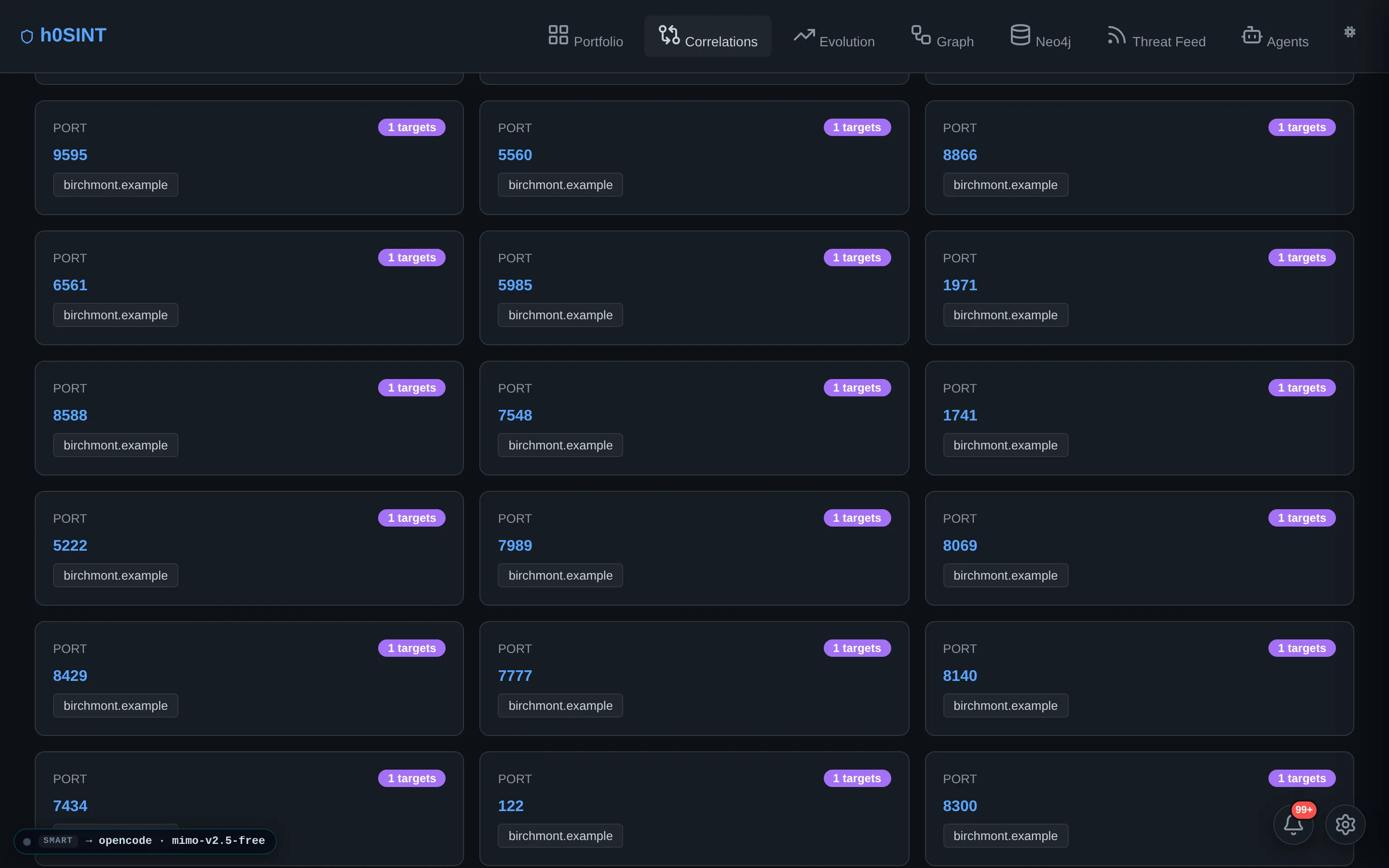
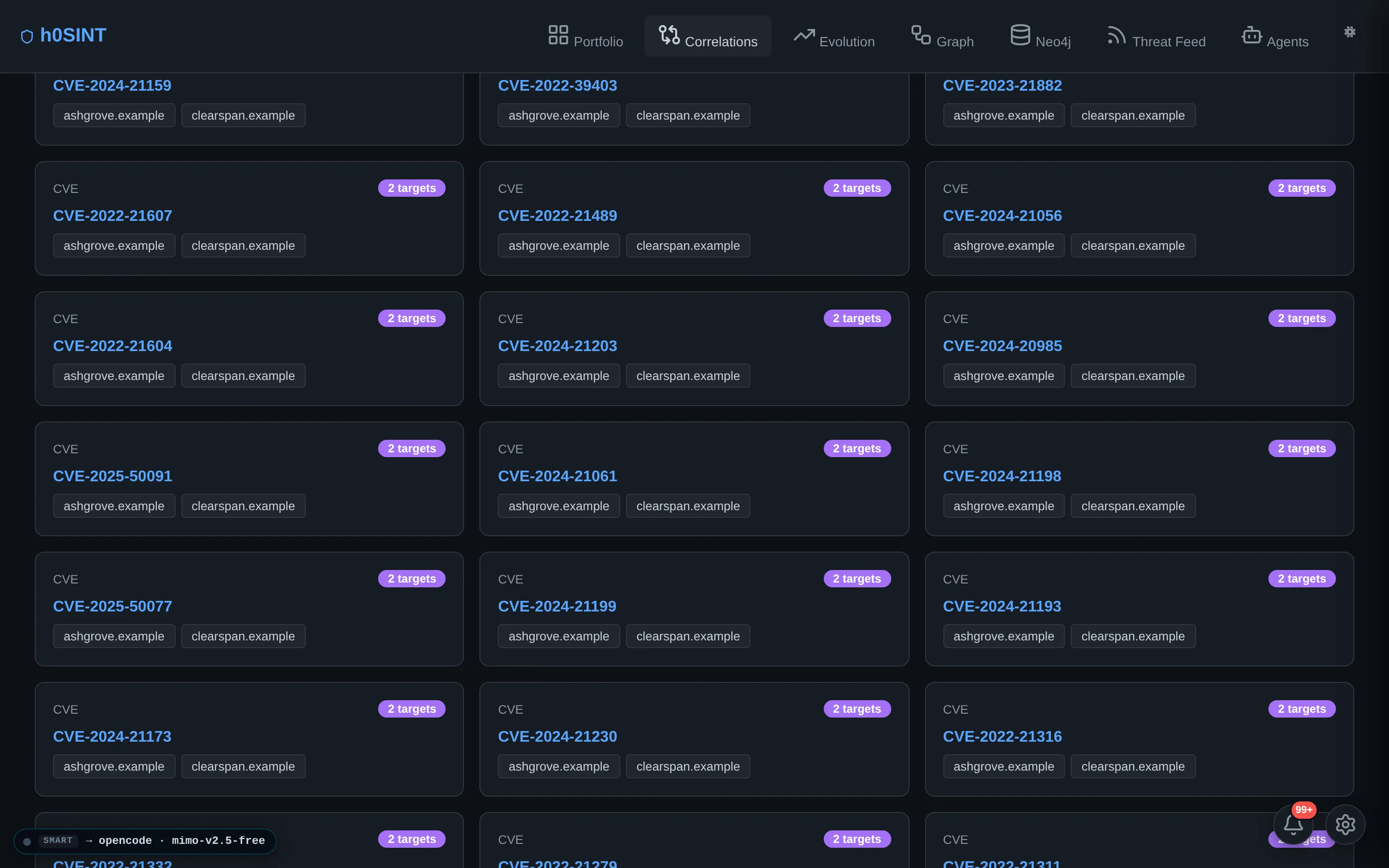
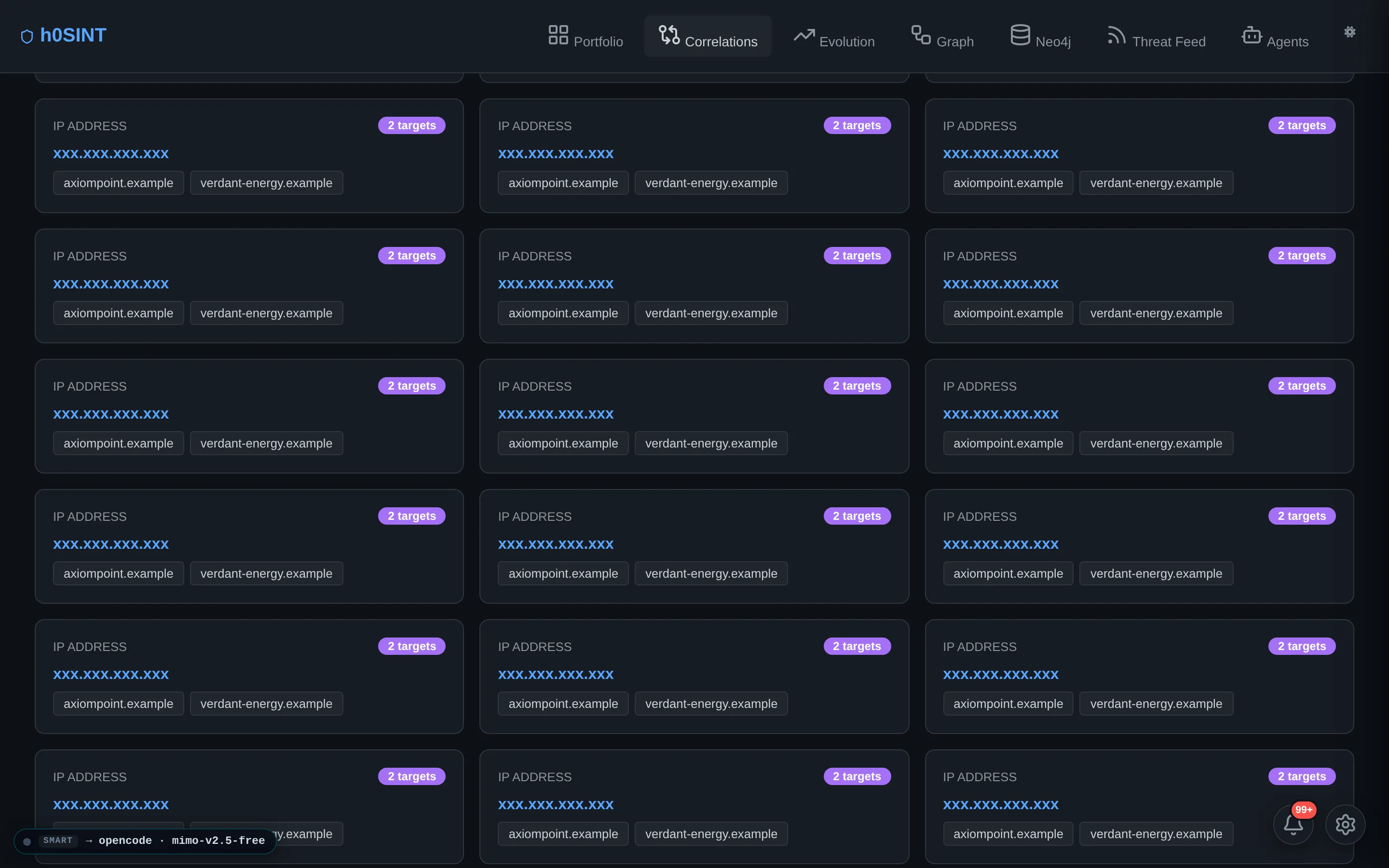
Shared IPs, ASNs, technologies and vulnerabilities surface the connections between your targets — the shared-infrastructure blast radius that only appears when you look across the whole portfolio at once.
A unified correlation graph links domain to domain through the infrastructure they have in common, with shared-infrastructure KPIs and per-provider hover chips. Host attribution is per-finding, so a CDN edge is never mistaken for an origin exposure.

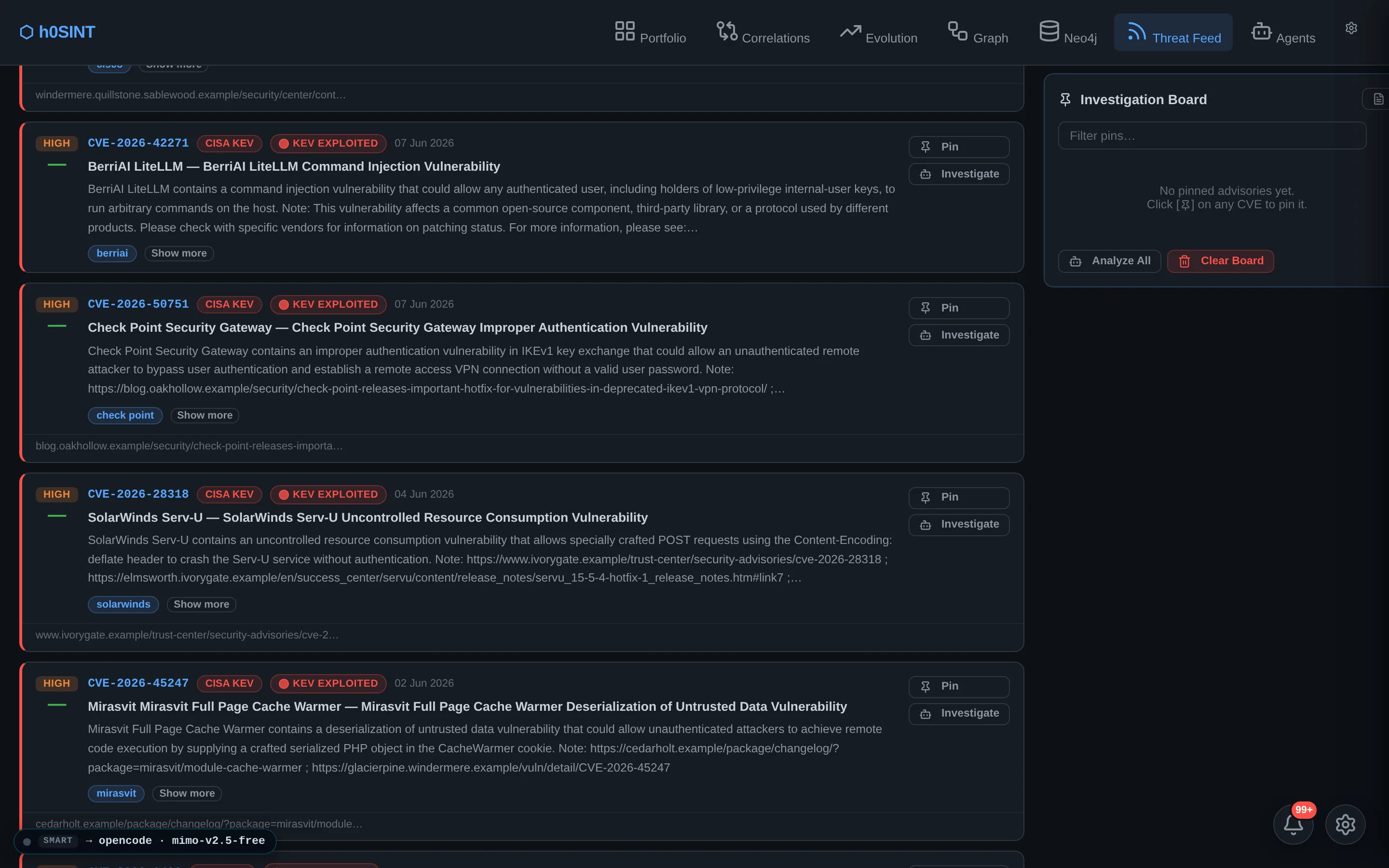
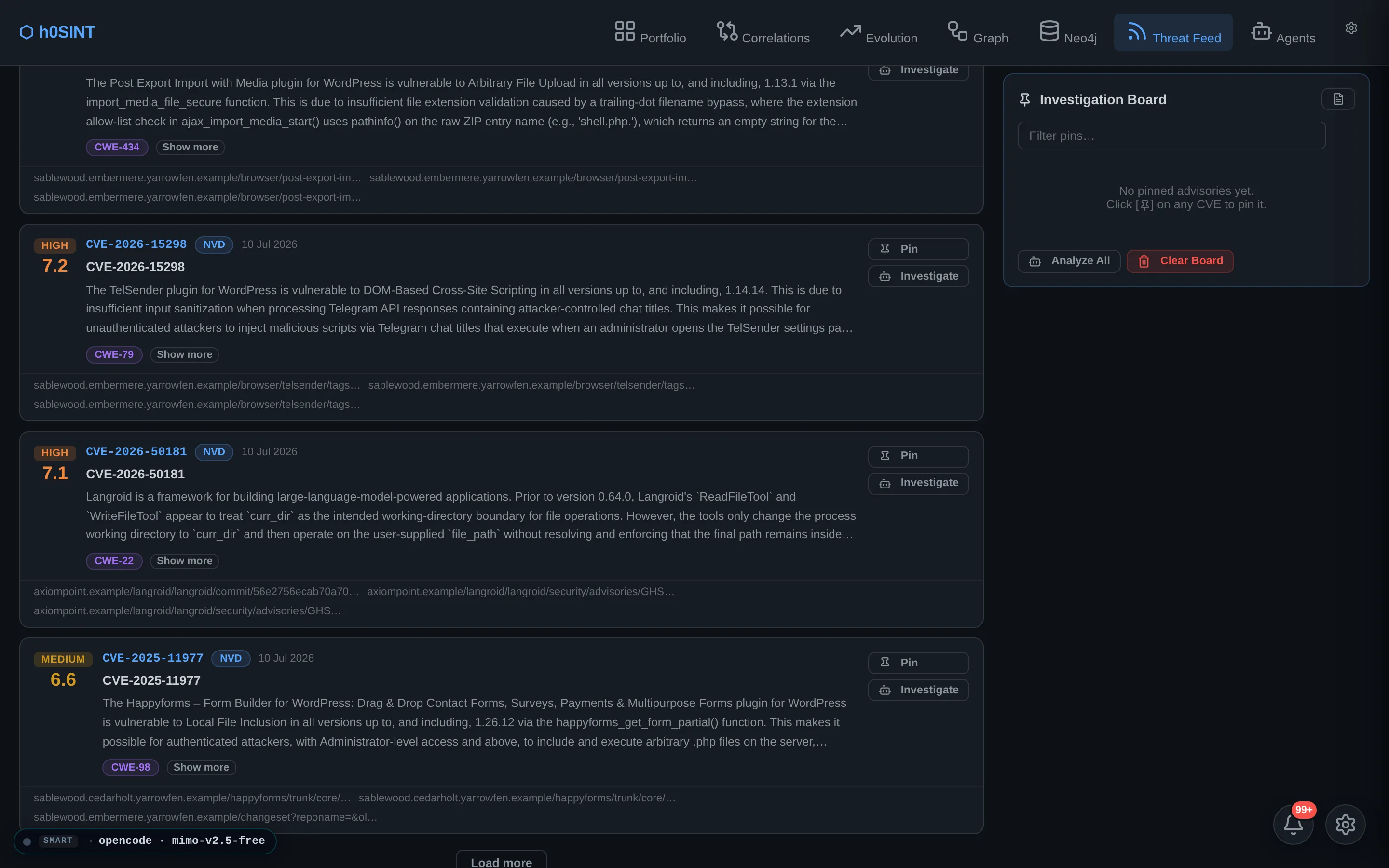
Threat Intelligence Feed
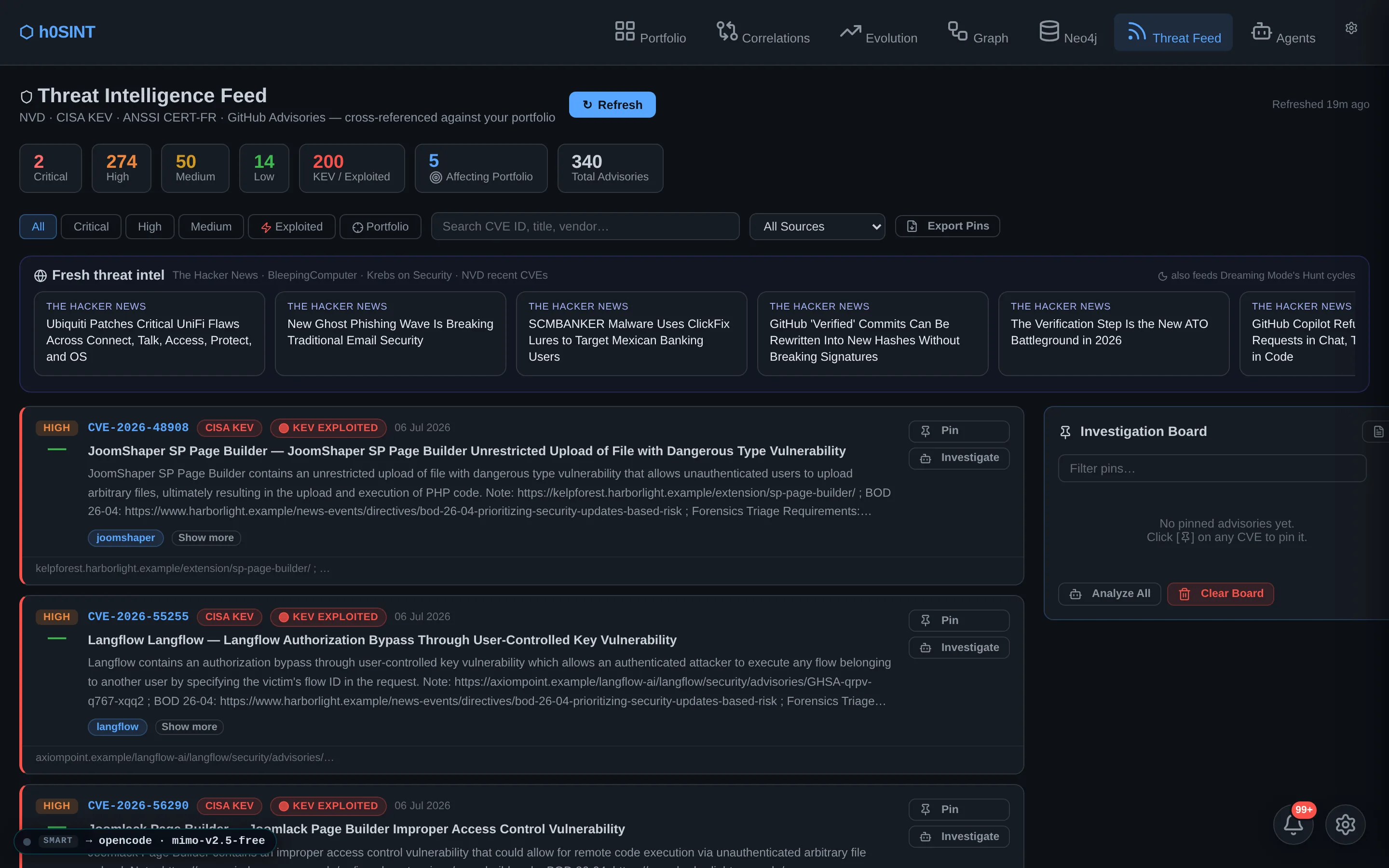
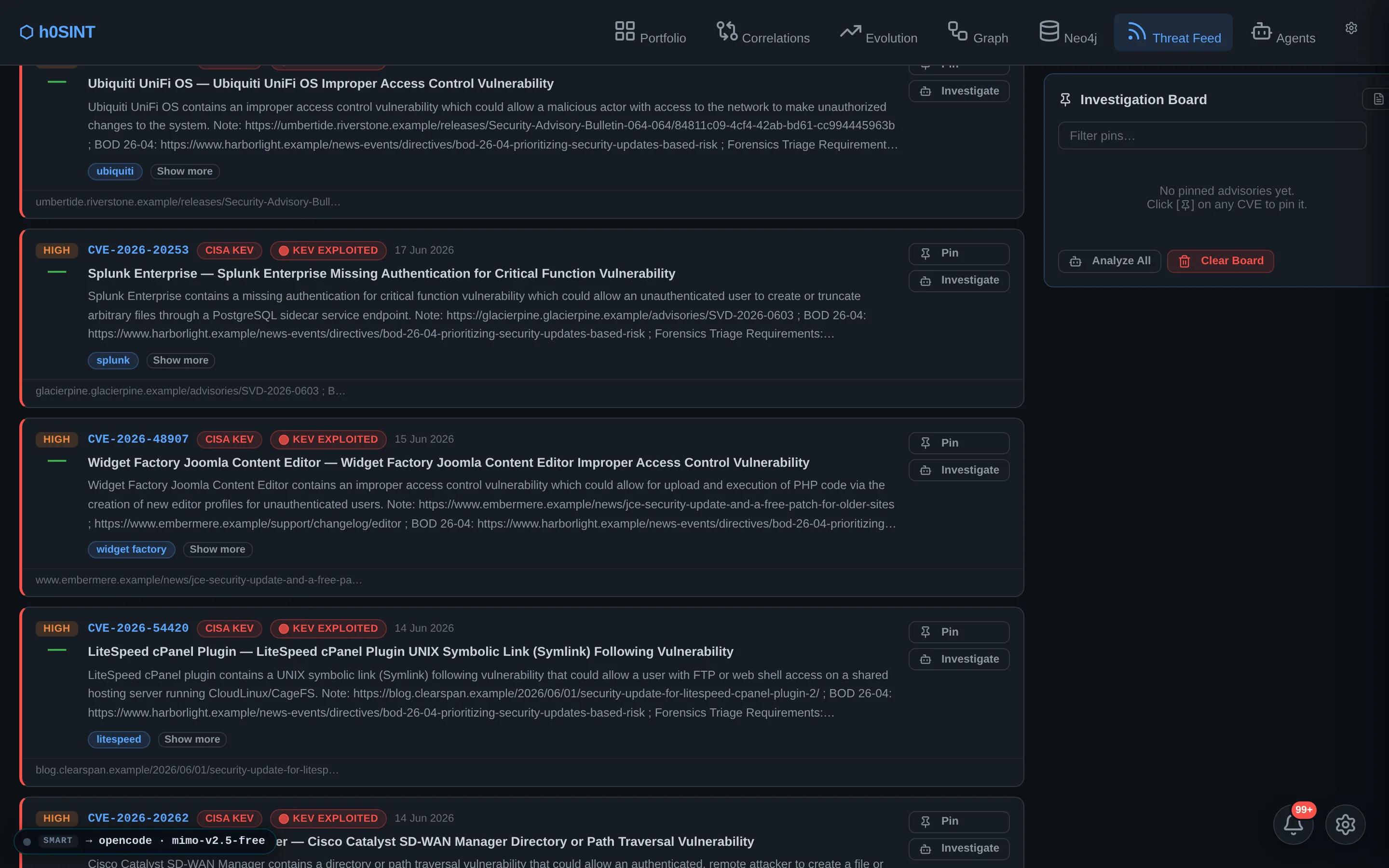
A continuously-updated threat feed tracks new advisories, KEV additions and exploited-in-the-wild activity, then matches them precisely against the technologies and versions detected on your targets — so a new product CVE lights up exactly the assets that run it, and nothing that doesn't.
Pins let you keep watch on the products that matter to a given engagement, and matches flow back into the report's synthesis as grounded, version-aware signals rather than blanket alarms.
Dreaming Mode
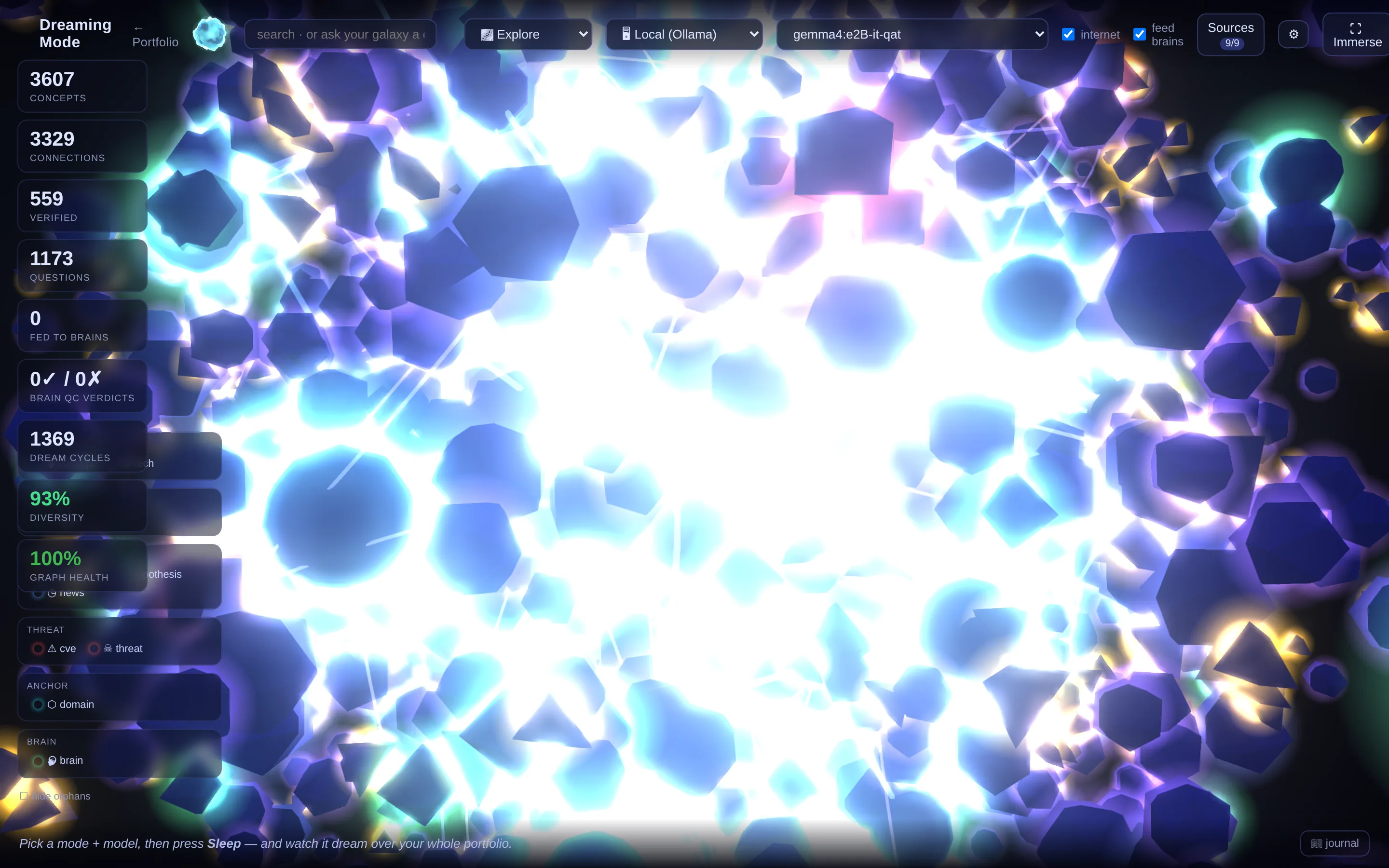
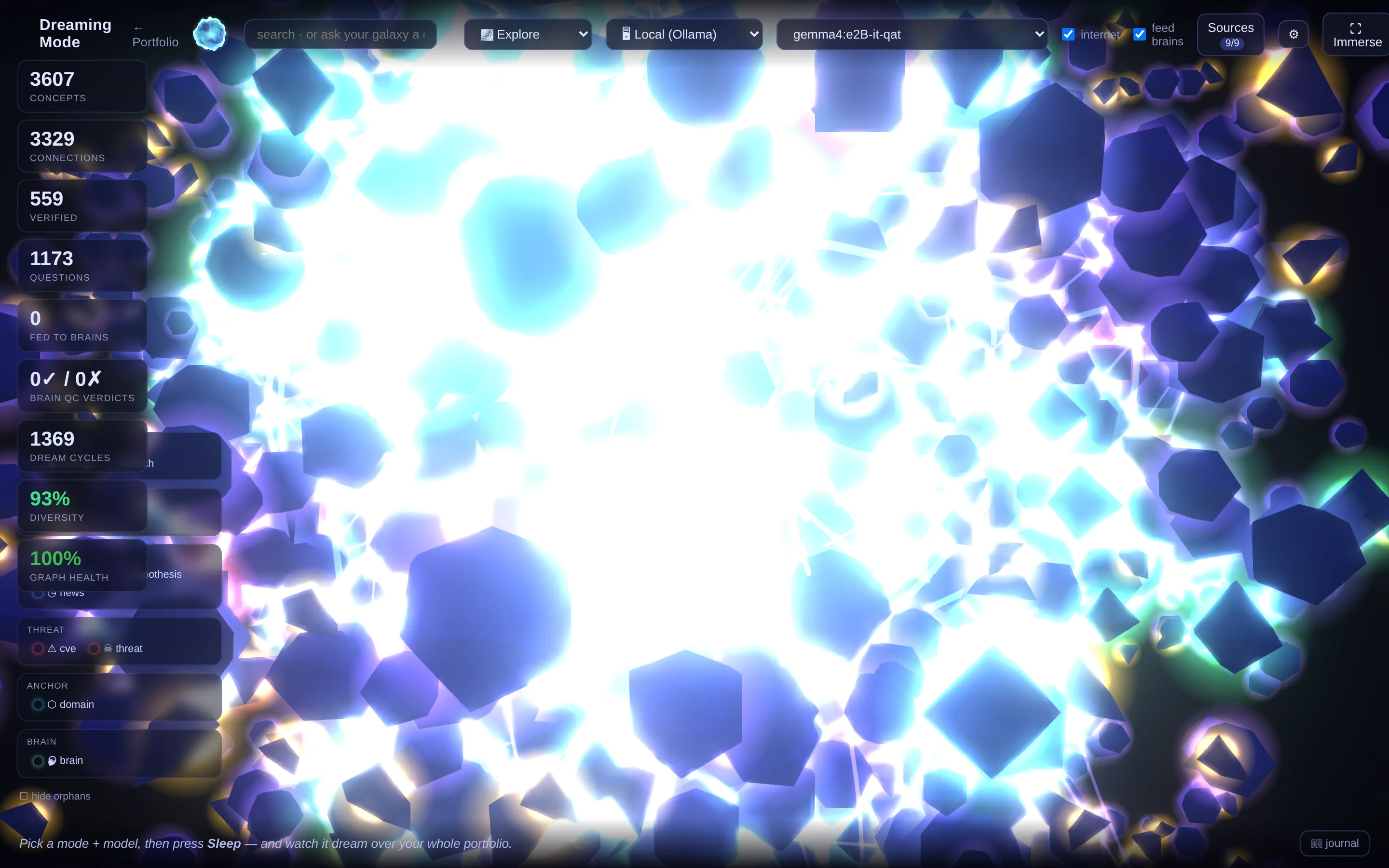
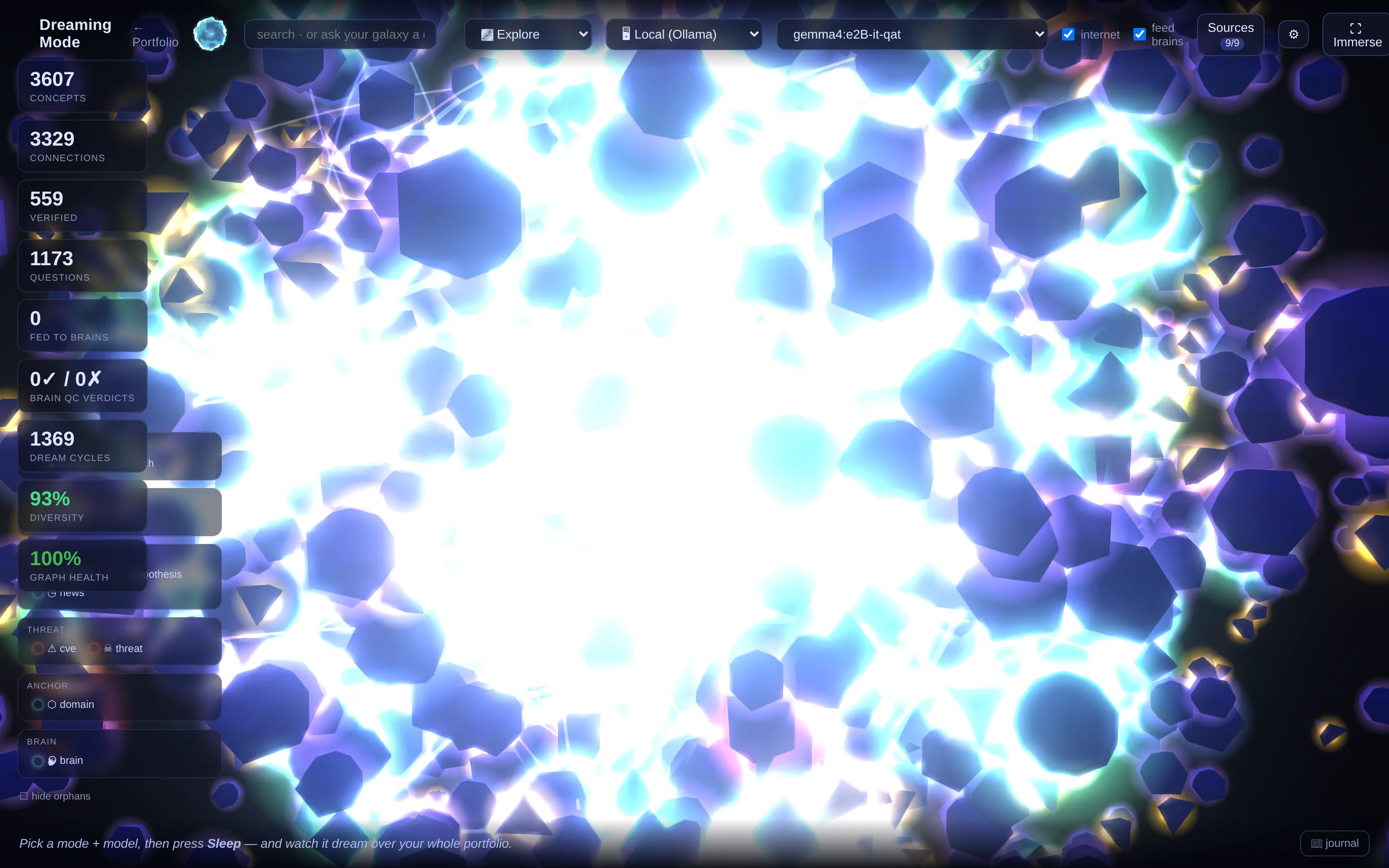
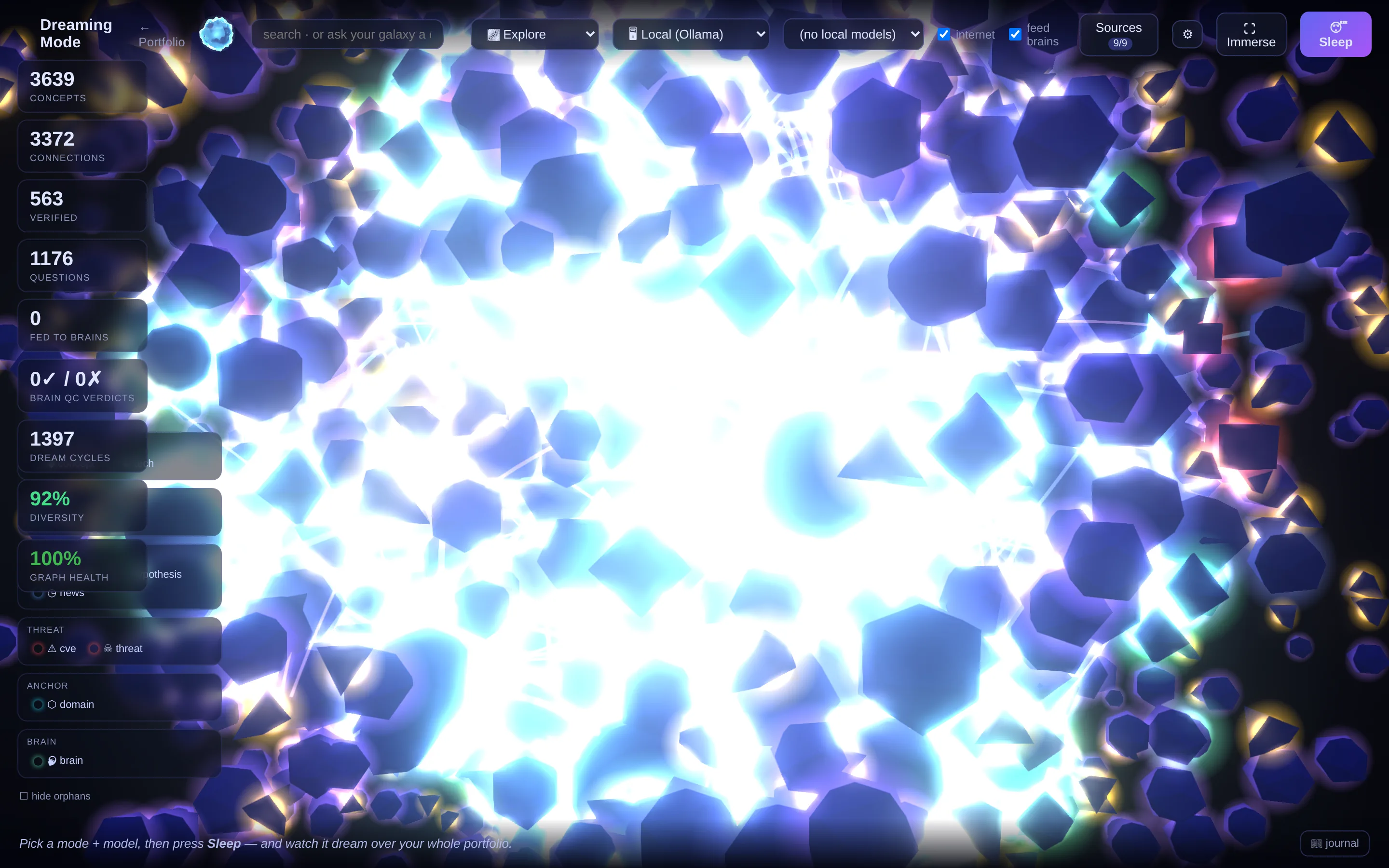
While your team sleeps, a local model contemplates the entire dataset — building a living cross-domain knowledge graph, forming and testing theories, learning techniques, and feeding verified facts back into each target's brain. Everything it proposes passes a brain quality-check gate before it is trusted.
The result renders as an Obsidian-style dreamscape: a navigable cosmos of everything the platform knows and everything it inferred, with a journal of what it worked on and why. Continuous, autonomous reasoning over the whole estate — not a one-shot scan.
Agentic Investigation & Universe
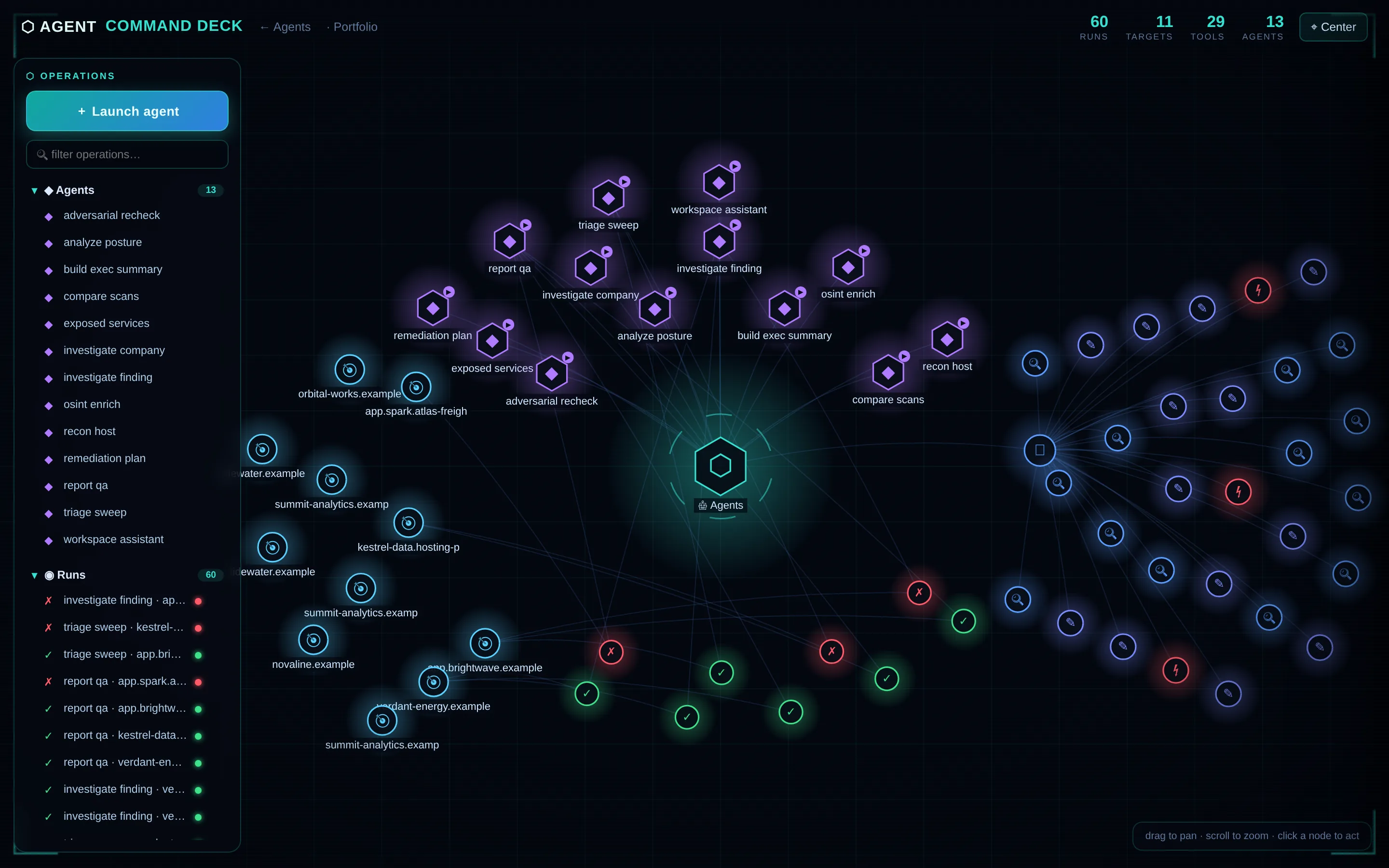
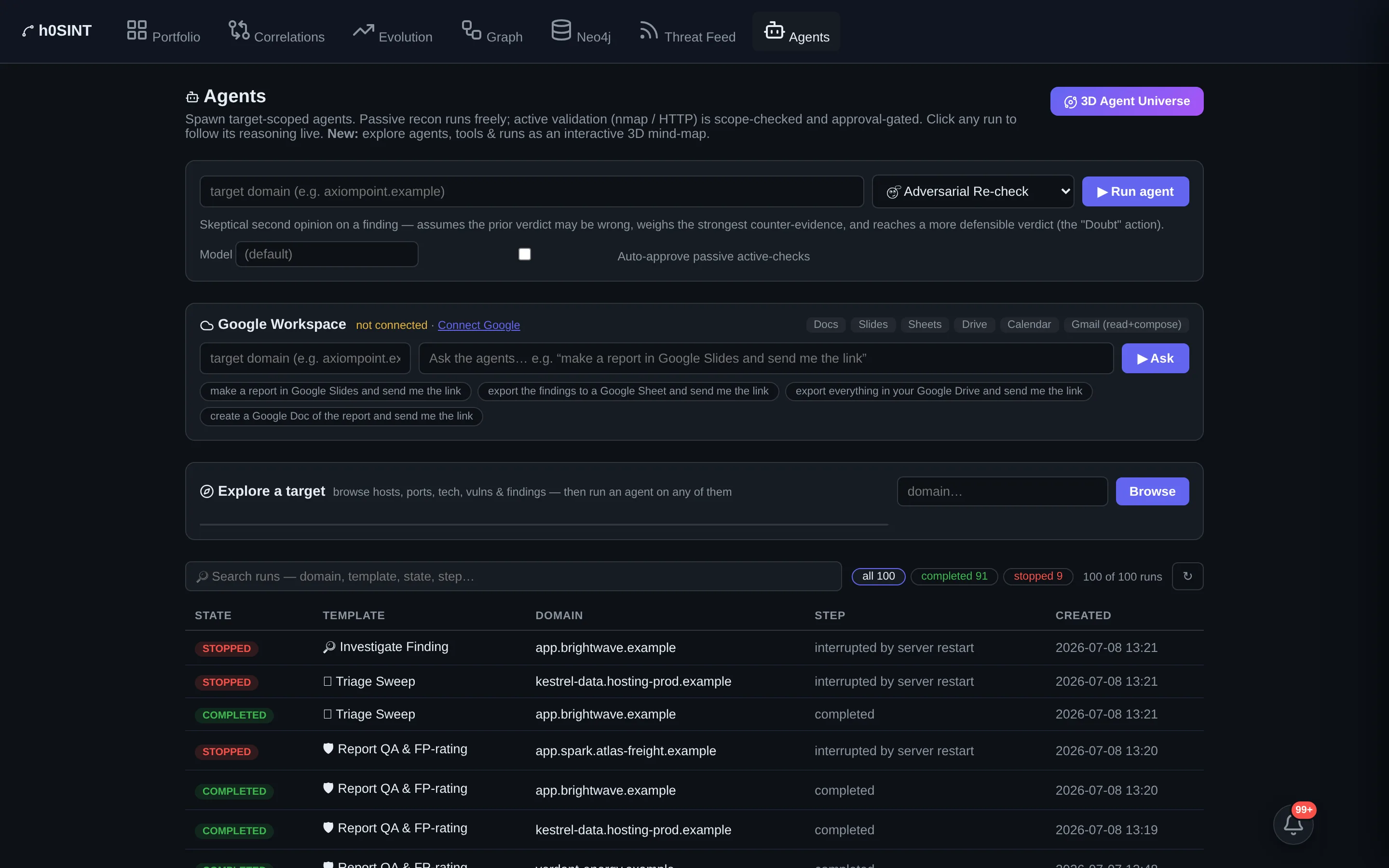
Approval-gated agents investigate findings, recon hosts, enrich OSINT and verify vulnerabilities — always scope-checked so an agent can never wander into a sibling domain it wasn't asked about. Every run leaves a narrative of its reasoning and the raw tool input/output behind each step.
The whole swarm is explorable as a live 3D Agent Universe, and you can talk to your galaxy: ask the knowledge graph anything and get a narrative answer with the exact evidence path it reasoned along — and the weaker paths it ruled out. No black box.
Footprint Evolution
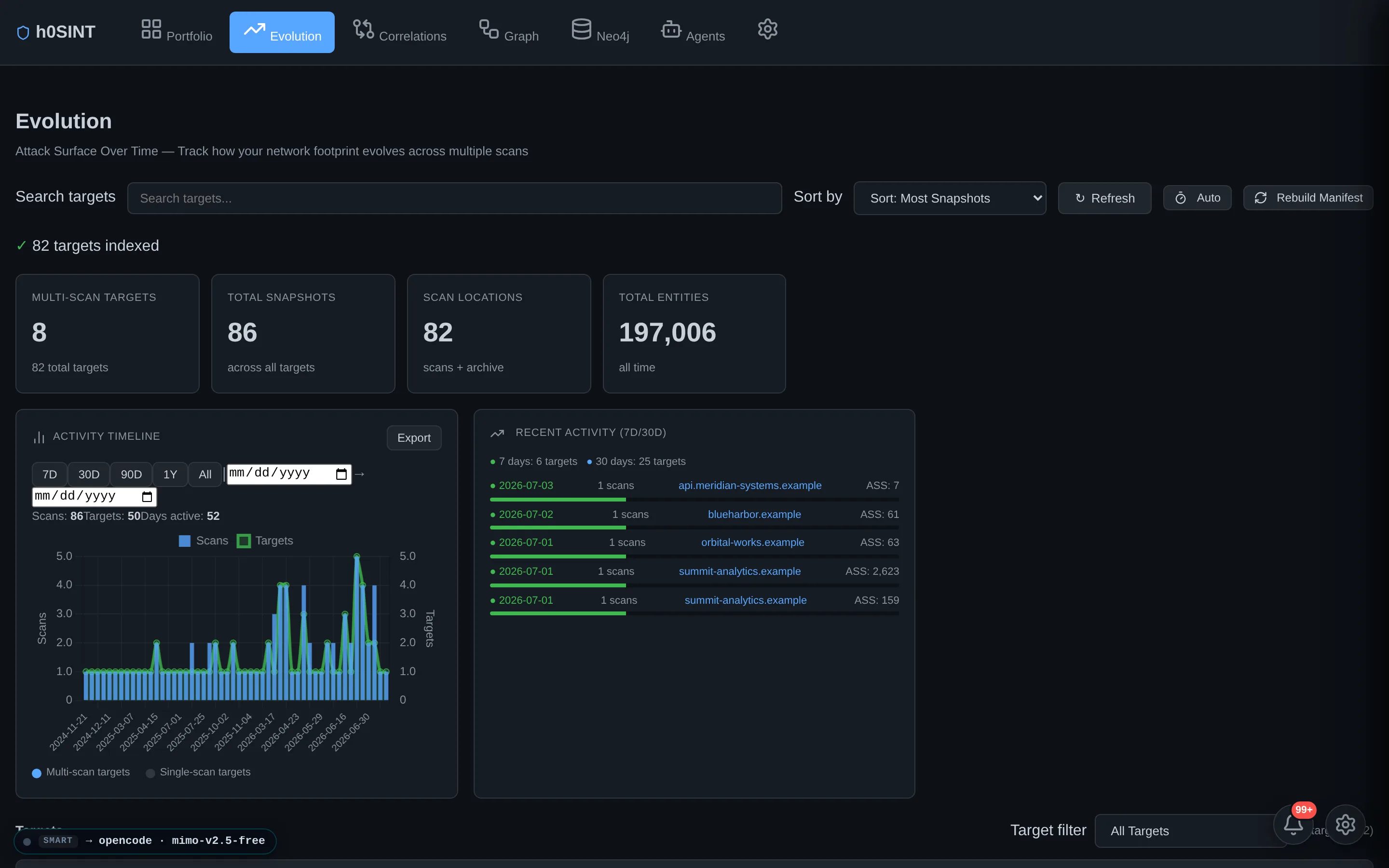
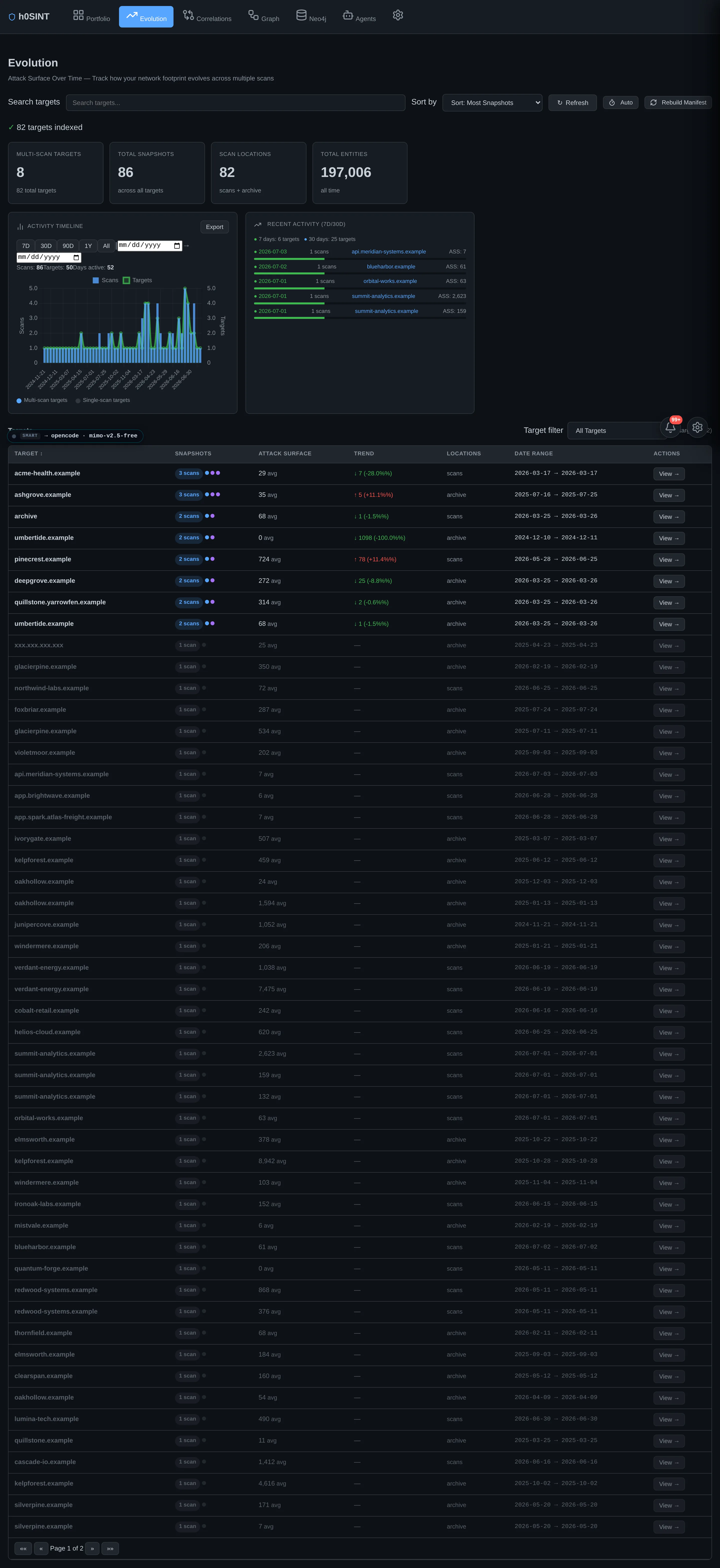
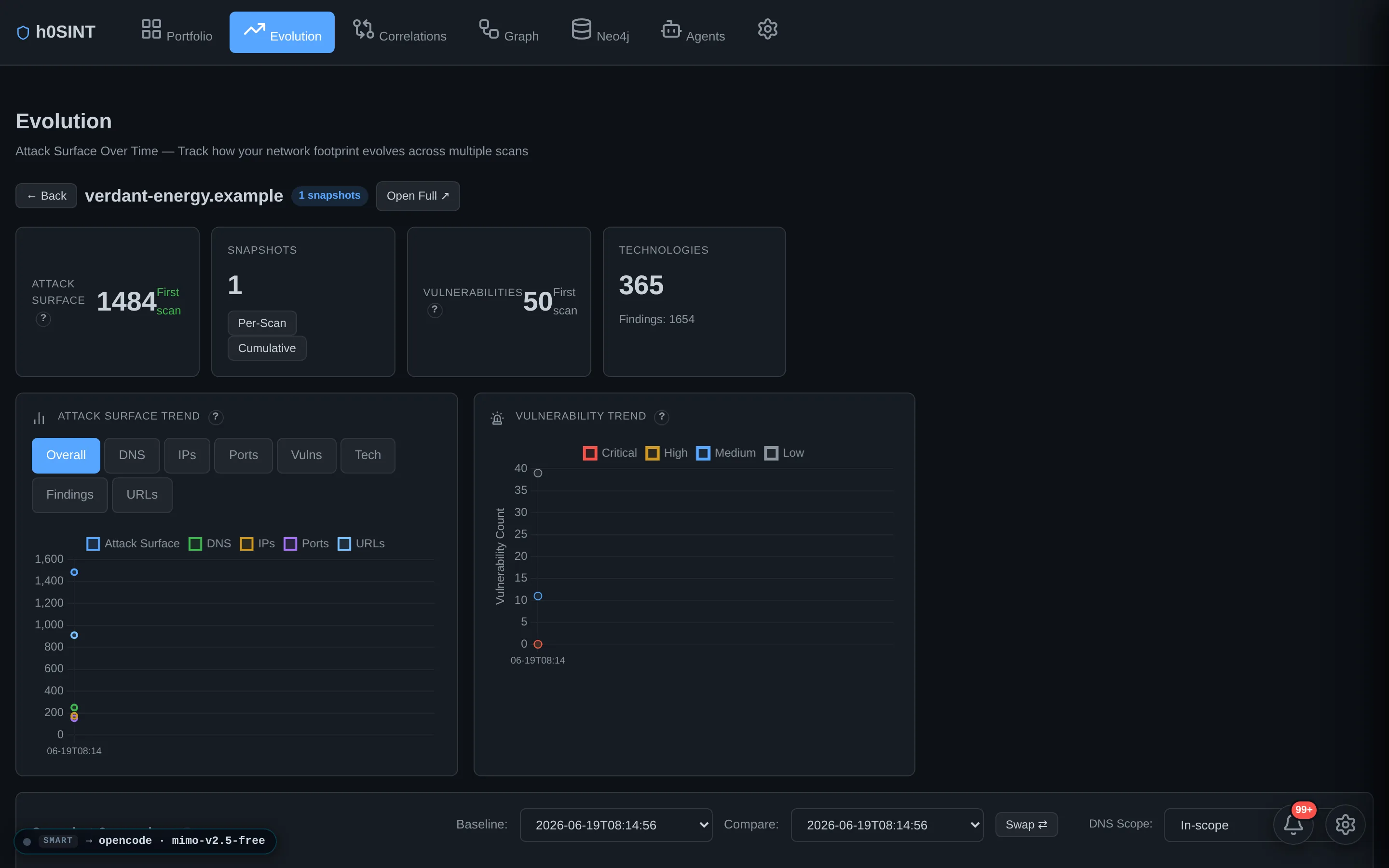
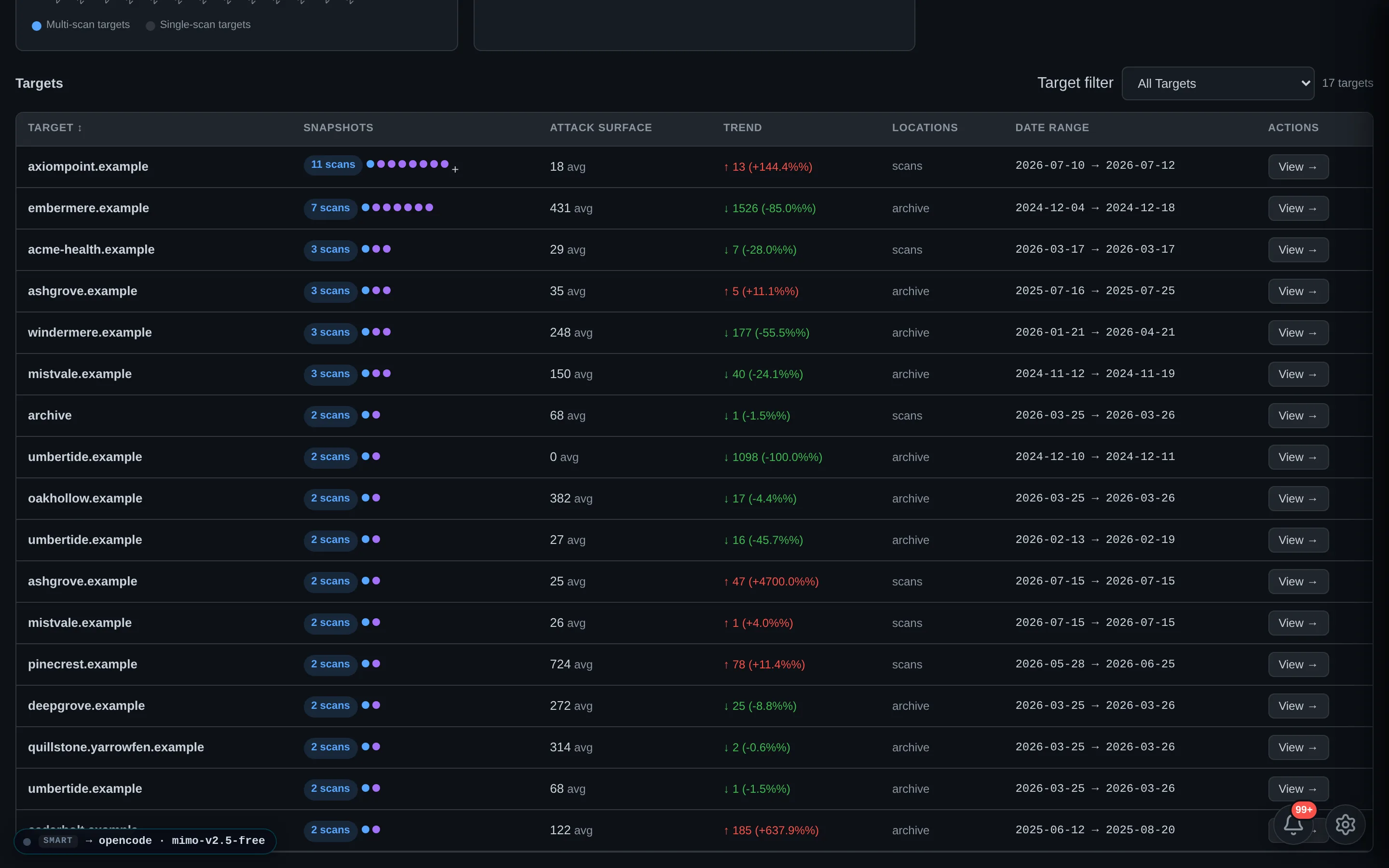
Every scan is a snapshot; Evolution stitches them into a timeline so you can see how a target's footprint grew or shrank — new hosts appearing, ports opening and closing, technologies coming and going, findings resolved or introduced between engagements.
It is the difference between a point-in-time audit and continuous assurance: drift is visible, and a re-scan tells you exactly what moved since last time.
Reports, Slides & Export Center
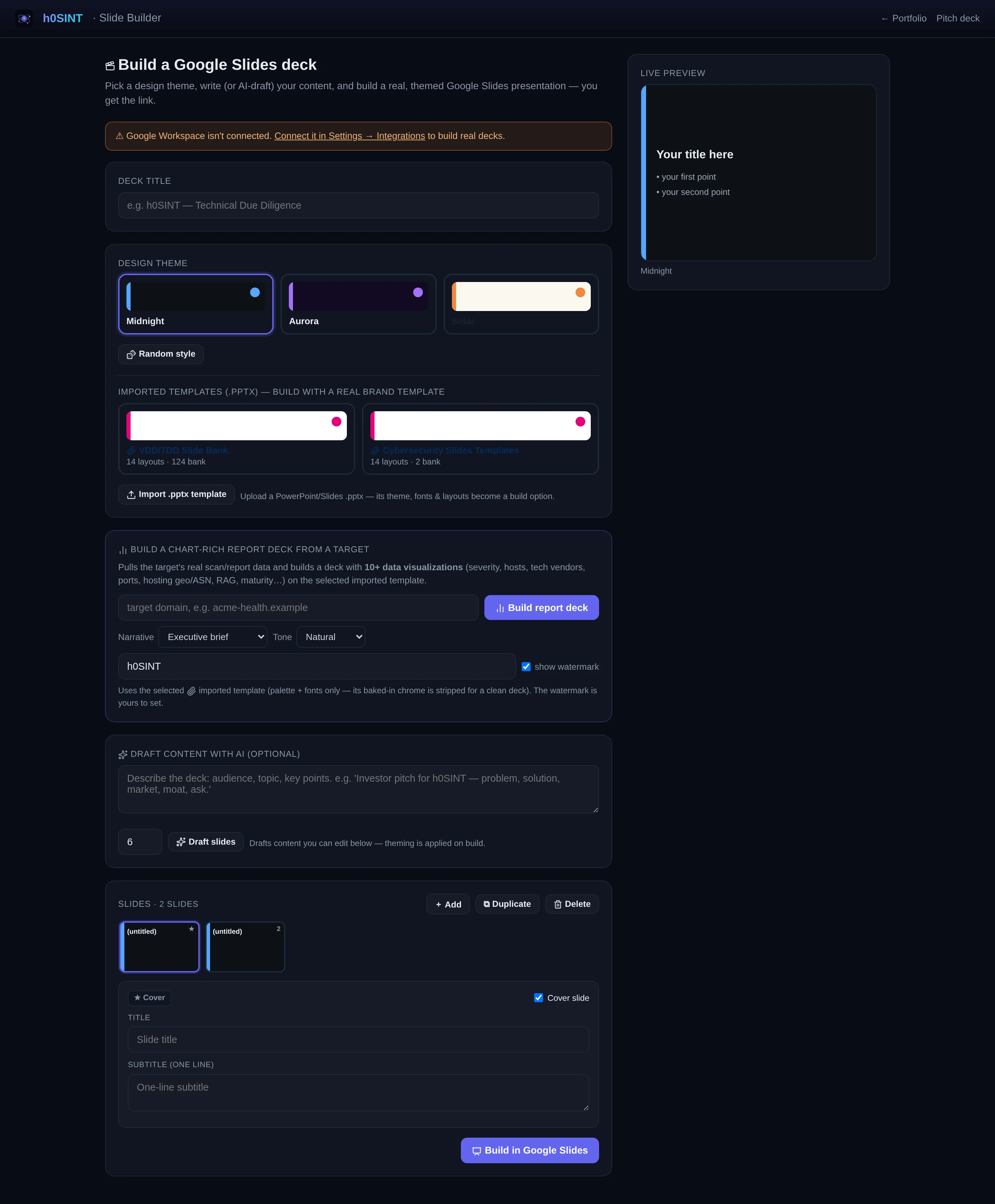
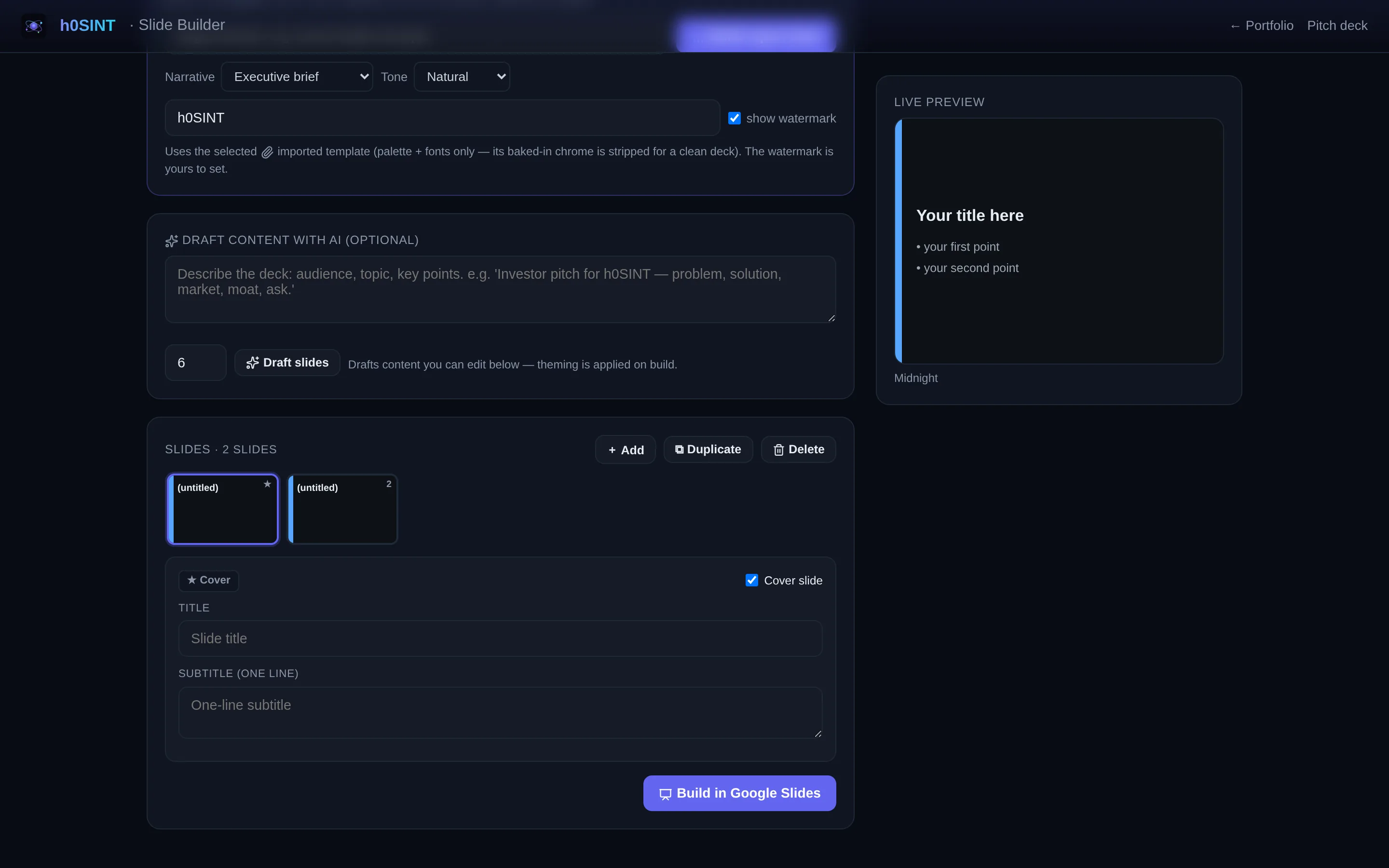
A single source-of-truth data model feeds every surface, so the report, the deck, the charts and every export always agree. Preview and edit the slide deck before it leaves, then export from one Export Center to Markdown, self-contained interactive HTML, JSON, CSV, STIX 2.1, XLSX or PDF — or straight into Google Docs and Slides.
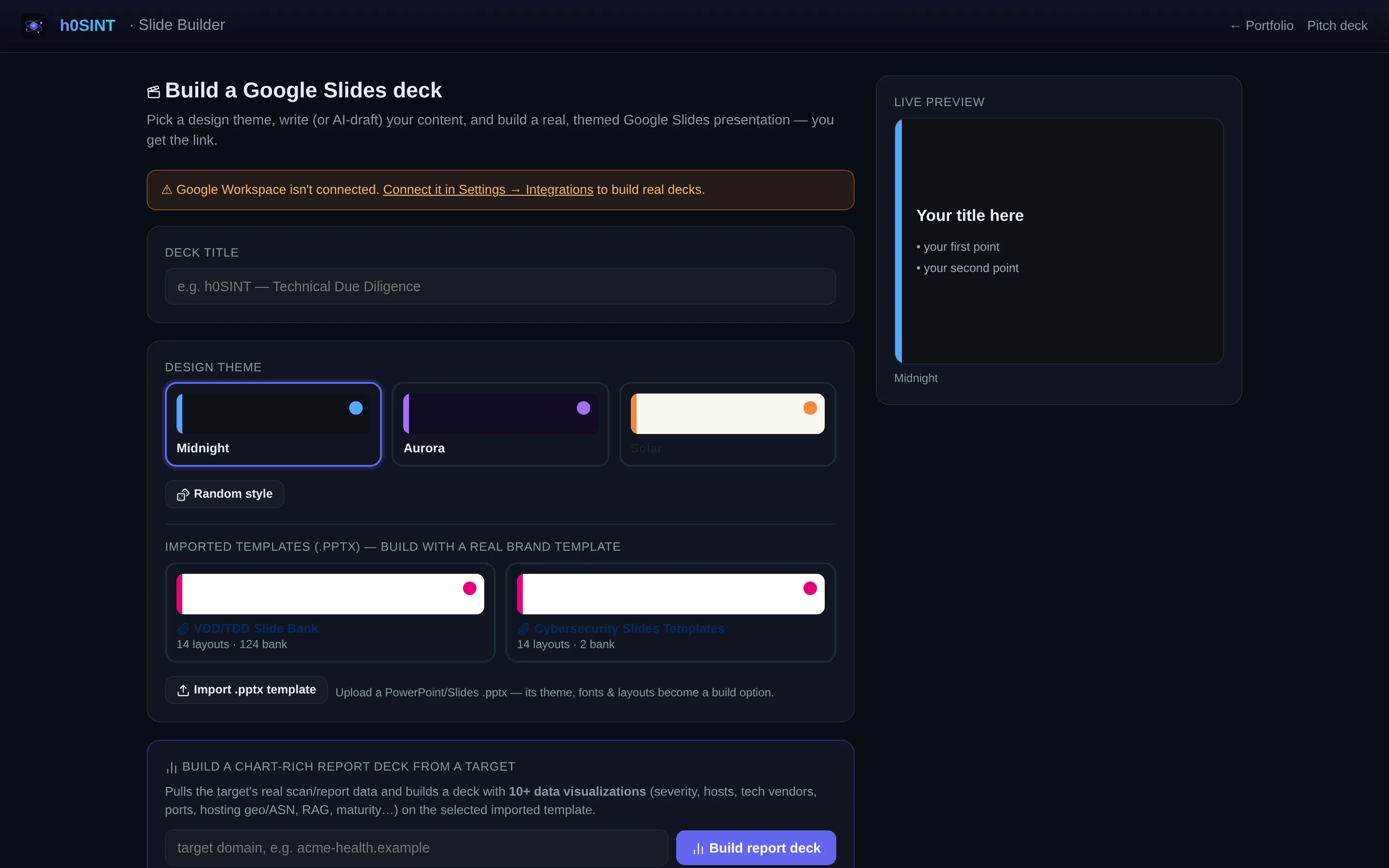
An export-consistency gate verifies that every format reports the same counts, the same verdict and no leaked suppressed findings before anything ships. The interactive slide builder turns the same data into a chart-rich, themeable deck.
Agentic Workspace (Google)
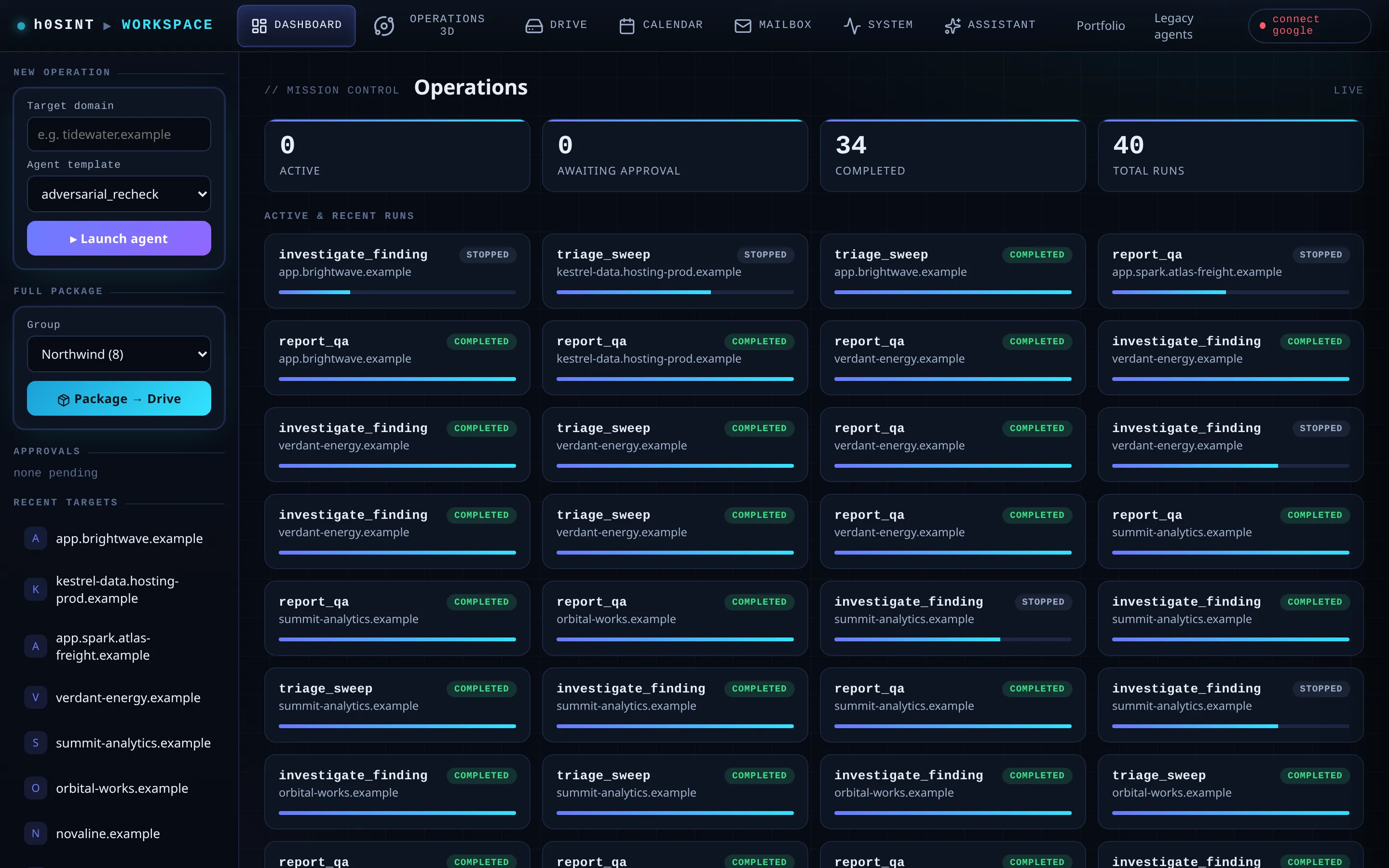
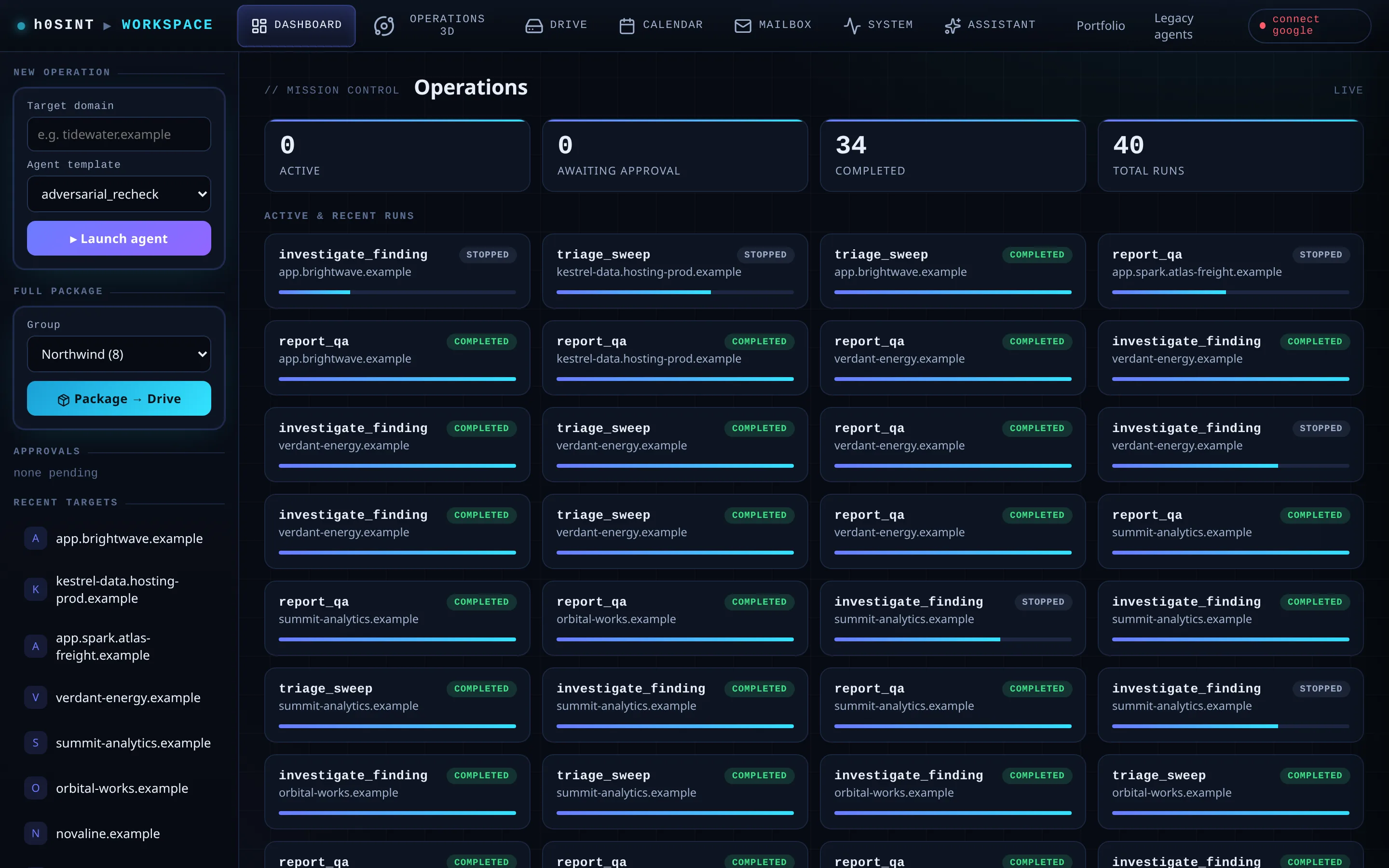
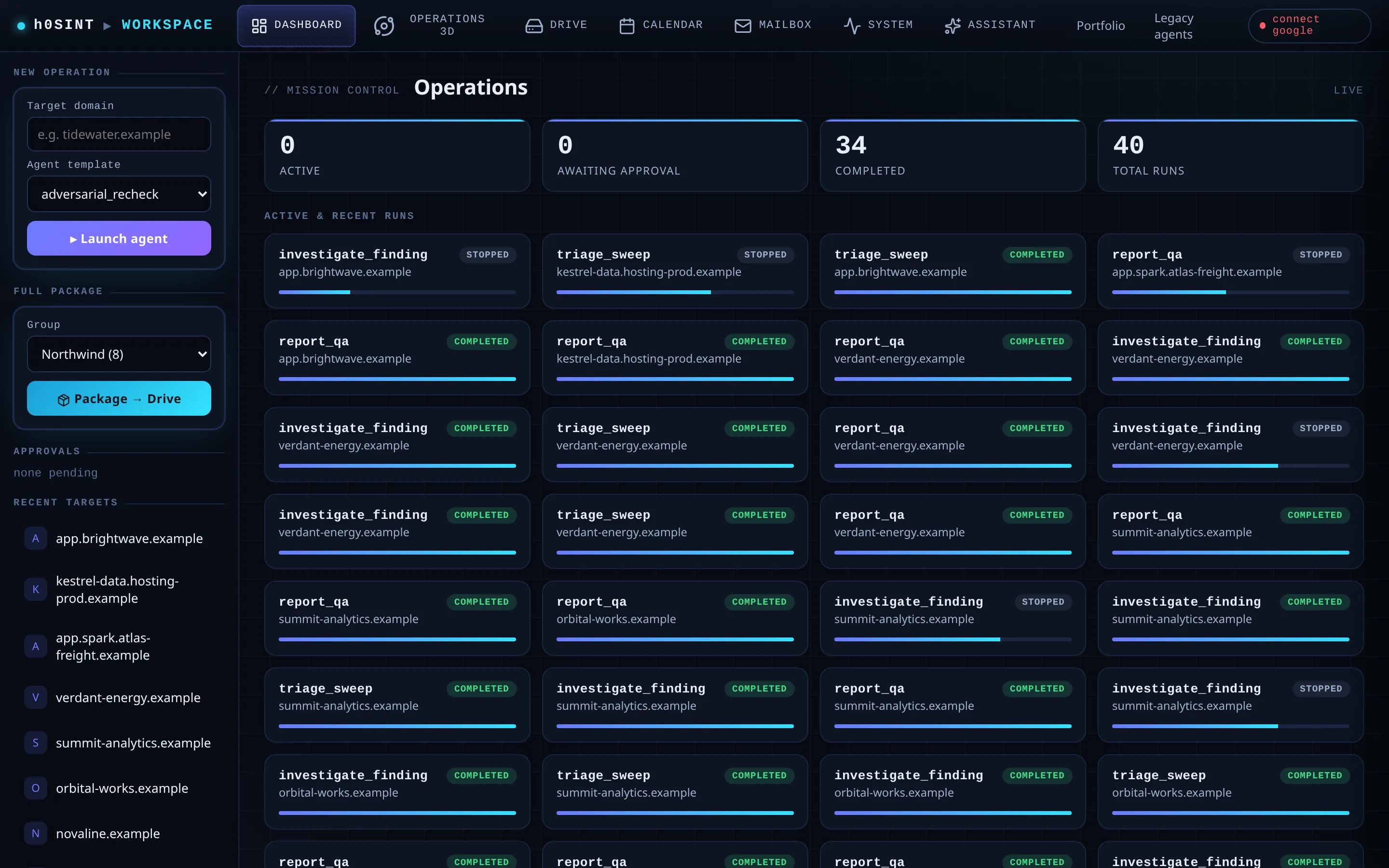
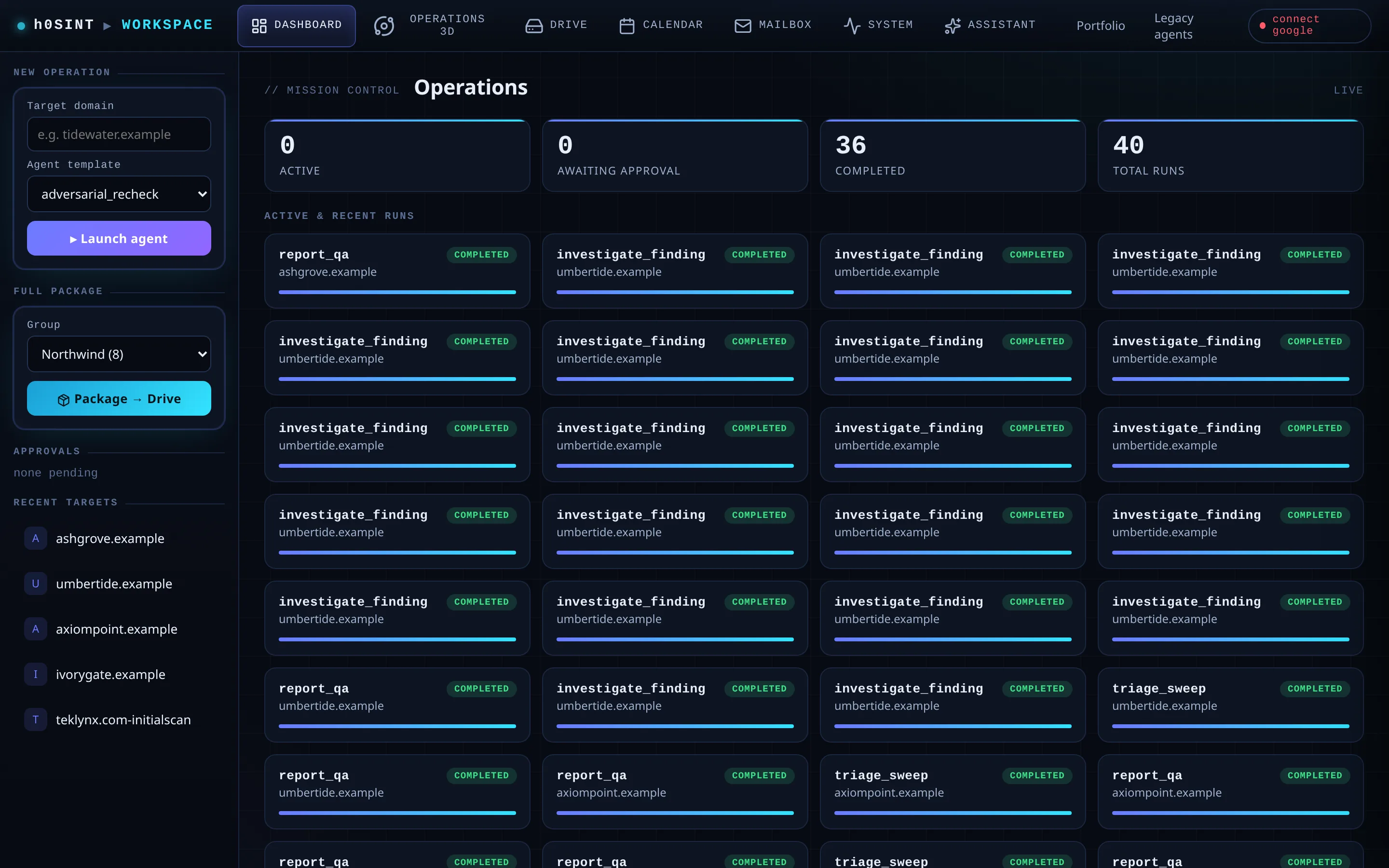
Say “make a report in Google Slides and send me the link” and an agent assembles it in your own Google Workspace — Docs, Slides, Sheets, Drive and Calendar — and hands you the link. A unified mission-control page gives every target its own workspace on disk and in Drive.
Every outbound action is approval-gated, and OAuth tokens are persisted safely so the connection survives restarts. The platform reaches out only when you tell it to.
Private Dataroom & Local RAG
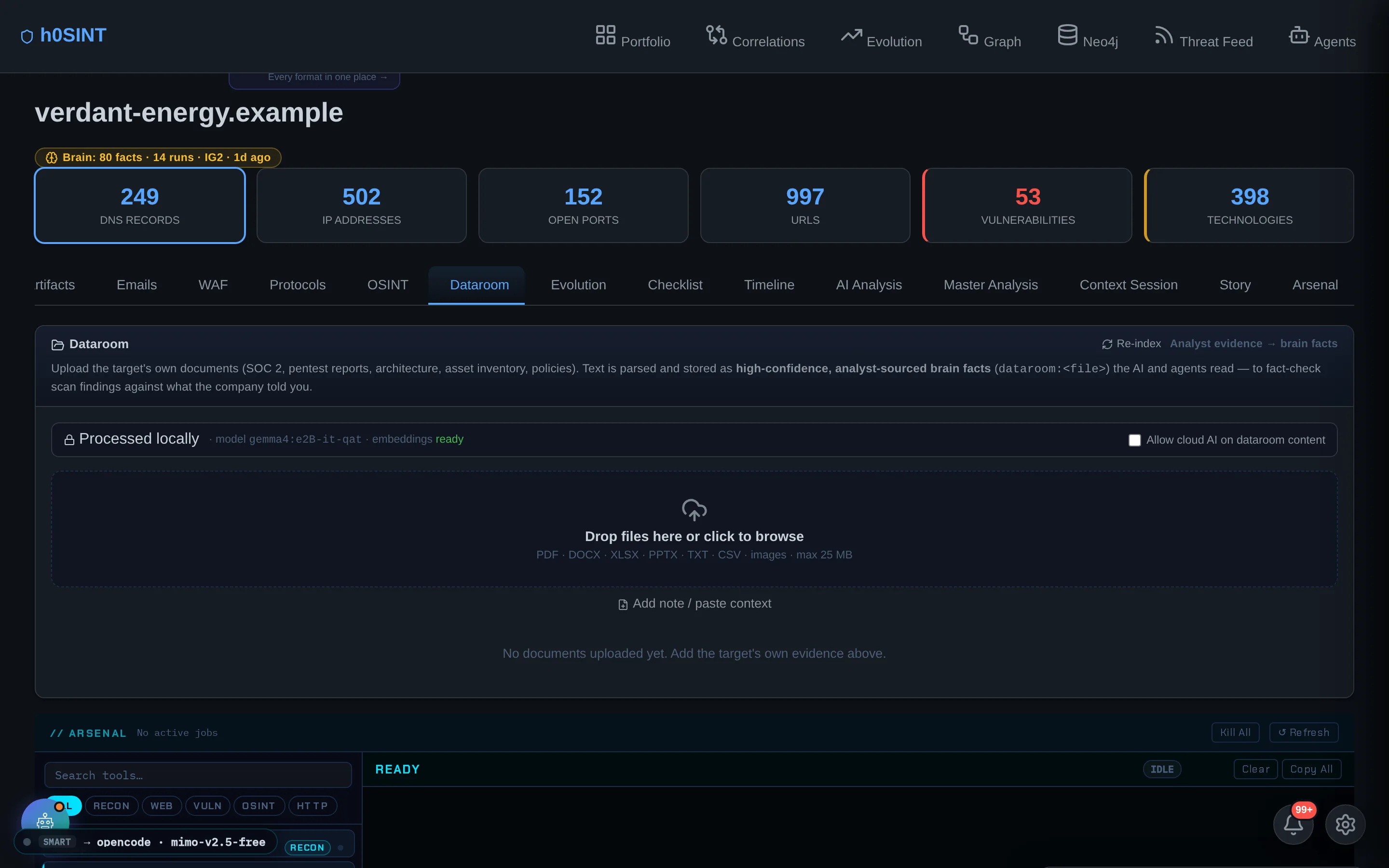
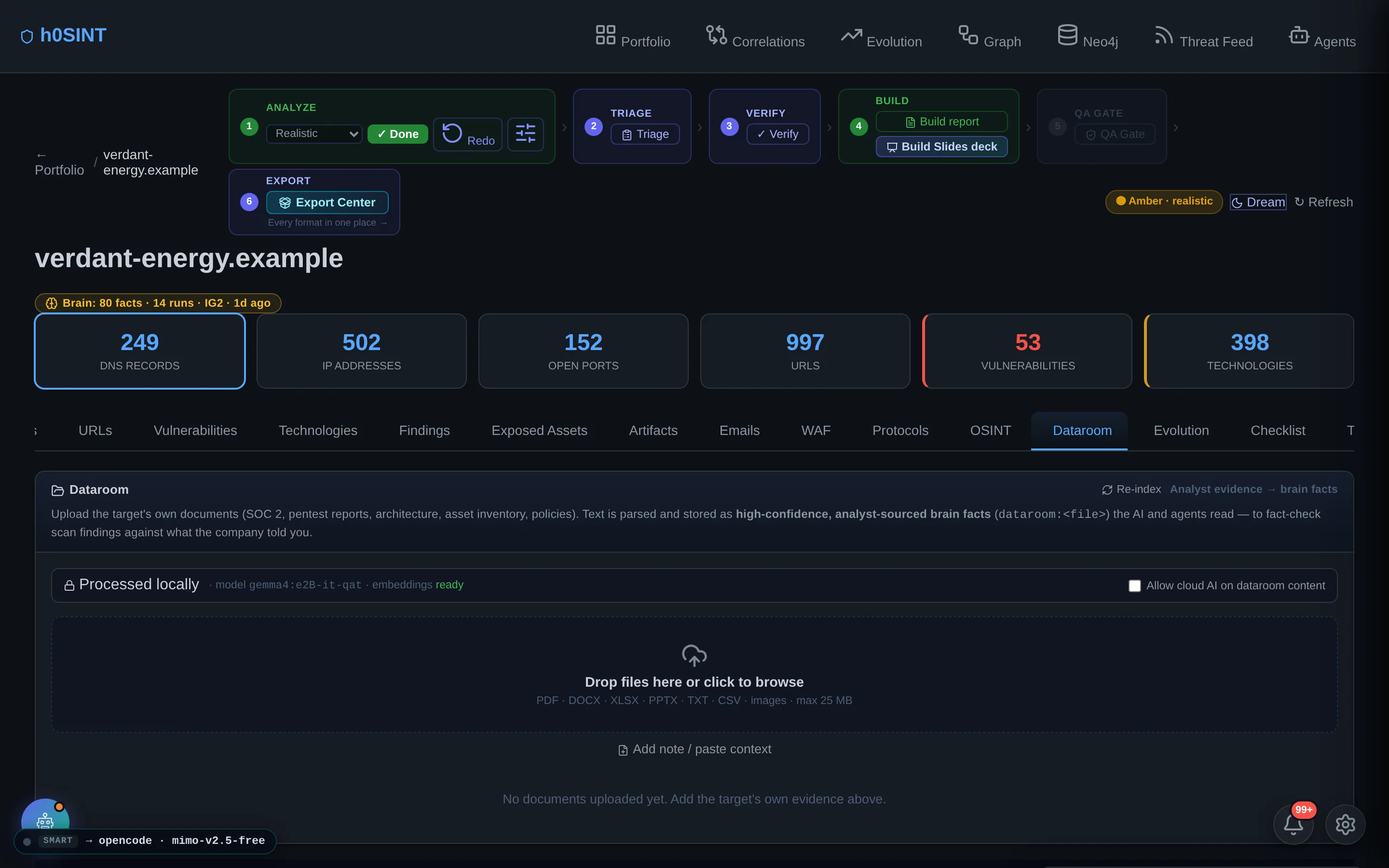
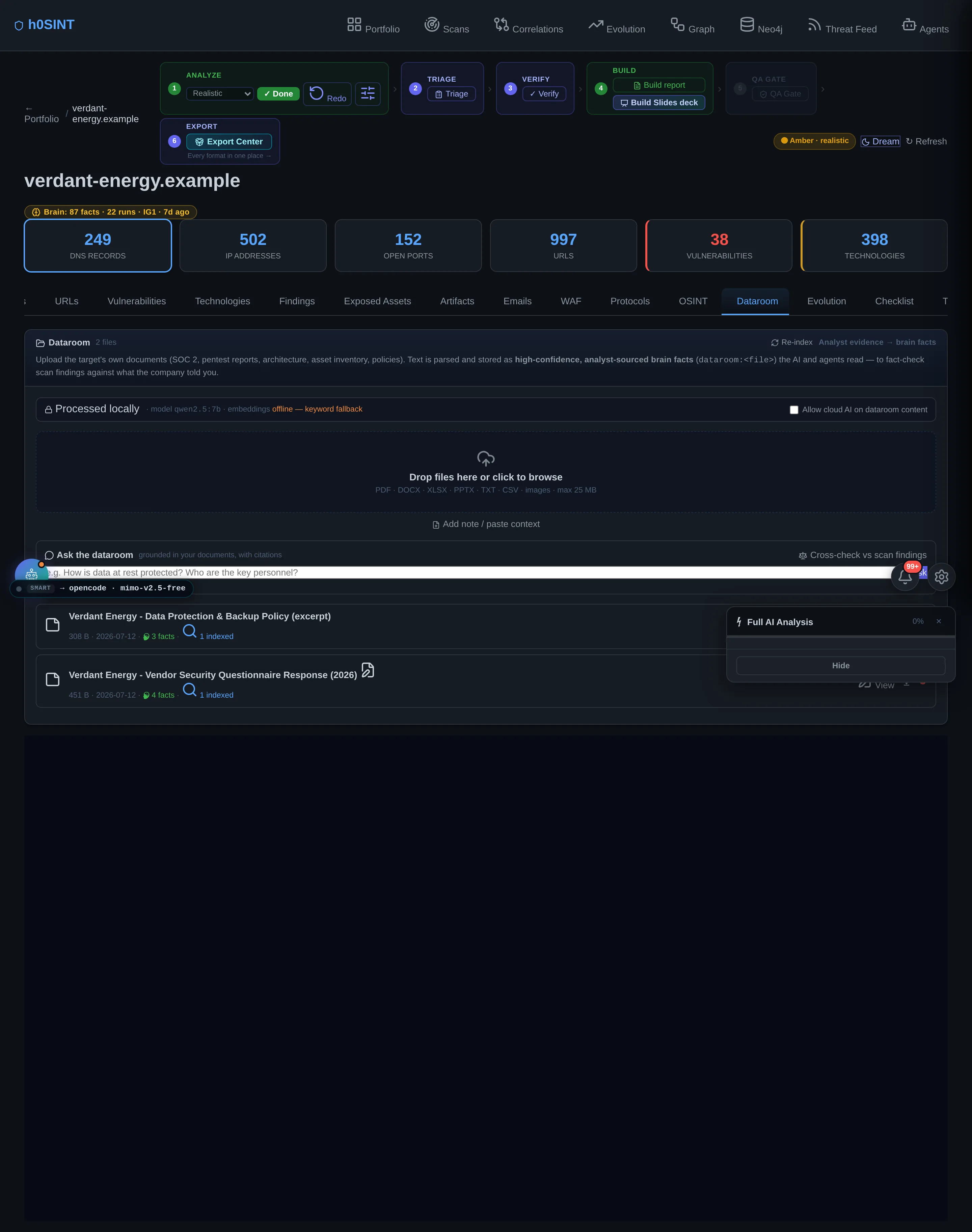
Upload the documents a diligence engagement actually runs on — policies, questionnaires, SOC 2 reports — and the dataroom parses them into brain facts and a local RAG index built with on-device embeddings. Ask questions and get cited answers, or cross-check the scan against what the documents claim.
A privacy wall keeps document content local by default: sensitive material is never sent to a cloud model without explicit consent, and evidence from the dataroom is what lets the report confirm or hedge an internal control an external scan can neither prove nor disprove.
Learn Mode — Cyber School
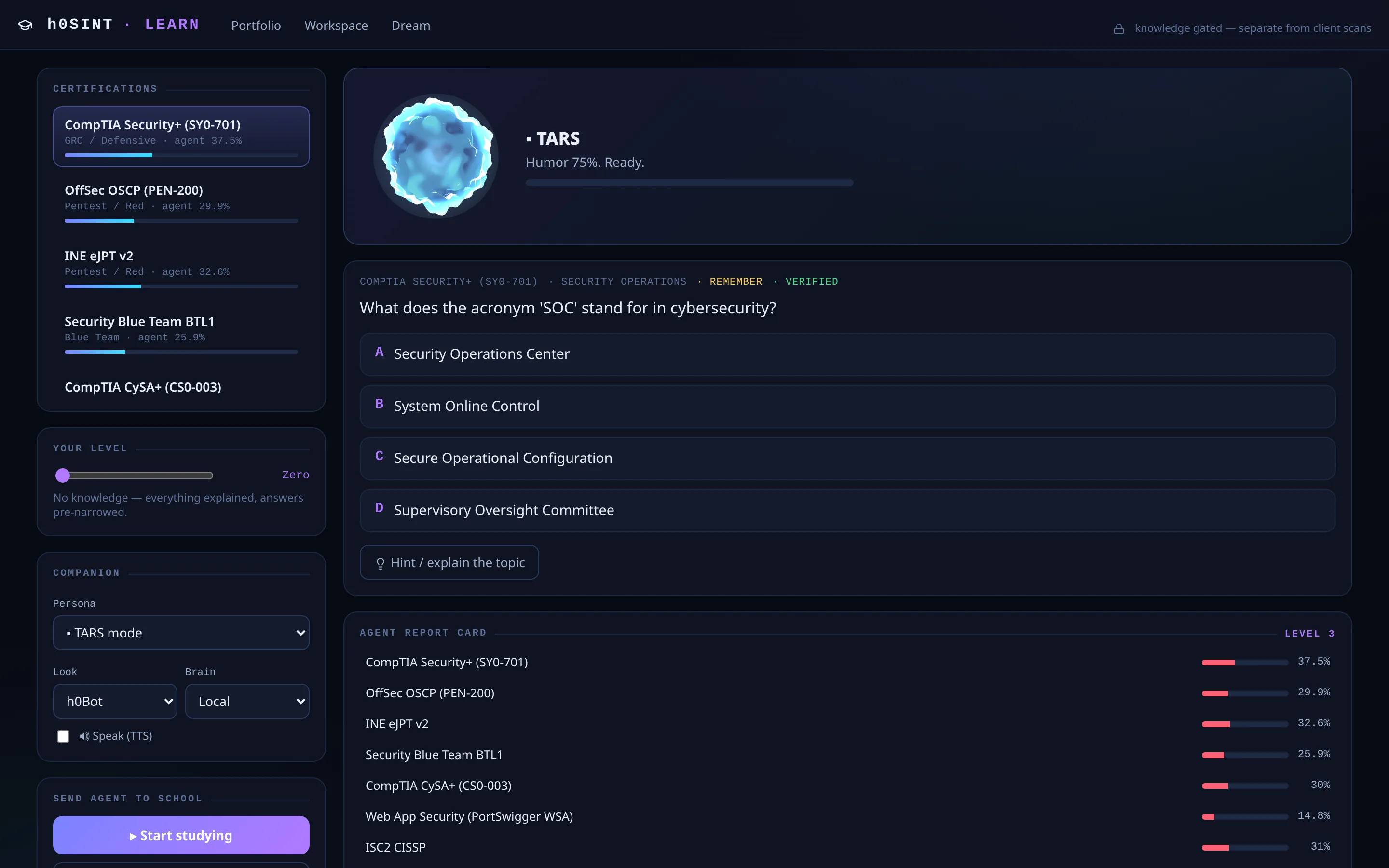
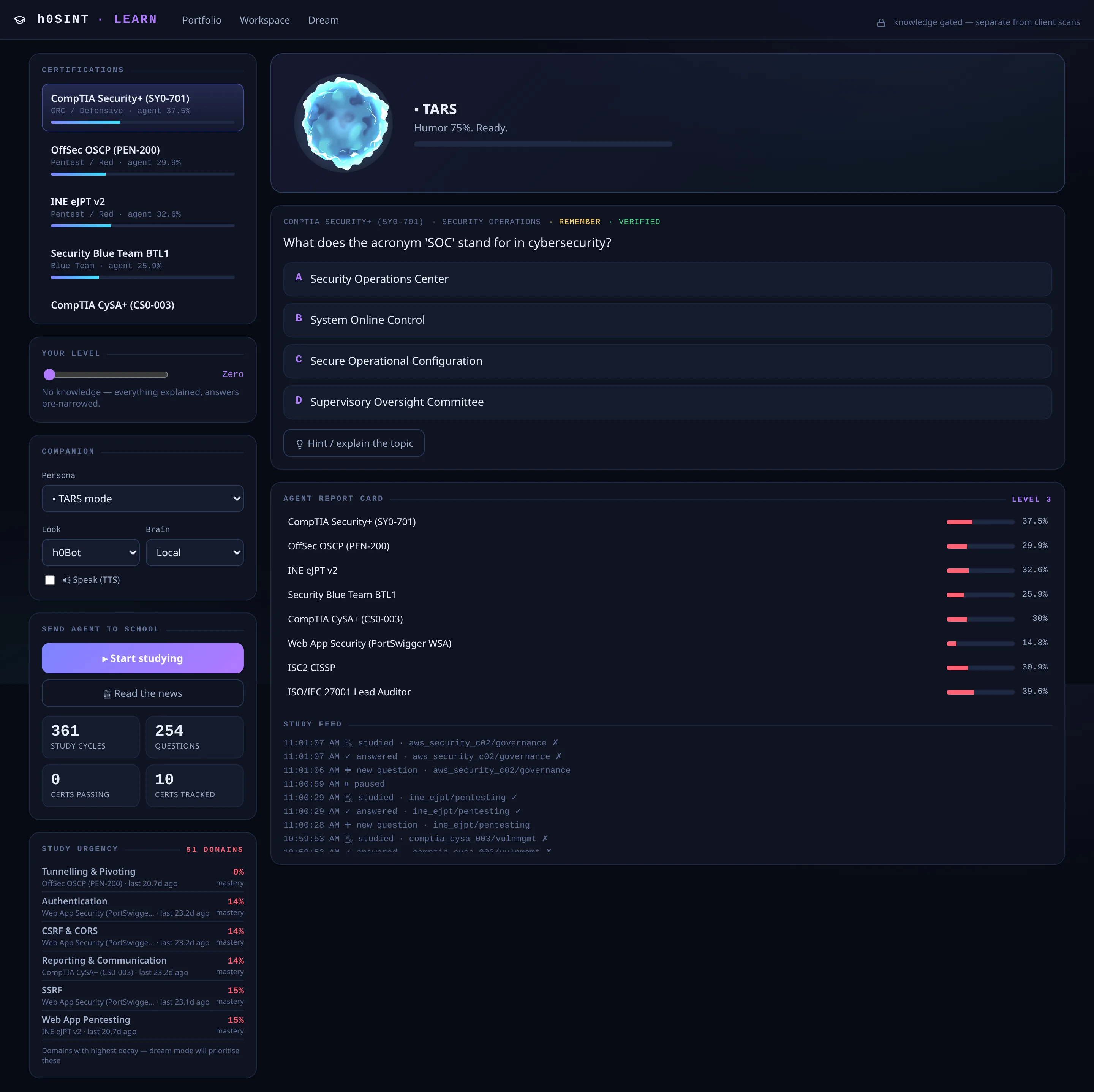
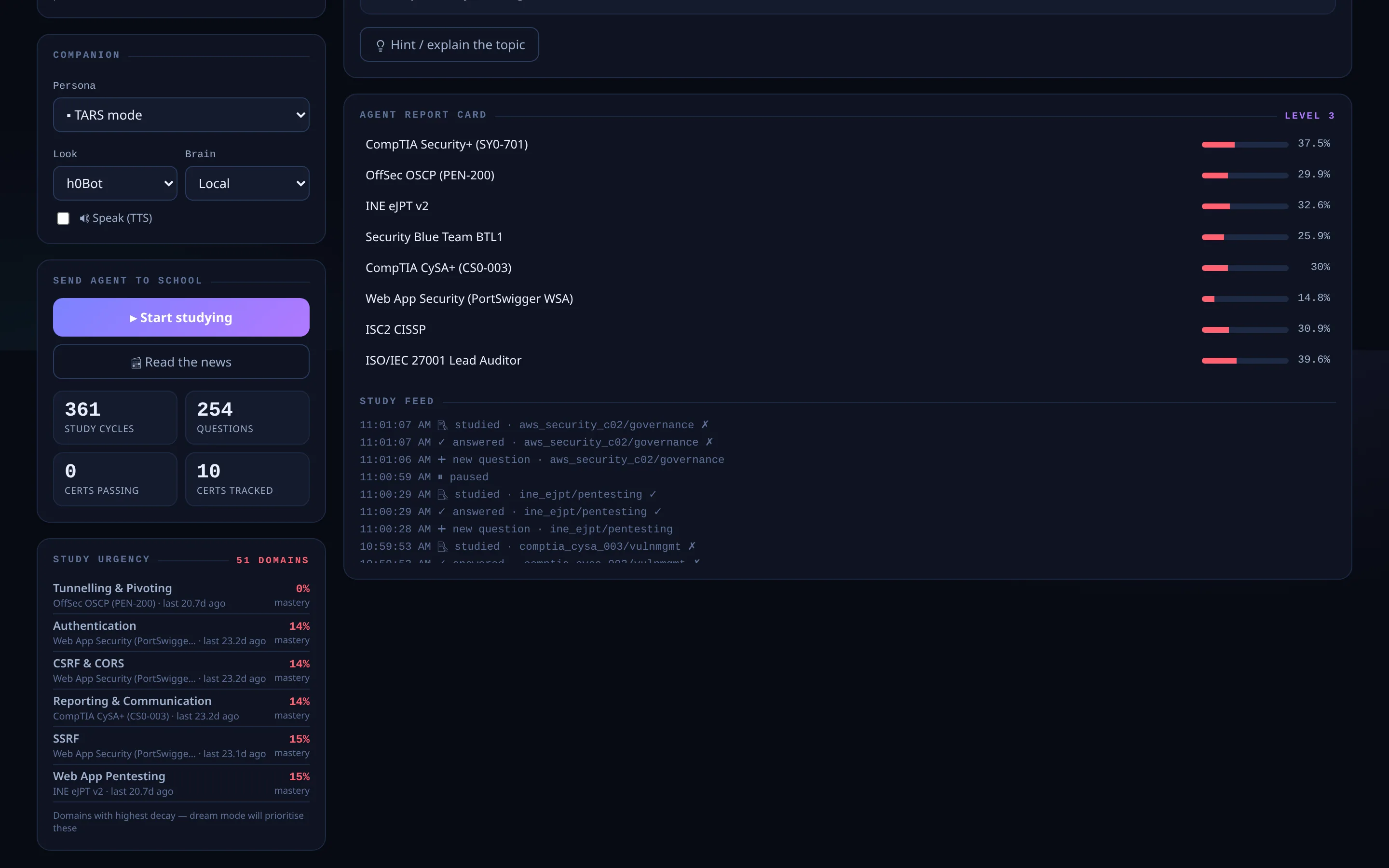
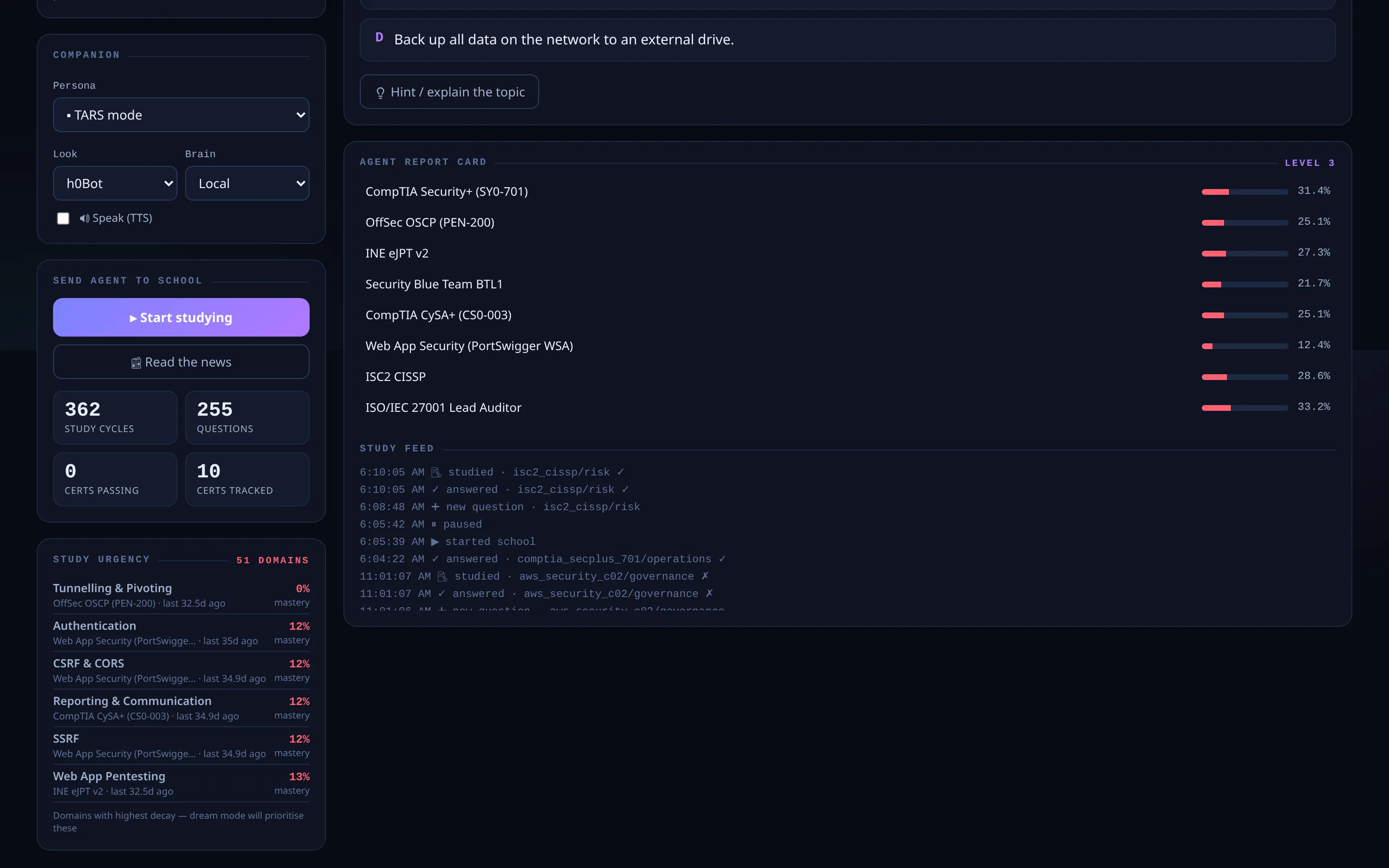
Learn Mode turns the platform into a guided cyber-security school: a living 3D tutor walks through OSINT and attack-surface tradecraft with personas, voice and lessons grounded in the same engine that powers the analysis — so the teaching matches how the product actually reasons.
It runs on the same local-or-cloud AI routing as the rest of the platform, so training stays inside your perimeter when you need it to.
Settings & AI Routing
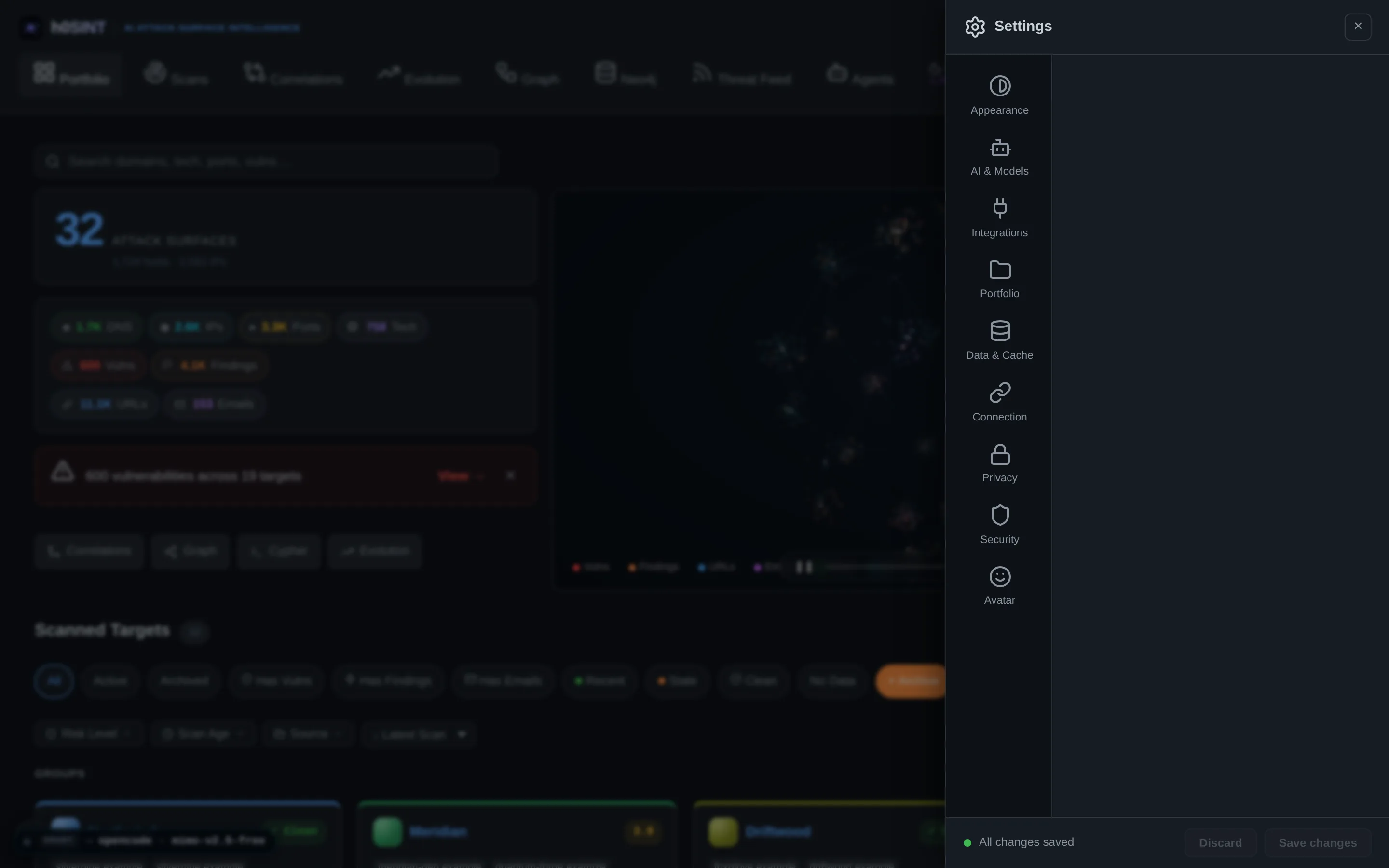
One settings panel controls the whole platform: provider enable/disable toggles, OSINT API keys, Neo4j and Workspace connections, and a central AI router that chooses between cloud and local models per task — with cross-provider fallback, health checks and a live activity badge.
The privacy invariant is intrinsic: a target pinned to a local model never falls back to the cloud, no matter which call site invokes it. What you host stays hosted.
Model Benchmark
Because the router can point any task at any provider, we measure rather than guess. Every free model on OpenCode Zen, OpenRouter and Nous/Hermes was run through the real analysis pipeline on three live domains — 25 models × 3 domains = 75 full reports — and scored out of 100: narrative quality judged by an independent model held fixed across every run (50 pts), plus verdict discipline, invented-severity and hallucinated-CVE penalties (50 pts).
The scoring deliberately targets only what the model controls. Findings and the red/amber/green verdict come from the scan and triage pipeline, not the language model — two different models return byte-identical counts. Only the narrative is model-controlled, so that is what gets graded.
| Model | Provider | Score | Latency |
|---|---|---|---|
| nemotron-3-ultra — pick | OpenCode | 69.0 | 288s |
| step-3.7-flash | Hermes | 68.8 | 191s |
| north-mini-code | OpenRouter | 68.7 | 603s |
| hy3 | Hermes | 66.3 | 662s |
| ling-3.0-flash | OpenCode | 65.8 | 142s |
Top five of the ten models that completed all three domains. nemotron-3-ultra is the platform default. Absolute quality is mediocre across the board — the best independent narrative score was 62/100, and several models over-called risk to Amber on perimeters whose deterministic floor is Green. Free tiers churn constantly, so these results are a snapshot, not a standing claim.
Local models — when the data never leaves your machine
The same measurement was run against models hosted entirely on local hardware (Ollama and LM Studio on an Apple M4 Max), because a locally-pinned target can never fall back to the cloud. Here the benchmark targets were deliberately heavy ones — 422 to 1,794 vulnerabilities each — since a near-empty perimeter never tests whether a model can prioritise and synthesise under load. Scoring is the independent judge alone, out of 100: where a target carries real findings a correct Amber verdict is right, so the clean-perimeter penalties used in the table above would punish good work.
| Model | Runtime | Score |
|---|---|---|
| gemma-4-12b-qat — pick | Ollama | 48.3 |
| gpt-oss | Ollama | 35.3 |
| gemma-4-12b-qat | LM Studio | 32.7 |
| qwen2.5-7b | Ollama | 31.0 |
| qwen3.6-27b | LM Studio | 28.3 |
| qwen3.6-35b-a3b | Ollama | 24.0 |
Six local models × three heavy targets, every run verified to have been served by the pinned model rather than a silent fallback. Absolute scores sit below the cloud table and the two are not comparable — different targets, different scoring. Each figure is a single run, so read the ordering as directional rather than a precise ranking.
More capabilities
See it on your own data.
Run the free passive scan on a domain you own — no login, no account. For the full self-hosted platform, tell us what you need to cover.
▸ scan a domain — free